

Cart
0


Noteb Dell7G23X R
Free Standard Shipping Across USA
Vendor: DELL
Type: Business Laptops
Sku: WBCOMB09V6GMJDD
Availability: Sold Out
Couldn't load pickup availability
Guarantee safe checkout

Sold by Electroeshop, an authorized reseller.
Returns accepted within 30 days | support@electroeshop.com
Shipping Information
- Free Standard Shipping — United States only
- Processing Time: 3–5 business days
- Estimated Delivery: 6–10 business days after dispatch
- Double-boxed, fully insured & discreetly packaged
- Tracking number sent via email once dispatched
Returns & Refund
Returns accepted within 30 days of delivery.
Damaged or Defective Item
Free return shipping + replacement or full refund
Wrong Item Received
Free return shipping + replacement or full refund
Change of Mind
Return shipping at customer's expense · 25% restocking fee applies
All returns require a Return Authorization (RA) number before sending.
View Full Return & Refund Policy
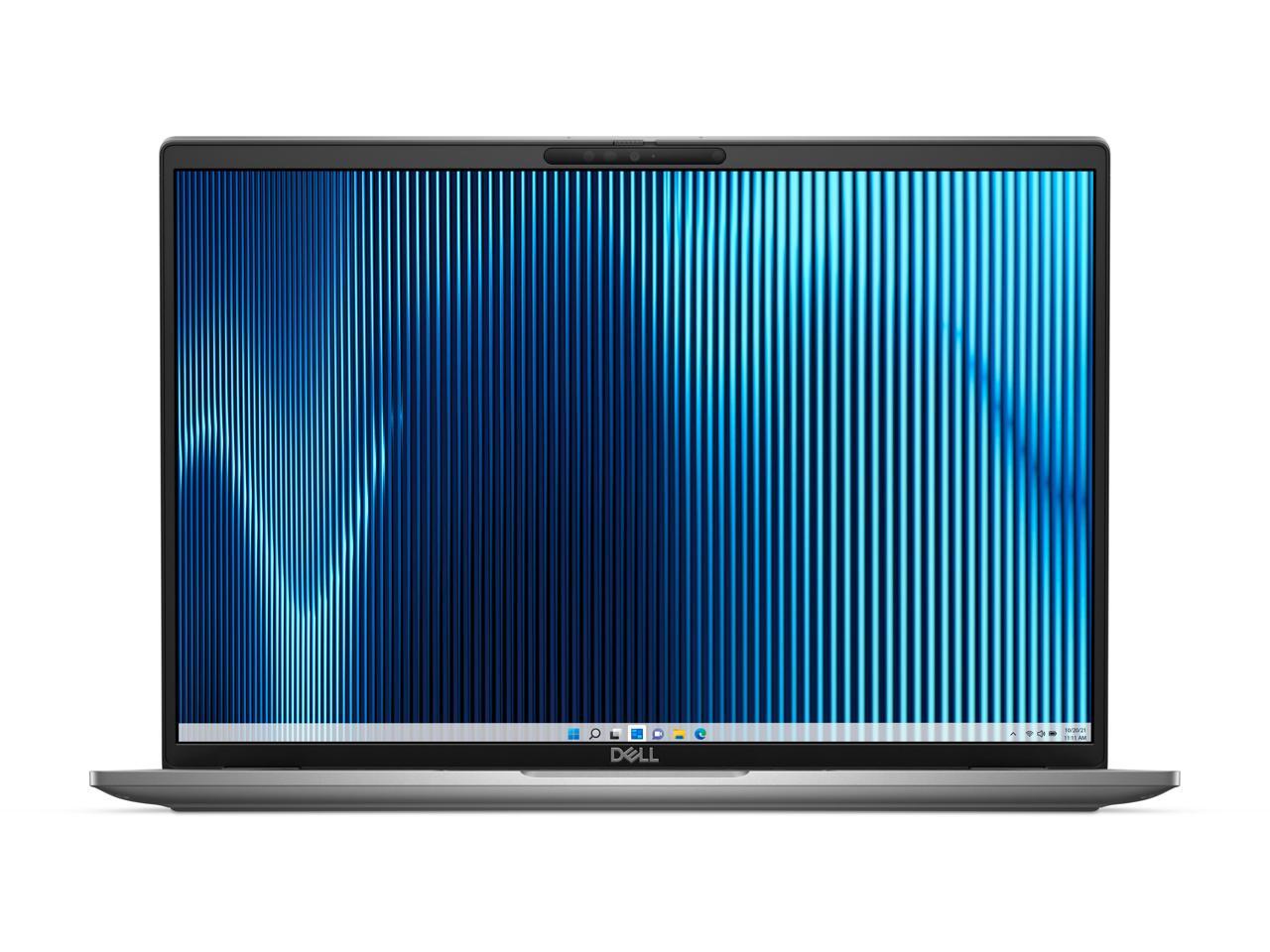
Noteb Dell7G23X R
$1,066.47

Frequently Asked Questions
- Q: What are the dimensions of the Dell Latitude 7000 7640 notebook? A: The dimensions of the Dell Latitude 7000 7640 are zero point seven seven inches in height, fourteen point one inches in width, and nine point nine inches in length.
- Q: What is the display resolution of this notebook? A: The display resolution of the Dell Latitude 7000 7640 is one thousand nine hundred twenty by twelve hundred, providing Full HD Plus clarity.
- Q: What materials are used in the construction of the notebook? A: The Dell Latitude 7000 7640 features an aluminum chassis, making it both durable and lightweight.
- Q: How do I set up the Dell Latitude 7000 7640 for the first time? A: To set up the Dell Latitude 7000 7640, connect it to a power source, press the power button, and follow the on-screen prompts for Windows setup.
- Q: Can I use this laptop for gaming? A: Yes, the Dell Latitude 7000 7640 is equipped with an Intel Core i7 processor and sixteen gigabytes of RAM, making it suitable for gaming.
- Q: Is the Dell Latitude 7000 7640 suitable for professional use? A: Yes, this notebook is designed for professional use with its powerful processor, ample RAM, and high-resolution display.
- Q: What is the best way to clean the Dell Latitude 7000 7640? A: To clean the Dell Latitude 7000 7640, use a soft, lint-free cloth lightly dampened with water or a mild cleaning solution, avoiding harsh chemicals.
- Q: How should I store the notebook when not in use? A: When not in use, store the Dell Latitude 7000 7640 in a cool, dry place and avoid placing heavy items on top of it.
- Q: What safety precautions should I take while using this laptop? A: Ensure that the Dell Latitude 7000 7640 is used on a flat, stable surface and avoid blocking ventilation ports to prevent overheating.
- Q: How does the Dell Latitude 7000 7640 compare to other laptops in its class? A: The Dell Latitude 7000 7640 stands out with its high-resolution display, powerful Intel Core i7 processor, and sleek aluminum design compared to competitors.
- Q: Is this laptop suitable for students? A: Yes, the Dell Latitude 7000 7640 is suitable for students as it combines performance and portability for academic tasks.
- Q: What if my Dell Latitude 7000 7640 arrives damaged? A: If your Dell Latitude 7000 7640 arrives damaged, contact customer support within the return policy period for assistance and possible replacement.
- Q: What warranty does the Dell Latitude 7000 7640 come with? A: The Dell Latitude 7000 7640 typically comes with a one-year limited warranty covering hardware defects and malfunctions.
- Q: Can I upgrade the memory on this notebook? A: Yes, the memory on the Dell Latitude 7000 7640 can be upgraded, but it is recommended to consult the user manual for compatible specifications.
- Q: What common issues might I face with this laptop? A: Common issues with the Dell Latitude 7000 7640 may include battery performance decline over time and software compatibility problems, which can often be resolved with updates.