

Cart
0


Noteb Dell1Fkvt R
Free Standard Shipping Across USA
Vendor: DELL
Type: Desktop Towers
Sku: WBCOMB0B3G75W46
Availability: Sold Out
Couldn't load pickup availability
Guarantee safe checkout

Sold by Electroeshop, an authorized reseller.
Returns accepted within 30 days | support@electroeshop.com
Shipping Information
- Free Standard Shipping — United States only
- Processing Time: 3–5 business days
- Estimated Delivery: 6–10 business days after dispatch
- Double-boxed, fully insured & discreetly packaged
- Tracking number sent via email once dispatched
Returns & Refund
Returns accepted within 30 days of delivery.
Damaged or Defective Item
Free return shipping + replacement or full refund
Wrong Item Received
Free return shipping + replacement or full refund
Change of Mind
Return shipping at customer's expense · 25% restocking fee applies
All returns require a Return Authorization (RA) number before sending.
View Full Return & Refund Policy
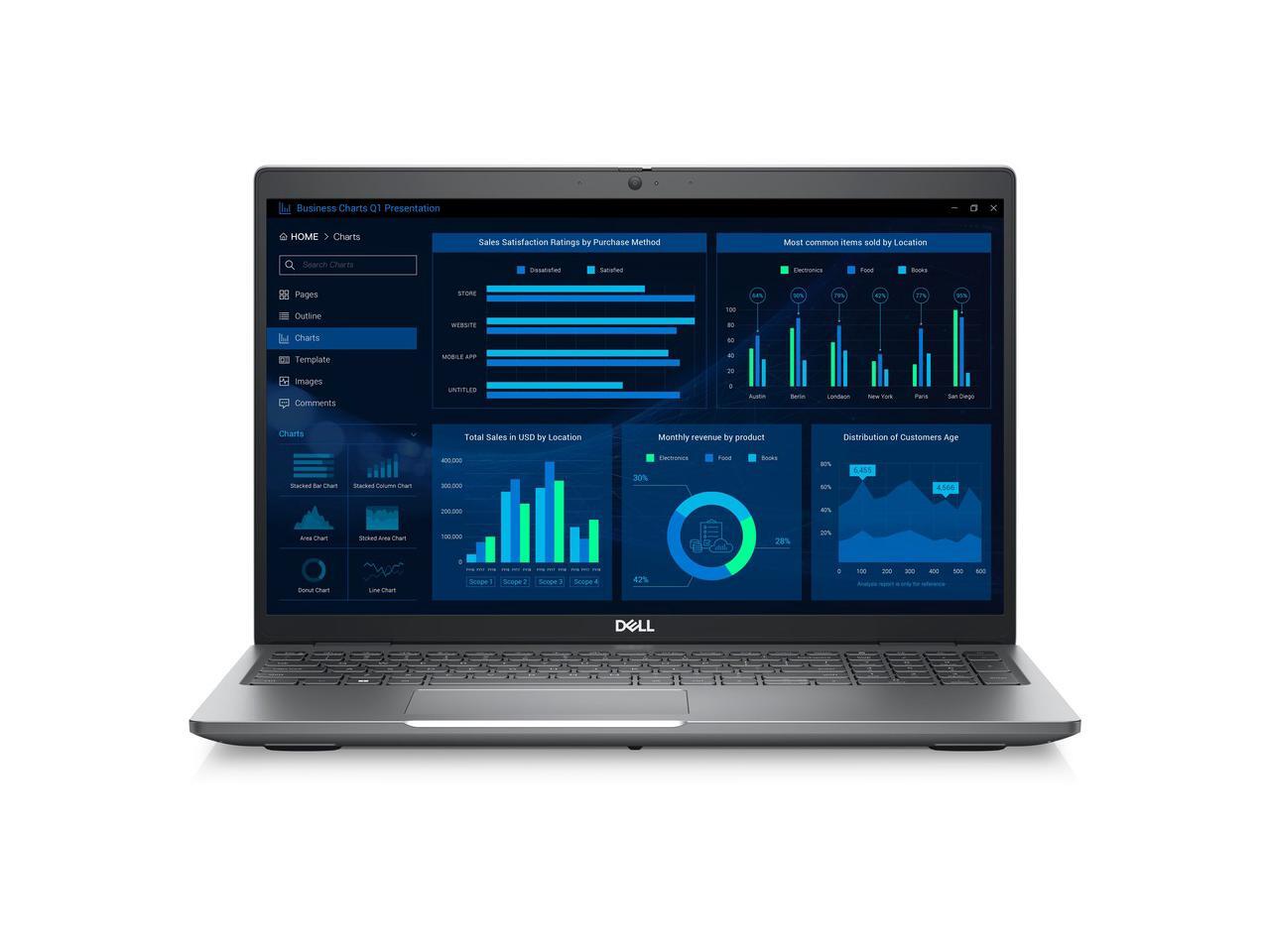
Noteb Dell1Fkvt R
$2,589.32

Frequently Asked Questions
- Q: What are the dimensions of the Dell Precision 3581? A: The dimensions of the Dell Precision 3581 are approximately zero point nine seven inches in height, fourteen point one inches in width, and nine point two inches in depth.
- Q: What is the display resolution of the Dell Precision 3581? A: The display resolution of the Dell Precision 3581 is one thousand nine hundred twenty by one thousand eighty pixels, which provides Full HD clarity.
- Q: What type of processor does the Dell Precision 3581 have? A: The Dell Precision 3581 is equipped with an Intel Core i7 thirteenth generation processor, specifically the i7-13800H model, which features fourteen cores.
- Q: How much RAM does the Dell Precision 3581 have? A: The Dell Precision 3581 comes with sixteen gigabytes of RAM, providing ample memory for multitasking and professional applications.
- Q: What storage capacity is available in the Dell Precision 3581? A: The Dell Precision 3581 includes a five hundred twelve gigabyte solid-state drive, which ensures fast data access and storage.
- Q: Is the Dell Precision 3581 suitable for gaming? A: Yes, the Dell Precision 3581 is suitable for gaming as it features an NVIDIA RTX A500 graphics card with four gigabytes of dedicated memory.
- Q: How do I install software on the Dell Precision 3581? A: To install software on the Dell Precision 3581, simply download the installation file from the internet or insert a software disc, then follow the on-screen instructions.
- Q: Can the Dell Precision 3581 run Windows 10? A: Yes, the Dell Precision 3581 can run both Windows 10 and Windows 11, giving users flexibility in their operating system choice.
- Q: Is the Dell Precision 3581 lightweight for portability? A: Yes, weighing approximately four point six pounds, the Dell Precision 3581 is relatively lightweight for a mobile workstation, making it portable.
- Q: How do I clean the Dell Precision 3581? A: To clean the Dell Precision 3581, use a soft, lint-free cloth dampened with water or a mild cleaning solution. Avoid using abrasive materials that could scratch the screen.
- Q: What warranty is offered with the Dell Precision 3581? A: The Dell Precision 3581 includes a one-year on-site warranty, which covers repairs and service for any hardware issues that may arise.
- Q: What should I do if the Dell Precision 3581 won't turn on? A: If the Dell Precision 3581 won't turn on, ensure it is charged and try a hard reset by holding down the power button for ten seconds.
- Q: Is the Dell Precision 3581 good for graphic design? A: Yes, the Dell Precision 3581 is excellent for graphic design due to its powerful processor, ample RAM, and high-quality display.
- Q: Where is the webcam located on the Dell Precision 3581? A: The webcam on the Dell Precision 3581 is located at the top of the display, allowing for clear video calls and conferencing.
- Q: Does the Dell Precision 3581 support wireless connectivity? A: Yes, the Dell Precision 3581 supports wireless connectivity with the IEEE eight zero two point eleven ax standard, ensuring fast internet access.