⚠️ WARNING (California Proposition 65): This product may contain chemicals known to the State of California to cause cancer, birth defects, or other reproductive harm. For more information, please visit www.P65Warnings.ca.gov.
Frequently Asked Questions
Q: What is the speed of the Crucial RAM?A: The Crucial RAM operates at a speed of five thousand two hundred megahertz. It can also downclock to four thousand eight hundred megahertz if needed.
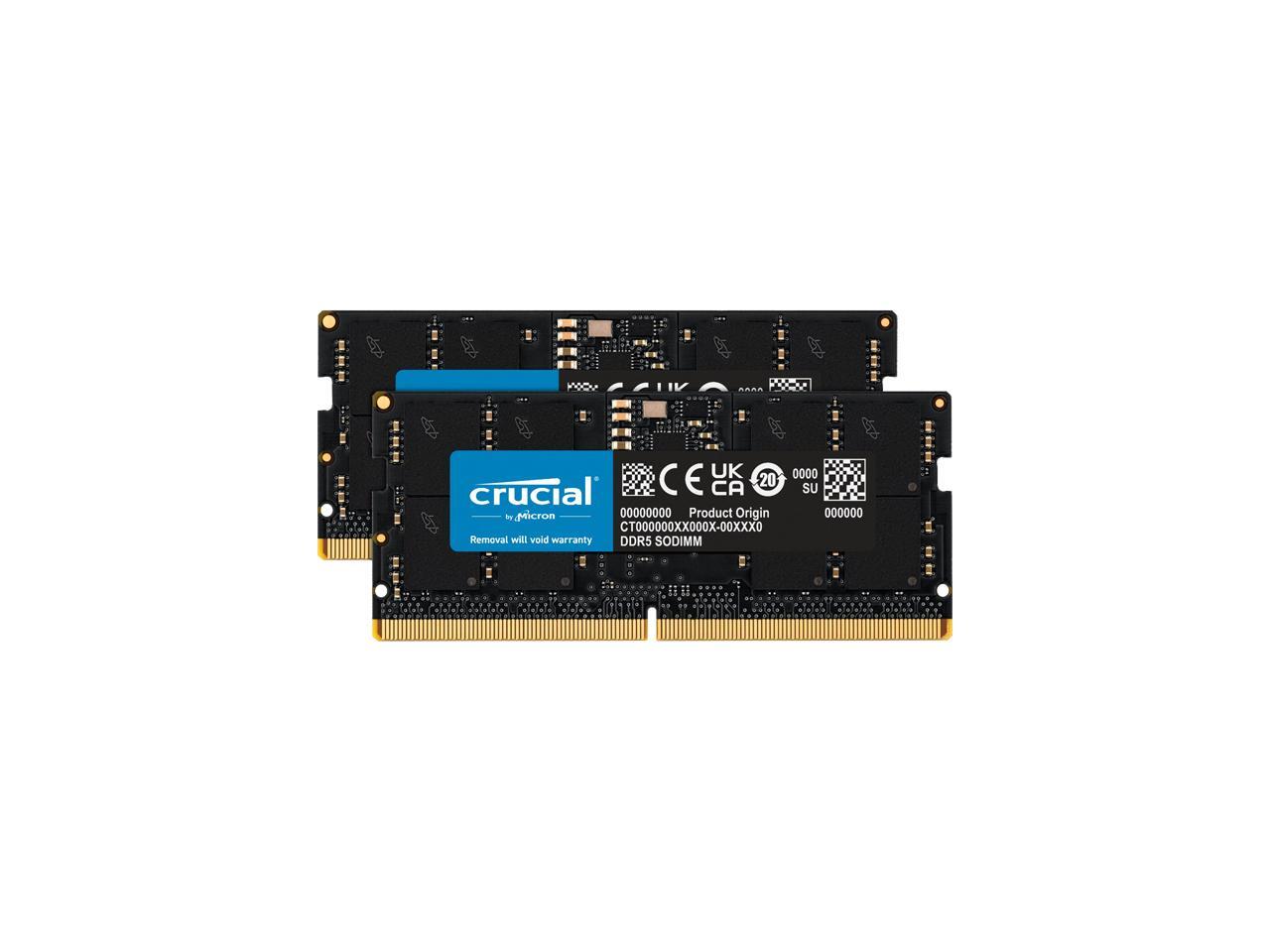
Q: What is the capacity of this RAM kit?A: This RAM kit has a total capacity of sixteen gigabytes. It consists of two modules, each with eight gigabytes of memory.
Q: What type of memory is this RAM?A: This RAM is DDR5 SODIMM memory. It conforms to the industry-standard layout with two hundred sixty-two pins.
Q: What is the CAS latency of the Crucial RAM?A: The CAS latency of this RAM is forty-two. Lower CAS latency generally means better performance.
Q: What are the dimensions of the RAM modules?A: Each RAM module measures two point seventy-six inches in length, zero point sixteen inches in width, and one point eighteen inches in height.
Q: Is this RAM compatible with my laptop?A: Yes, this RAM is compatible with laptops that support DDR5-5200 memory. It works well with both twelfth and thirteenth generation Intel Core and AMD Ryzen six thousand series laptops.
Q: How do I install this RAM in my laptop?A: To install this RAM, power off your laptop, remove the back cover, and insert the modules into the memory slots. Ensure they click into place securely.
Q: Can I use this RAM in older laptops?A: No, this RAM is not suitable for older laptops that do not support DDR5 memory. Check your laptop's specifications before purchasing.
Q: What happens if my system only supports lower speeds?A: If your system only supports four thousand eight hundred megahertz, the RAM will automatically downclock to that speed. This ensures compatibility without any issues.
Q: How should I store this RAM when not in use?A: Store the RAM in its original packaging or an anti-static bag. Keep it in a cool, dry place to prevent damage from static electricity.
Q: Is this RAM safe to handle?A: Yes, this RAM is safe to handle as long as you follow basic anti-static precautions. Ground yourself to avoid static discharge when installing.
Q: How do I clean the RAM modules?A: To clean RAM modules, use a soft, dry cloth to gently wipe the exterior. Avoid using liquids or abrasive materials that could damage the components.
Q: What should I do if the RAM does not work?A: If the RAM does not work, check the installation for proper seating. If issues persist, consult your laptop's manual or contact customer support for assistance.
Q: Does this RAM come with a warranty?A: Yes, this RAM typically comes with a limited warranty. Refer to the manufacturer's guidelines for specific warranty details and conditions.
Q: How does this RAM compare to previous DDR generations?A: This RAM offers higher speeds and better performance compared to previous DDR generations, such as DDR4. It's designed to enhance gaming and multitasking capabilities.