

Cart
0


Nb Lenov21Da000Yus R
Vendor: Lenovo
Type: Business Laptops
Sku: WBCOMB0B56YFF4Y
Availability: In Stock
Couldn't load pickup availability
Guarantee safe checkout

Sold by Electroeshop, an authorized reseller.
Returns accepted within 30 days | support@electroeshop.com
Shipping Information
- Free Standard Shipping — United States only
- Processing Time: 1–3 business days
- Estimated Delivery: 3–5 business days after dispatch
- Double-boxed, fully insured & discreetly packaged
- Tracking number sent via email once dispatched
- Orders over $250 require signature upon delivery. Taxes calculated at checkout.
Returns & Refund
Returns accepted within 30 days of delivery.
Damaged or Defective Item
Free return shipping + replacement or full refund
Wrong Item Received
Free return shipping + replacement or full refund
Change of Mind
Return shipping at customer's expense · 25% restocking fee applies
All returns require a Return Authorization (RA) number before sending.
View Full Return & Refund Policy
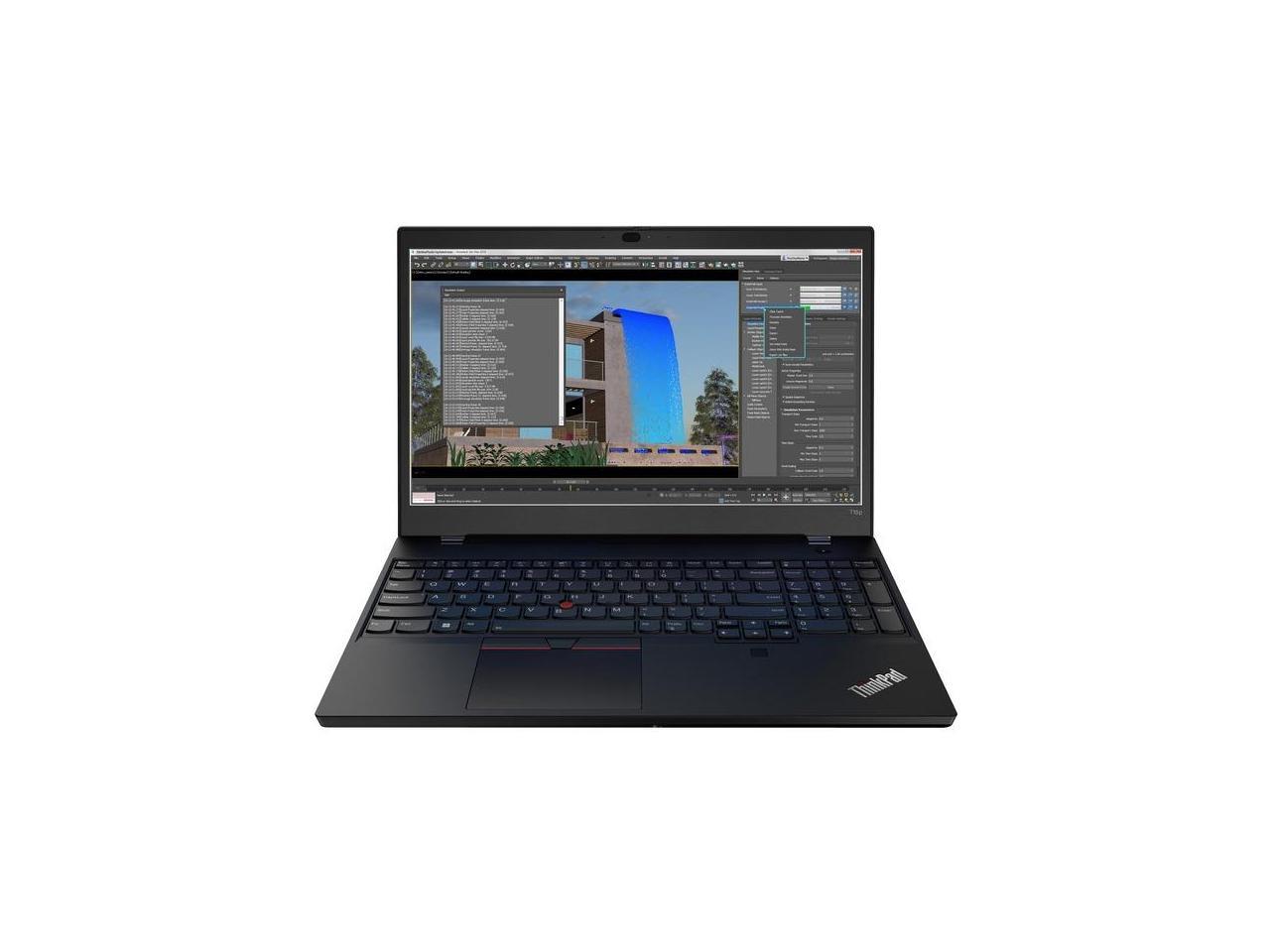
Nb Lenov21Da000Yus R
$1,656.51

Frequently Asked Questions
- Q: What is the screen size of the Lenovo ThinkPad T15p Gen 3? A: The screen size is fifteen point six inches. This Full HD display offers a resolution of one thousand nine hundred twenty by one thousand eighty pixels.
- Q: What type of processor does the Lenovo ThinkPad T15p Gen 3 have? A: It has an Intel Core i7 twelfth generation processor. Specifically, it features the i7-12700H model with fourteen cores operating at two point three gigahertz.
- Q: How much RAM does the Lenovo ThinkPad T15p Gen 3 have? A: The laptop comes with eight gigabytes of RAM. This allows for smooth multitasking across various applications.
- Q: What is the storage capacity of the Lenovo ThinkPad T15p Gen 3? A: It features a total storage capacity of two hundred fifty-six gigabytes SSD. This solid-state drive ensures fast program loading and quick resume times.
- Q: What are the dimensions of the Lenovo ThinkPad T15p Gen 3? A: The dimensions are nine point eight inches in length, fourteen point four inches in width, and zero point eighty-nine inches in height. This compact size makes it portable and easy to carry.
- Q: What is the color of the Lenovo ThinkPad T15p Gen 3? A: The laptop is available in black. This classic color offers a professional and sleek appearance.
- Q: How do I set up the Lenovo ThinkPad T15p Gen 3? A: To set it up, connect the power adapter and turn on the laptop. Follow the on-screen instructions to complete the initial setup process, including connecting to Wi-Fi.
- Q: Is the Lenovo ThinkPad T15p Gen 3 suitable for gaming? A: Yes, it is suitable for gaming. Thanks to its powerful processor and ample RAM, it can handle many modern games and graphics-intensive applications.
- Q: Can I upgrade the RAM on the Lenovo ThinkPad T15p Gen 3? A: Yes, the RAM can be upgraded. Make sure to check the specifications for compatible memory types and maximum capacity.
- Q: How do I clean the Lenovo ThinkPad T15p Gen 3? A: To clean it, use a soft, lint-free cloth slightly dampened with water. Avoid using harsh chemicals to protect the screen and surface.
- Q: What should I do if the Lenovo ThinkPad T15p Gen 3 does not power on? A: If it does not power on, check if it is charged by connecting it to a power source. If it still doesn’t start, consider contacting customer support for assistance.
- Q: Does the Lenovo ThinkPad T15p Gen 3 have a warranty? A: Yes, it comes with a warranty. Typically, Lenovo offers a one-year limited warranty for parts and labor.
- Q: What is the battery life of the Lenovo ThinkPad T15p Gen 3? A: The battery life can last several hours depending on usage. It is designed for productivity with extended battery performance.
- Q: Is the Lenovo ThinkPad T15p Gen 3 ISV-certified? A: Yes, it is ISV-certified. This certification ensures compatibility with major software applications for professional use.
- Q: Can I use the Lenovo ThinkPad T15p Gen 3 for video editing? A: Yes, it is capable of video editing. Its powerful processor and graphics capabilities make it suitable for demanding tasks like video production.