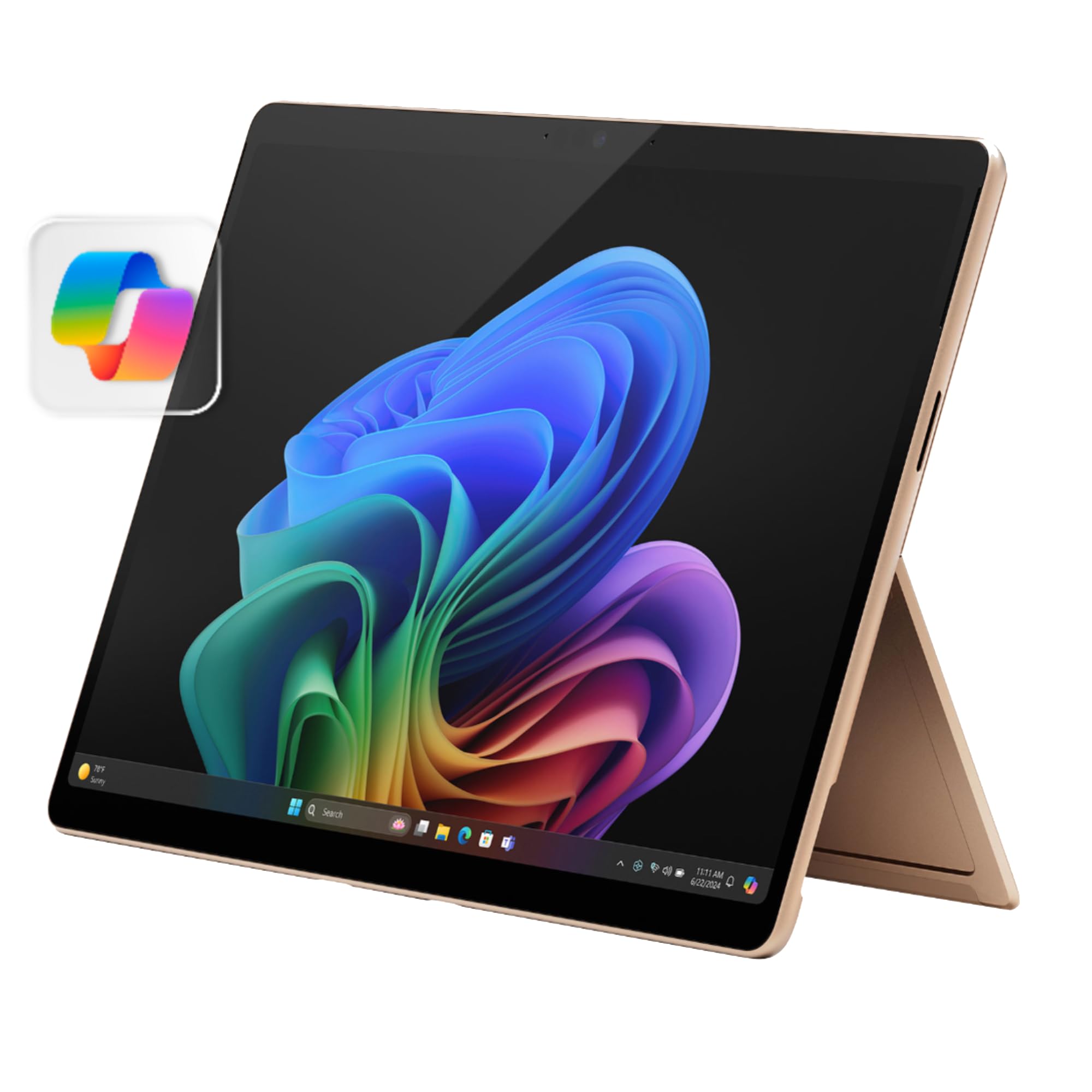
* Some Copilot+ Pcs Require Download Of Free Updates To Run Copilot+ Pc Experiences, Available Starting Late 2024 - 2025. See Aka.Ms/Copilotpluspcs ** Pre-Release Screen Shown; Subject To Change. *** Availability Of Copilot+ Pc Features Varies By Device And Market. [1] Based On Cinebench 2024 Multi-Threaded Conducted By Microsoft In April 2024 Comparing Pre-Release Build Of Surface Laptop 13.8'' And 15 With Snapdragon X Elite Running Pre-Release Windows 11 26100 And Apple Macbook Air 13.6'' And 15 With M3 Running Macos 14 Sonoma. [2] Optimized For Select Languages (English, Chinese (Simplified), French, German, Japanese, And Spanish. Content-Based And Storage Limitations Apply. Recall Is Coming Soon Through A Post-Launch Windows Update. See Https://Aka.Ms/Copilotpluspcs. [3] Colors Available On Selected Models Only. Available Colors, Sizes, Finishes, And Processors May Vary By Store, Market, And Configuration. [4] Surface Laptop, Excluding Power Supply, Contains A Minimum Of 25% Recycled Content. Based On Validation Performed By Underwriter Laboratories, Inc. Using Environmental Claim Validation Procedure For Recycled Content, Ul 2809-2, Second Edition, November 7, 2023. [5] Currently Supports Translation For Video And Audio Subtitles Into English From 40+ Languages. See Https://Aka.Ms/Copilotpluspcs. [6] Battery Life Varies Significantly Based On Device Configuration, Usage, Network And Feature Configuration, Signal Strength, Settings And Other Factors. See Aka.Ms/Surfacebatteryperformance For Details. [7] 13.8'' Surface Laptop Comes With 39 W Surface Power Supply. Fast Charging (From 5% To 80%) Is Supported With Minimum 65W Surface Power Supply Or Usb-C Pd Charger, Sold Separately. Testing Was Conducted At Microsoft In February 2024, Using Pre-Production Devices, Software, And Minimum Of 65W Usb-C Charger Under Controlled Conditions. The Device Was Powered On To The Desktop Screen With Default Display Brightness Settings. Actual Charge Time Will Vary Based On Operating Conditions. Measured At Typical Office Ambient Temperature Of 23C. [8] Enclosure Includes A Cover, C Bucket And D Cover. 100% Recycled Aluminum Alloy In A Cover And C Bucket. 100% Recycled Rare Earth Metals In Magnets. Based On Validation Performed By Underwriter Laboratories, Inc. Using Environmental Claim Validation Procedure (Ecvp) For Recycled Content, Ul 2809-2, Second Edition, November 7, 2023. [9] Enclosure Includes A Cover, C Bucket And D Cover. Based On Validation Performed By Underwriter Laboratories, Inc. Using Environmental Claim Validation Procedure For Recycled Content, Ul 2809-2, Second Edition, November 7, 2023. [10] Available Colors May Vary By Market. [11] Usb-C Port Does Not Charge Your Surface Device Or Any Device That Requires More Than 15W [12] Requires Device With Usb-C Usb4/Thunderbolt 4 Port And When Supported By Device And Display. *Screens Simulated; Subject To Change *Recall: Optimized For Select Languages (English, Chinese (Simplified), French, German, Japanese, And Spanish.) Content-Based And Storage Limitations Apply. See [Https://Aka.Ms/Copilotpluspcs]. *Cocreator: Optimized For English Text Prompts See [Https://Aka.Ms/Copilotpluspcs]
⚠️ WARNING (California Proposition 65): This product may contain chemicals known to the State of California to cause cancer, birth defects, or other reproductive harm. For more information, please visit www.P65Warnings.ca.gov.
Frequently Asked Questions
Q: What are the dimensions of the Microsoft Surface Pro 2-in-1 Laptop/Tablet?A: The dimensions are eleven point three inches in length, eight point two inches in width, and zero point thirty-seven inches in height. This compact design makes it highly portable.
Q: What type of processor does the Microsoft Surface Pro 2-in-1 use?A: It uses a Snapdragon X Plus processor with ten cores. This powerful chip enhances performance for various tasks and applications.
Q: How much storage does the Microsoft Surface Pro 2-in-1 have?A: It comes with five hundred twelve gigabytes of storage. This ample storage capacity is suitable for documents, media, and applications.
Q: How do I switch between laptop and tablet modes on the Surface Pro?A: You can easily switch modes by detaching the Surface Pro Flex Keyboard. The unique kickstand allows you to use it as a tablet or sketchbook.
Q: Is the Microsoft Surface Pro 2-in-1 suitable for gaming?A: Yes, it is suitable for casual gaming. The Snapdragon X Plus processor provides enough power for light games and applications.
Q: How do I install updates on the Microsoft Surface Pro 2-in-1?A: You can install updates through the Windows Update settings. Ensure you have an internet connection to download the latest updates.
Q: How should I clean the Microsoft Surface Pro 2-in-1?A: Use a soft, lint-free cloth to clean the device. Avoid using any abrasive cleaners or solvents to prevent damage to the screen.
Q: What is the expected battery life of the Microsoft Surface Pro 2-in-1?A: The expected battery life is up to fourteen hours. Actual battery life may vary based on usage and settings.
Q: How do I keep the Surface Pro 2-in-1 safe while traveling?A: Use a protective case or sleeve when transporting the device. Ensure it is stored in a padded compartment of your bag.
Q: Is the Microsoft Surface Pro 2-in-1 good for students?A: Yes, it is ideal for students. Its versatility and portability make it easy to take to classes and study sessions.
Q: Can I return the Microsoft Surface Pro 2-in-1 if I am not satisfied?A: Yes, you can return it within the return policy period. Make sure to keep the original packaging and receipt for the return process.
Q: What should I do if my Surface Pro 2-in-1 is not charging?A: Check the power connections and ensure the charger is working. If the issue persists, refer to the troubleshooting guide or contact support.
Q: Does the Microsoft Surface Pro 2-in-1 have a warranty?A: Yes, it comes with a limited warranty. The duration and terms can vary, so check the warranty information provided at purchase.
Q: What if my Surface Pro 2-in-1 screen is cracked?A: You should contact customer support for repair options. Depending on the warranty, some repairs may be covered.
Q: Are there any specific accessories recommended for the Surface Pro 2-in-1?A: Yes, the Surface Pro Flex Keyboard and Surface Pen are recommended accessories to enhance usability and functionality.