

Cart
0

M551 Pt
Free Standard Shipping Across USA
Vendor: Nec
Type: Monitors & Displays
Sku: WBEEAB09NNYLT29
Availability: Sold Out
Couldn't load pickup availability
Guarantee safe checkout

Sold by Electroeshop, an authorized reseller.
Returns accepted within 30 days | support@electroeshop.com
Shipping Information
- Free Standard Shipping — United States only
- Processing Time: 3–5 business days
- Estimated Delivery: 6–10 business days after dispatch
- Double-boxed, fully insured & discreetly packaged
- Tracking number sent via email once dispatched
Returns & Refund
Returns accepted within 30 days of delivery.
Damaged or Defective Item
Free return shipping + replacement or full refund
Wrong Item Received
Free return shipping + replacement or full refund
Change of Mind
Return shipping at customer's expense · 25% restocking fee applies
All returns require a Return Authorization (RA) number before sending.
View Full Return & Refund Policy
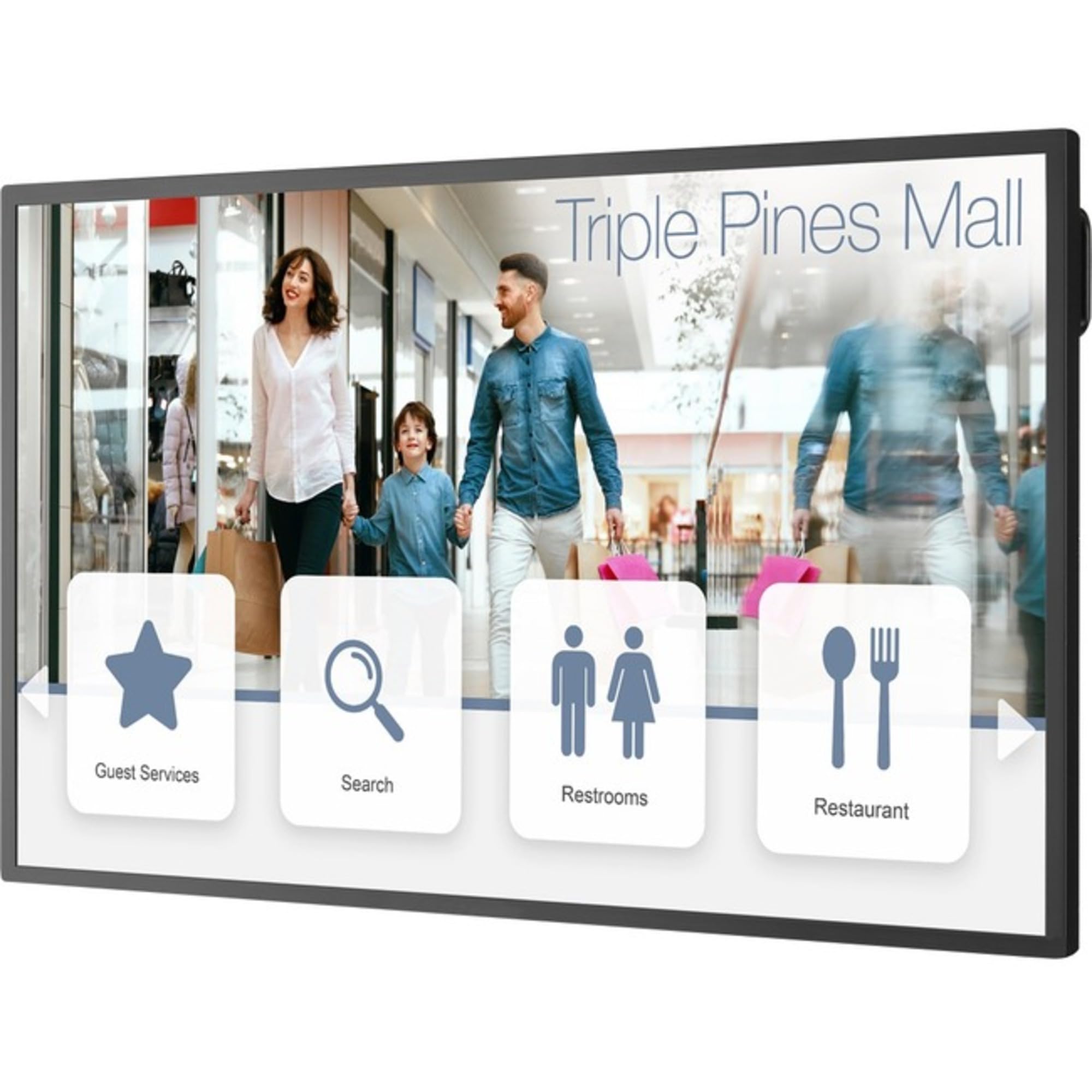
M551 Pt
$2,632.89

Frequently Asked Questions
- Q: What is the screen size of the NEC M551-PT MULTISYNC M551? A: The screen size is fifty-five inches. This generous size allows for a vast canvas suitable for interactive presentations and collaborative work.
- Q: What type of touchscreen technology does the NEC M551-PT use? A: It uses PCAP touchscreen technology. This advanced technology ensures precision and responsiveness, enhancing interactive experiences.
- Q: What are the connectivity options available for the NEC M551-PT? A: It offers HDMI, DisplayPort, and USB connectivity. This flexibility allows seamless integration with various devices for multimedia setups.
- Q: How do I set up the NEC M551-PT MULTISYNC M551? A: To set it up, connect the power cable, choose your preferred input via HDMI or DisplayPort, and turn it on. Follow the on-screen instructions for initial settings.
- Q: Is the NEC M551-PT suitable for digital signage? A: Yes, it is suitable for digital signage. Its vibrant display and robust build make it ideal for showcasing interactive content in high-traffic areas.
- Q: How do I clean the NEC M551-PT screen? A: To clean the screen, use a microfiber cloth dampened with water. Avoid using harsh chemicals to maintain the integrity of the touchscreen.
- Q: Is the NEC M551-PT durable for outdoor use? A: No, it is not designed for outdoor use. The NEC M551-PT is built for indoor environments, where it can withstand demanding conditions.
- Q: Can I use the NEC M551-PT for gaming? A: Yes, it can be used for gaming. Its responsive touchscreen and high-quality display enhance the gaming experience.
- Q: What warranty does the NEC M551-PT come with? A: It typically comes with a three-year warranty. This warranty covers defects in materials and workmanship, providing peace of mind for users.
- Q: Is the NEC M551-PT compatible with Mac devices? A: Yes, it is compatible with Mac devices. You can connect it using the appropriate cable, ensuring seamless integration.
- Q: What is the resolution of the NEC M551-PT display? A: The resolution is one thousand ninety-two by one thousand twenty pixels. This ensures crisp and vibrant visuals for presentations and interactive content.
- Q: How do I adjust the brightness on the NEC M551-PT? A: You can adjust the brightness through the on-screen menu. Use the remote or buttons on the monitor to navigate to settings.
- Q: Does the NEC M551-PT support touchscreen gestures? A: Yes, it supports multi-touch gestures. This feature enhances interactivity, allowing users to navigate with intuitive touches.
- Q: What is the weight of the NEC M551-PT monitor? A: The weight is approximately fifty pounds. This weight provides stability, making it suitable for various mounting options.
- Q: Can I mount the NEC M551-PT on a wall? A: Yes, it can be wall-mounted. Ensure to use a compatible VESA mount for secure installation.