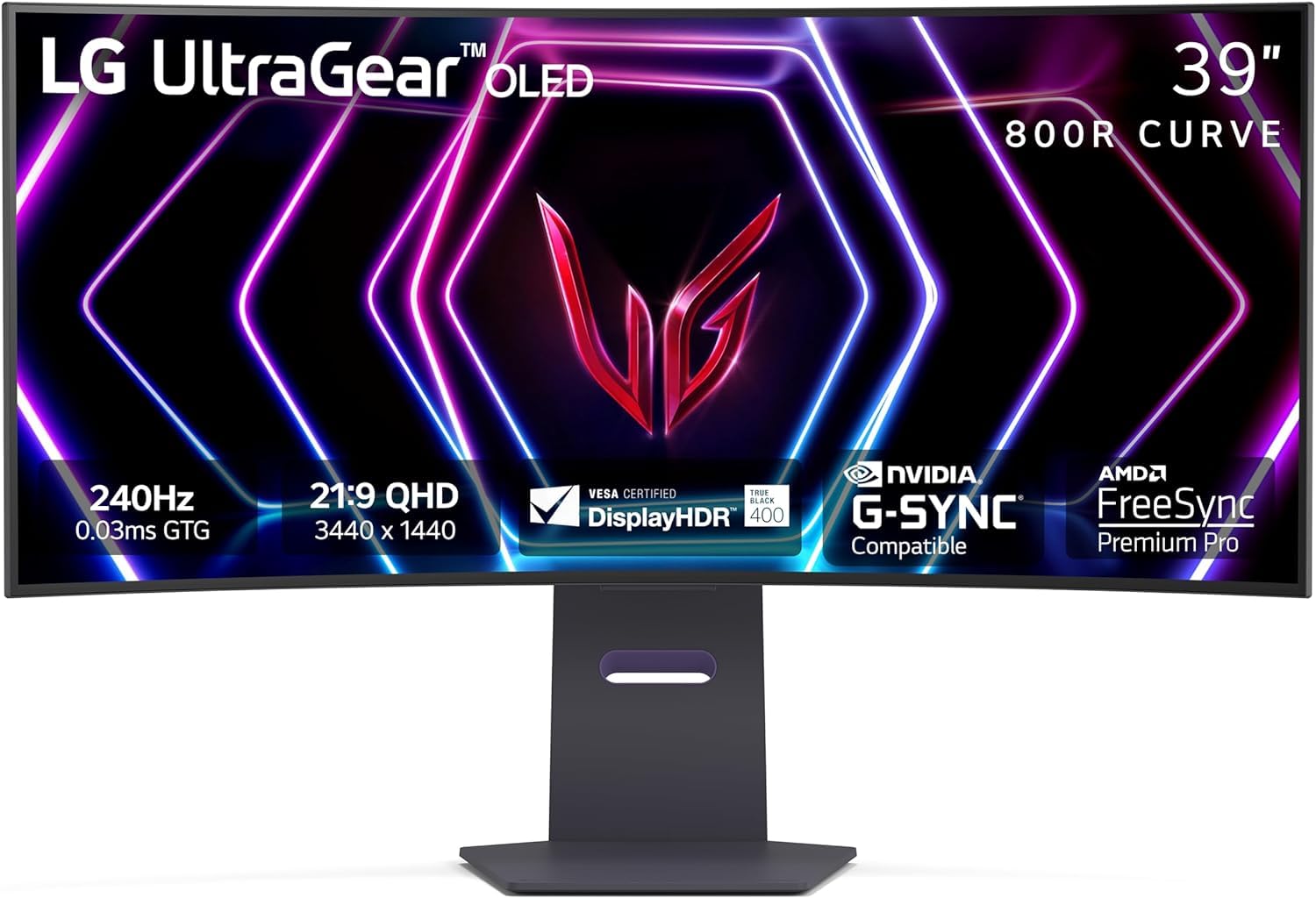
Introducing the LG UltraGear 39” Curved WQHD OLED Gaming Monitor, designed for gamers seeking exceptional performance and immersive visuals. This monitor is perfect for competitive gaming and enhances the overall gaming experience.
The LG UltraGear OLED gaming monitor features a stunning 39-inch display with a 21:9 aspect ratio, providing a wide field of view that draws you into the game. The dramatic 800R curve of the screen envelops you in action, making gameplay more engaging. With an ultra-fast refresh rate of up to 240Hz and a response time of just 0.03ms, this monitor ensures smooth and fluid visuals, allowing you to react quickly to in-game actions. The design includes ultra-thin bezels and adjustable height, tilt, and swivel capabilities, making it a stylish and functional addition to any gaming setup. Connectivity options such as HDMI 2.1 and DisplayPort 1.4 support high-resolution graphics while maintaining optimal performance.
Key Features:
39” OLED Display: Large curved screen with a 21:9 aspect ratio for immersive gaming.
800R Curved Screen: Dramatic curve enhances peripheral vision, making gameplay more engaging.
240Hz Refresh Rate: Ultra-fast refresh rate for smooth gameplay and quick response to opponents.
0.03ms Response Time: Nearly instantaneous response time reduces lag and ghosting.
Display HDR True Black 400: Rich blacks and vivid colors provide impeccable image detail, especially in dark scenes.
NVIDIA G-SYNC Compatible: Reduces screen tearing and stuttering for a smoother gaming experience.
The LG UltraGear 39” Curved WQHD OLED Gaming Monitor is an excellent choice for serious gamers and content creators who need high-performance visuals and responsiveness. With its advanced features and sleek design, it enhances both competitive gaming and multimedia experiences, making it an essential addition to your gaming battlestation.
⚠️ WARNING (California Proposition 65): This product may contain chemicals known to the State of California to cause cancer, birth defects, or other reproductive harm. For more information, please visit www.P65Warnings.ca.gov.
Frequently Asked Questions
Q: What are the dimensions of the LG 39GS95QE monitor?A: The LG 39GS95QE monitor measures thirty-nine inches diagonally. Its height is twenty-four point zero six inches, width is thirty-four point nine five inches, and depth is twelve point two inches.
Q: What type of display does the LG 39GS95QE use?A: The LG 39GS95QE features an OLED display. This technology offers vibrant colors and deep blacks for an immersive gaming experience.
Q: What is the refresh rate of the LG 39GS95QE monitor?A: The refresh rate of the LG 39GS95QE monitor is up to two hundred forty hertz. This high refresh rate ensures smooth gameplay during fast-paced action.
Q: How do I adjust the LG 39GS95QE monitor?A: You can adjust the LG 39GS95QE monitor for height, tilt, and swivel. This allows you to customize your viewing angle for optimal comfort.
Q: Is the LG 39GS95QE monitor compatible with G-SYNC?A: Yes, the LG 39GS95QE monitor is NVIDIA G-SYNC compatible. This means it helps reduce screen tearing and stuttering during gameplay.
Q: How do I connect the LG 39GS95QE to my computer?A: You can connect the LG 39GS95QE using HDMI two point one or DisplayPort one point four. Both connections support high refresh rates and resolutions.
Q: How should I clean the LG 39GS95QE monitor?A: To clean the LG 39GS95QE monitor, use a microfiber cloth with a gentle cleaner. Avoid using harsh chemicals that could damage the screen.
Q: What is the warranty period for the LG 39GS95QE monitor?A: The LG 39GS95QE monitor typically comes with a one-year warranty. This covers manufacturing defects and ensures customer support.
Q: Can I use the LG 39GS95QE for console gaming?A: Yes, the LG 39GS95QE monitor is suitable for console gaming. Its HDMI two point one port supports high refresh rates needed for gaming consoles.
Q: What is the contrast ratio of the LG 39GS95QE monitor?A: The LG 39GS95QE monitor has a contrast ratio of one point five million to one. This provides exceptional image detail in both dark and bright scenes.
Q: How do I set up the LG 39GS95QE monitor?A: To set up the LG 39GS95QE monitor, first attach the stand, then connect the power cable and input sources. Finally, adjust the settings as needed.
Q: Is there a risk of screen burn-in with the LG 39GS95QE?A: Yes, OLED displays like the LG 39GS95QE can experience screen burn-in. It's advisable to use screen savers and avoid static images for long periods.
Q: What type of gaming experience can I expect from the LG 39GS95QE?A: You can expect an immersive gaming experience with the LG 39GS95QE monitor. Its curved design and high refresh rate enhance gameplay by drawing you into the action.
Q: Does the LG 39GS95QE come with built-in speakers?A: No, the LG 39GS95QE monitor does not include built-in speakers. You'll need to use external speakers or headphones for audio.
Q: What is the aspect ratio of the LG 39GS95QE monitor?A: The aspect ratio of the LG 39GS95QE monitor is twenty-one to nine. This wide format is ideal for gaming and multimedia.