

Cart
0


Lenovo Thinkbook Bt Silent Mouse
Free Standard Shipping Across USA
Vendor: LENOVO
Type: Keyboards & Mice
Sku: WBEEAB088KSMPZR
Availability: Sold Out
Couldn't load pickup availability
Guarantee safe checkout

Sold by Electroeshop, an authorized reseller.
Returns accepted within 30 days | support@electroeshop.com
Shipping Information
- Free Standard Shipping — United States only
- Processing Time: 3–5 business days
- Estimated Delivery: 6–10 business days after dispatch
- Double-boxed, fully insured & discreetly packaged
- Tracking number sent via email once dispatched
Returns & Refund
Returns accepted within 30 days of delivery.
Damaged or Defective Item
Free return shipping + replacement or full refund
Wrong Item Received
Free return shipping + replacement or full refund
Change of Mind
Return shipping at customer's expense · 25% restocking fee applies
All returns require a Return Authorization (RA) number before sending.
View Full Return & Refund Policy
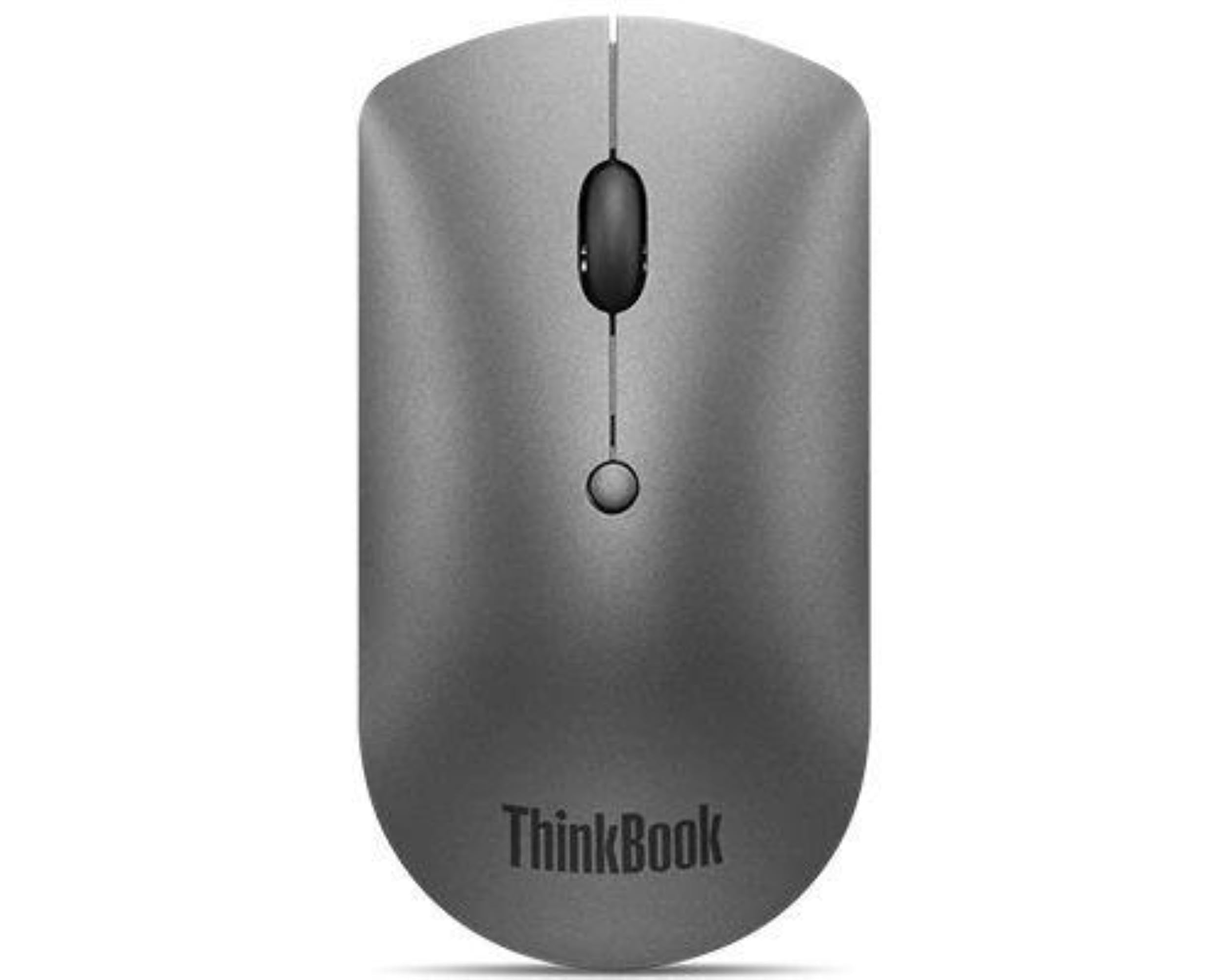
Lenovo Thinkbook Bt Silent Mouse
$24.99

Frequently Asked Questions
- Q: What are the dimensions of the Lenovo ThinkBook BT Silent Mouse? A: The dimensions are four point twenty-three inches in length, two point twenty-eight inches in width, and zero point one inches in height. This compact size makes it easy to carry.
- Q: What is the weight of the Lenovo ThinkBook BT Silent Mouse? A: The mouse weighs zero point three hundred pounds. This lightweight design enhances portability for busy professionals.
- Q: What materials is the Lenovo ThinkBook BT Silent Mouse made of? A: The mouse is primarily made of plastic. This material choice contributes to its durability and lightweight nature.
- Q: How do I connect the Lenovo ThinkBook BT Silent Mouse to my devices? A: You can easily connect it via Bluetooth. The mouse supports Bluetooth five point zero for seamless pairing with up to two devices.
- Q: Is the Lenovo ThinkBook BT Silent Mouse suitable for left-handed users? A: Yes, the mouse is ambidextrous, making it comfortable for both left-handed and right-handed users. This design caters to a wider audience.
- Q: How do I adjust the DPI settings on the Lenovo ThinkBook BT Silent Mouse? A: You can adjust the DPI settings on-the-fly with a button on the mouse. This feature allows for quick customization based on your needs.
- Q: How do I clean my Lenovo ThinkBook BT Silent Mouse? A: To clean the mouse, use a soft, damp cloth to wipe the surface. Avoid using harsh chemicals that could damage the plastic.
- Q: Is the Lenovo ThinkBook BT Silent Mouse safe for prolonged use? A: Yes, the ergonomic design supports comfortable, prolonged use. Its silent buttons also reduce distractions during long work sessions.
- Q: What is the battery life of the Lenovo ThinkBook BT Silent Mouse? A: The mouse is designed for extended use, but specific battery life can vary based on usage. Regular battery checks are recommended.
- Q: Can I use the Lenovo ThinkBook BT Silent Mouse on any surface? A: Yes, the blue optical sensor allows it to function on most surfaces. This versatility enhances usability in different environments.
- Q: What should I do if my Lenovo ThinkBook BT Silent Mouse is not connecting? A: If the mouse is not connecting, ensure Bluetooth is enabled on your device. If issues persist, try re-pairing the devices.
- Q: Does the Lenovo ThinkBook BT Silent Mouse come with a warranty? A: Yes, it typically comes with a manufacturer's warranty. Check with the retailer for specific details regarding the warranty period.
- Q: What type of user is the Lenovo ThinkBook BT Silent Mouse best suited for? A: This mouse is best suited for busy professionals and students. Its silent operation and portability cater to those on the go.
- Q: Can I switch between devices easily with the Lenovo ThinkBook BT Silent Mouse? A: Yes, you can easily switch between two paired devices with the push of a button. This feature enhances multitasking capabilities.
- Q: Is the Lenovo ThinkBook BT Silent Mouse compatible with all operating systems? A: Yes, it is compatible with most operating systems that support Bluetooth. This includes Windows, macOS, and various Linux distributions.