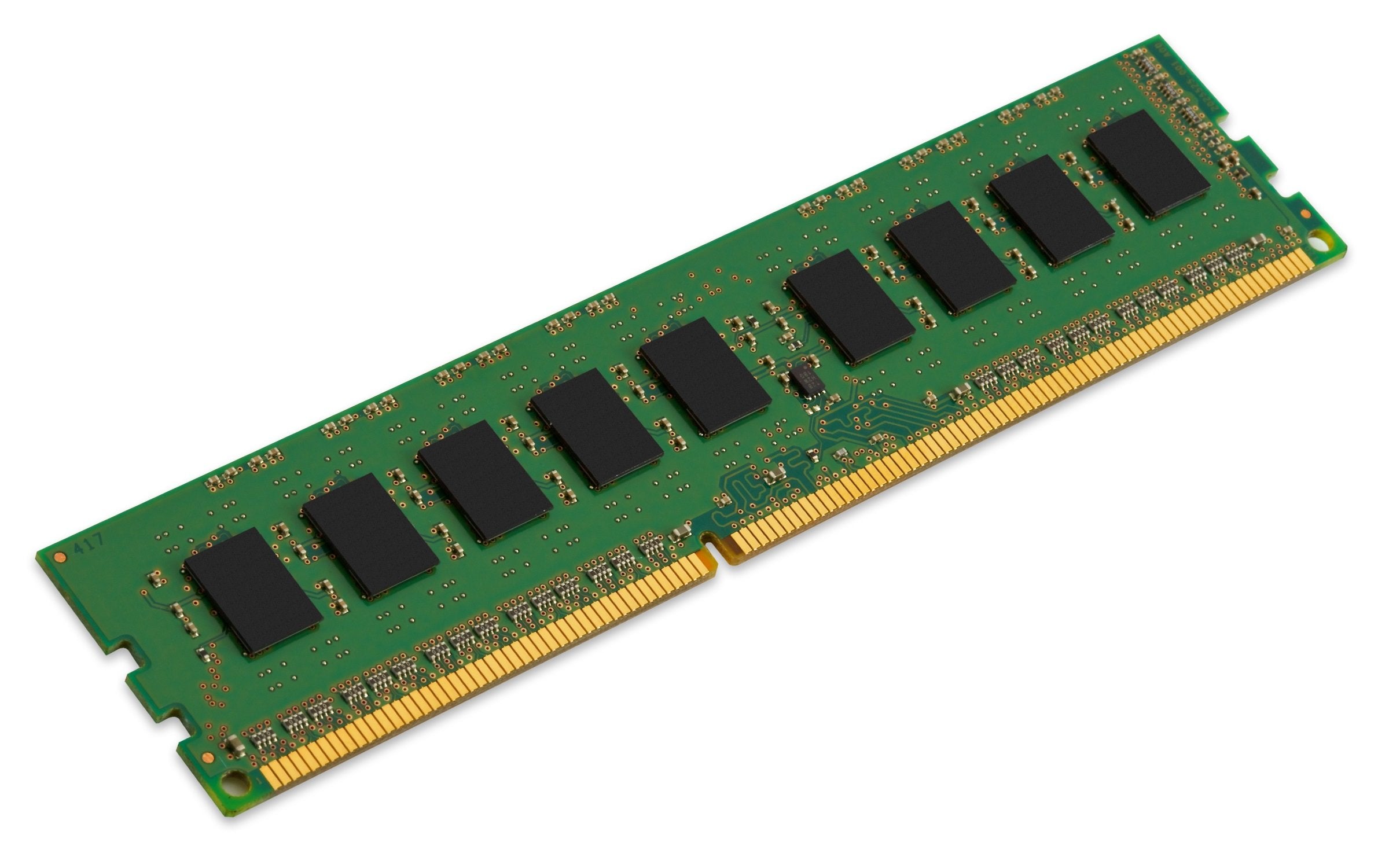
Kingston Is The Industry Leader In Pc Memory. Kingston Is Your Best Source For System-Specific Memory. Product Is Backed By A Lifetime Warranty And Free Technical Support. Included In The Package Is One 4Gb Module Of Select Hp/Compaq Memory. Specs Are 240-Pin Ecc Unbuffered Single Rank Dimm.
⚠️ WARNING (California Proposition 65): This product may contain chemicals known to the State of California to cause cancer, birth defects, or other reproductive harm. For more information, please visit www.P65Warnings.ca.gov.
Frequently Asked Questions
Q: What are the dimensions of the Kingston Technology memory module?A: The dimensions are thirteen inches long, four and a half inches wide, and one hundred twenty thousandths of an inch high. This compact size is designed to fit into standard desktop memory slots.
Q: What type of memory is the Kingston KTH-PL316ES/4G?A: It is a four gigabyte module of DDR3 memory. This type is commonly used in various HP and Compaq desktops.
Q: Is this memory module compatible with all desktops?A: No, it is specifically designed for select HP and Compaq desktops. Always check your desktop compatibility before purchasing.
Q: How do I install the Kingston memory module?A: To install, first power off your desktop and unplug it. Open the case, locate the memory slots, and gently insert the module into the appropriate slot until it clicks into place.
Q: Can I use this memory with other brands?A: Yes, but compatibility may vary. It is recommended to use Kingston memory for optimal performance in HP and Compaq systems.
Q: Is the Kingston KTH-PL316ES/4G suitable for gaming?A: Yes, it can support gaming applications provided your system meets other hardware specifications. The memory speed of sixteen hundred megahertz helps in performance.
Q: How should I store the Kingston memory module?A: Store it in a cool, dry place, ideally in its original packaging. Avoid exposure to static electricity and extreme temperatures.
Q: Does this memory module come with a warranty?A: Yes, it is backed by a lifetime warranty. This means you are covered for any manufacturing defects throughout the product's lifespan.
Q: Can I return the Kingston memory if it does not fit?A: Yes, most retailers offer a return policy. Ensure the item is unopened and in original packaging for a full refund.
Q: How do I know if my desktop needs an upgrade?A: If your computer is slow or struggles with multitasking, it may benefit from a memory upgrade. Checking your current memory usage can help assess this.
Q: What is ECC memory and why is it important?A: ECC stands for Error-Correcting Code, which helps detect and correct data corruption. This feature is crucial for systems that require high reliability.
Q: Is the Kingston KTH-PL316ES/4G easy to install?A: Yes, it is designed for easy installation. Most users can complete the process in less than thirty minutes with basic tools.
Q: What is the speed of the Kingston memory module?A: The speed is sixteen hundred megahertz. This speed is suitable for various computing tasks, including general use and light gaming.
Q: Can I use this memory in a laptop?A: No, this module is a desktop DIMM and is not compatible with laptops. Laptops require SODIMM memory modules.
Q: What should I do if the memory module doesn't work?A: First, ensure it is properly seated in the slot. If it still doesn't work, consult the manufacturer's support or consider returning it.