

Cart
0


Kingston Canvas React Plus 128Gb Sd Card | Sdxc Uhs Ii | 300R/260W U3 V90 | Full Hd/4K/8K | Sdr2/128Gb
Free Standard Shipping Across USA
Vendor: Kingston
Type: Memory Cards & Storage
Sku: WBEEAB09XC3D96V
Availability: Sold Out
Couldn't load pickup availability
Guarantee safe checkout

Sold by Electroeshop, an authorized reseller.
Returns accepted within 30 days | support@electroeshop.com
Shipping Information
- Free Standard Shipping — United States only
- Processing Time: 3–5 business days
- Estimated Delivery: 6–10 business days after dispatch
- Double-boxed, fully insured & discreetly packaged
- Tracking number sent via email once dispatched
Returns & Refund
Returns accepted within 30 days of delivery.
Damaged or Defective Item
Free return shipping + replacement or full refund
Wrong Item Received
Free return shipping + replacement or full refund
Change of Mind
Return shipping at customer's expense · 25% restocking fee applies
All returns require a Return Authorization (RA) number before sending.
View Full Return & Refund Policy
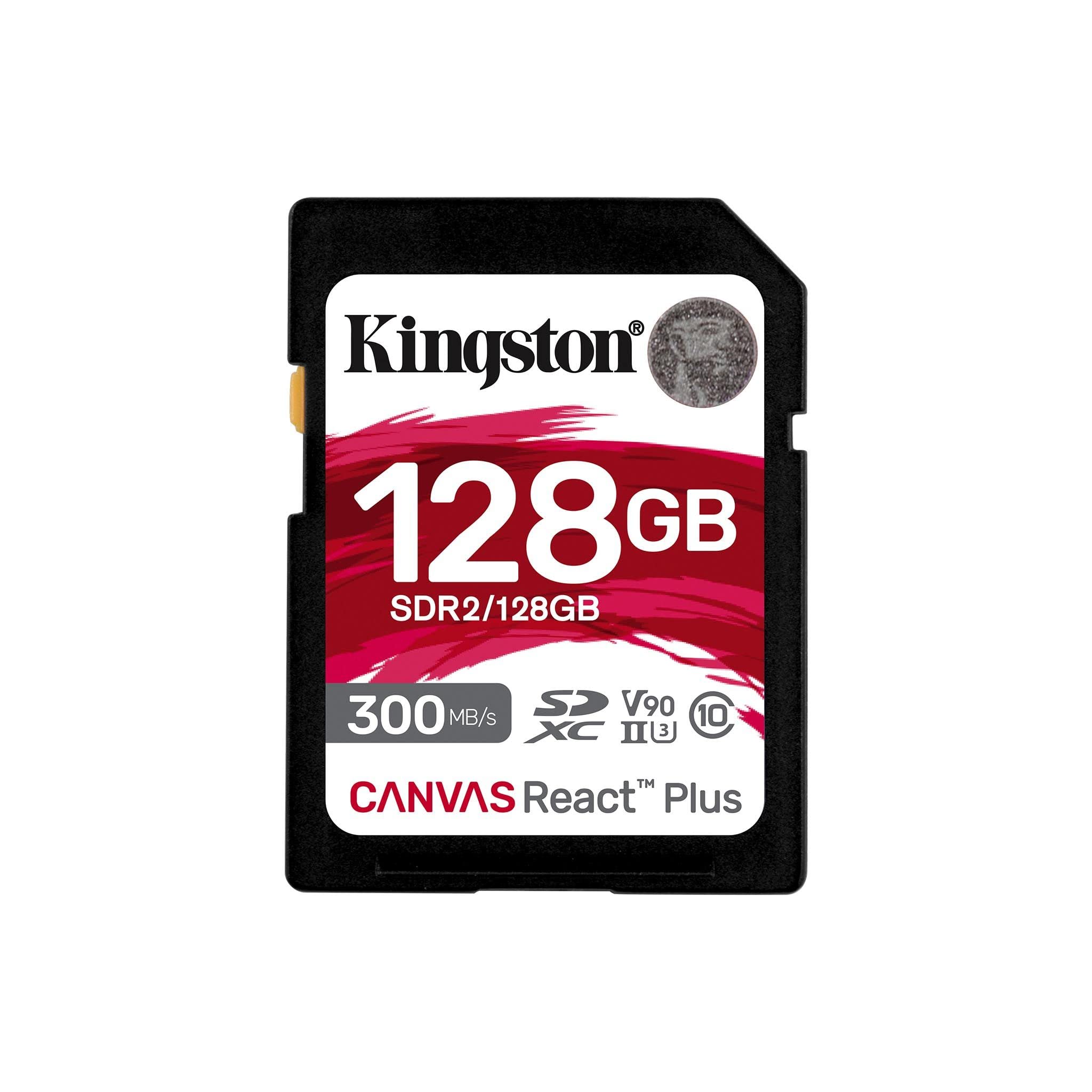
Kingston Canvas React Plus 128Gb Sd Card | Sdxc Uhs Ii | 300R/260W U3 V90 | Full Hd/4K/8K | Sdr2/128Gb
$198.67

Frequently Asked Questions
- Q: What is the storage capacity of the Kingston Canvas React Plus SD Card? A: The Kingston Canvas React Plus SD Card has a storage capacity of one hundred twenty-eight gigabytes. This allows for extensive storage of high-resolution photos and videos.
- Q: What are the dimensions of the Kingston Canvas React Plus SD Card? A: The Kingston Canvas React Plus SD Card measures zero point nine four inches in length, one point two five inches in width, and zero point zero eight inches in height. Its compact size makes it easy to carry.
- Q: What type of card is the Kingston Canvas React Plus? A: The Kingston Canvas React Plus is an SDXC UHS-II card. This type of card is designed for high-performance applications, especially in professional cameras.
- Q: How do I use the Kingston Canvas React Plus SD Card? A: To use the Kingston Canvas React Plus SD Card, insert it into a compatible device, such as a camera or card reader. Ensure your device supports SDXC and UHS-II formats for optimal performance.
- Q: Is this SD card suitable for shooting videos? A: Yes, this SD card is suitable for shooting videos in four K and eight K resolutions. Its high-speed capabilities prevent dropped frames during recording.
- Q: Can I use this SD card for regular photography? A: Yes, you can use this SD card for regular photography. It is designed for high-speed shots, making it ideal for capturing detailed images.
- Q: How should I store the Kingston Canvas React Plus SD Card? A: Store the Kingston Canvas React Plus SD Card in a cool, dry place when not in use. Keep it in a protective case to prevent physical damage.
- Q: Is the Kingston Canvas React Plus SD Card durable? A: Yes, the Kingston Canvas React Plus SD Card is designed to be durable. It is built to withstand tough conditions, making it suitable for outdoor and professional use.
- Q: Does this SD card come with any warranty? A: Yes, the Kingston Canvas React Plus SD Card typically comes with a limited warranty from Kingston. Be sure to check the specific warranty details upon purchase.
- Q: What is the maximum read speed of this SD card? A: The Kingston Canvas React Plus SD Card has a maximum read speed of up to three hundred megabytes per second. This allows for quick data transfer and efficient workflow.
- Q: What is the maximum write speed of the Kingston Canvas React Plus SD Card? A: The maximum write speed of the Kingston Canvas React Plus SD Card is up to two hundred sixty megabytes per second. This speed supports high-resolution video recording.
- Q: Is this SD card compatible with all cameras? A: No, the Kingston Canvas React Plus SD Card is not compatible with all cameras. It is designed for devices that support SDXC and UHS-II standards.
- Q: Can I use this card for gaming consoles? A: Yes, you can use the Kingston Canvas React Plus SD Card for gaming consoles that support SDXC cards. However, check the console's specifications for compatibility.
- Q: What speed class does the Kingston Canvas React Plus belong to? A: The Kingston Canvas React Plus belongs to the U3 and V90 speed classes. These classifications indicate its high-speed performance for video and photography.
- Q: How do I format the Kingston Canvas React Plus SD Card? A: To format the Kingston Canvas React Plus SD Card, insert it into your computer or device, navigate to the storage settings, and select the format option. This process will prepare the card for use.