

Cart
0


Fixmestick Gold Computer Virus Removal Stick For Windows Pcs Unlimited Use On Up To 5 Laptops Or Desktops For 2 Years Works
Vendor: Fixmestick
Type: Business Routers
Sku: WBEEAB00I2UBPM2
Availability: In Stock
Couldn't load pickup availability
Guarantee safe checkout

Sold by Electroeshop, an authorized reseller.
Returns accepted within 30 days | support@electroeshop.com
Shipping Information
- Free Standard Shipping — United States only
- Processing Time: 1–3 business days
- Estimated Delivery: 3–5 business days after dispatch
- Double-boxed, fully insured & discreetly packaged
- Tracking number sent via email once dispatched
- Orders over $250 require signature upon delivery. Taxes calculated at checkout.
Returns & Refund
Returns accepted within 30 days of delivery.
Damaged or Defective Item
Free return shipping + replacement or full refund
Wrong Item Received
Free return shipping + replacement or full refund
Change of Mind
Return shipping at customer's expense · 25% restocking fee applies
All returns require a Return Authorization (RA) number before sending.
View Full Return & Refund Policy
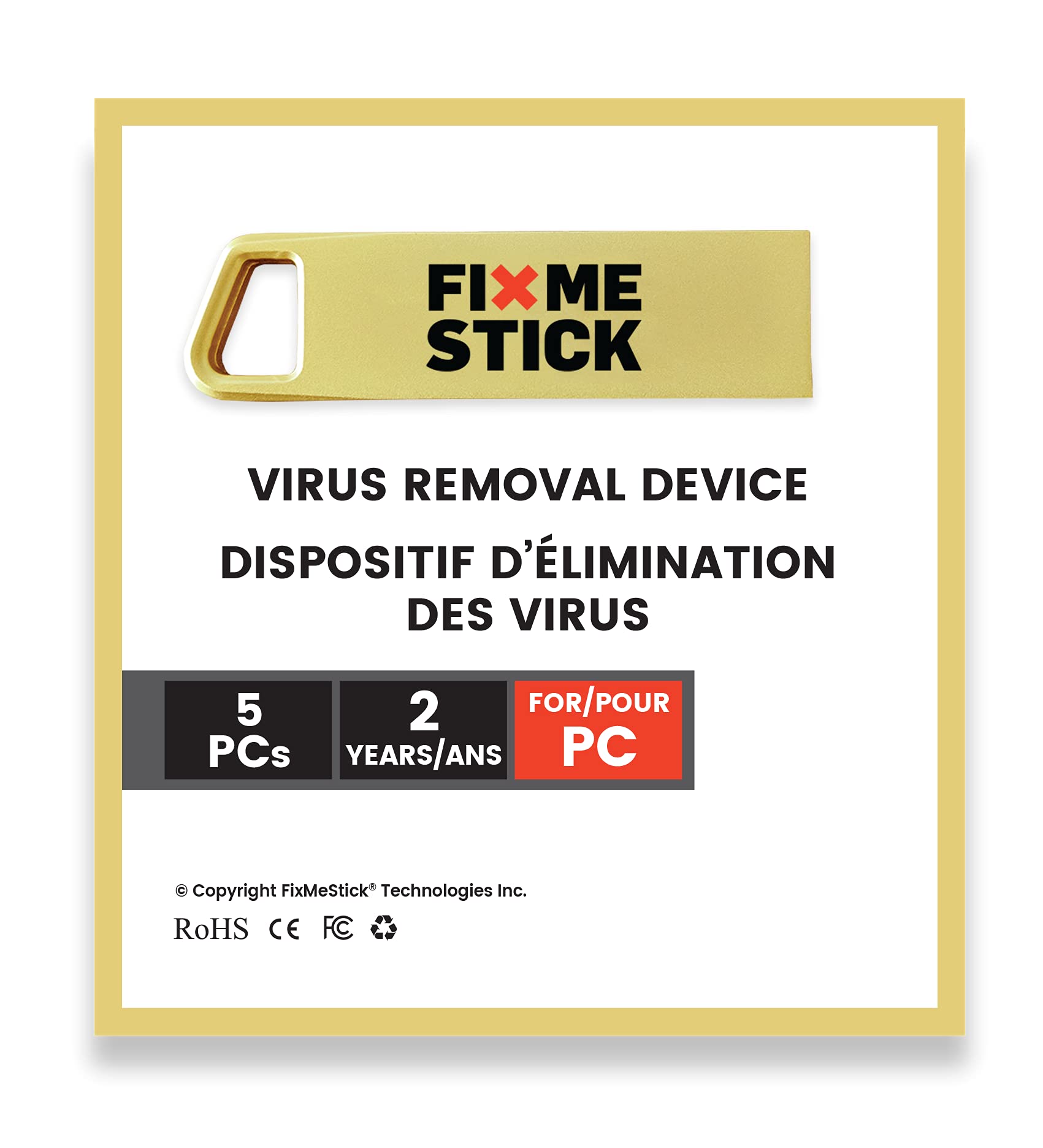
Fixmestick Gold Computer Virus Removal Stick For Windows Pcs Unlimited Use On Up To 5 Laptops Or Desktops For 2 Years Works
$137.02

Frequently Asked Questions
- Q: What are the dimensions of the FixMeStick? A: The FixMeStick measures five inches in length, half an inch in width, and seven inches in height. This compact size makes it easy to store and transport.
- Q: What is the weight of the FixMeStick? A: The weight of the FixMeStick is approximately one ounce. Its lightweight design allows for easy handling and portability.
- Q: What systems are compatible with the FixMeStick? A: The FixMeStick is compatible with Windows operating systems from XP to eleven. This broad compatibility ensures it works with a wide range of PCs.
- Q: How do I use the FixMeStick? A: To use the FixMeStick, simply plug it into a USB slot and restart your computer. It runs before Windows starts, allowing it to remove viruses effectively.
- Q: Can I use the FixMeStick on multiple computers? A: Yes, the FixMeStick can be used on up to five laptops or desktops. This feature allows for extensive virus protection across multiple devices.
- Q: Is the FixMeStick easy to install? A: Yes, the FixMeStick requires no software installation. You just plug it in and follow the on-screen instructions to start the virus removal process.
- Q: How do I keep my FixMeStick in good condition? A: To maintain the FixMeStick, store it in a cool, dry place away from direct sunlight. Avoid exposing it to moisture to ensure its longevity.
- Q: Does the FixMeStick have a warranty? A: Yes, the FixMeStick comes with a manufacturer's lifetime limited warranty. This warranty ensures support for any issues during its use.
- Q: How should I clean the FixMeStick? A: To clean the FixMeStick, gently wipe the exterior with a soft, dry cloth. Avoid using any liquids to prevent damage to the device.
- Q: Is the FixMeStick safe to use with my existing antivirus? A: Yes, the FixMeStick works alongside your existing antivirus software. It provides an additional layer of protection by removing infections that traditional software may miss.
- Q: What types of malware can the FixMeStick remove? A: The FixMeStick can remove viruses, spyware, trojans, rootkits, and other forms of malware. Its comprehensive capabilities make it a powerful tool for PC protection.
- Q: What should I do if my FixMeStick arrives damaged? A: If your FixMeStick arrives damaged, you should contact customer support immediately for a replacement or refund. The warranty covers such situations.
- Q: How often should I use the FixMeStick? A: It's recommended to use the FixMeStick whenever you suspect your PC may be infected. Regular use can help maintain your system's health and security.
- Q: Is the FixMeStick suitable for beginners? A: Yes, the FixMeStick is designed for users of all experience levels. Its straightforward plug-and-play functionality makes it easy for anyone to use.
- Q: Can I get customer support for the FixMeStick? A: Yes, the FixMeStick includes access to free Canadian-based customer support. They are available to assist with any questions or issues you may have.