

Cart
0


Dell Latest Inspiron 15 3520 Touchscreen Business Laptop, 15.6'' Fhd Led Ips, Intel Core I7 1255U, 16Gb Ram 1Tb Ssd, Windows 11
Free Standard Shipping Across USA
Vendor: Dell
Type: Business Laptops
Sku: WBCOMB0DNM34XWT
Availability: Sold Out
Couldn't load pickup availability
Guarantee safe checkout

Sold by Electroeshop, an authorized reseller.
Returns accepted within 30 days | support@electroeshop.com
Shipping Information
- Free Standard Shipping — United States only
- Processing Time: 3–5 business days
- Estimated Delivery: 6–10 business days after dispatch
- Double-boxed, fully insured & discreetly packaged
- Tracking number sent via email once dispatched
Returns & Refund
Returns accepted within 30 days of delivery.
Damaged or Defective Item
Free return shipping + replacement or full refund
Wrong Item Received
Free return shipping + replacement or full refund
Change of Mind
Return shipping at customer's expense · 25% restocking fee applies
All returns require a Return Authorization (RA) number before sending.
View Full Return & Refund Policy
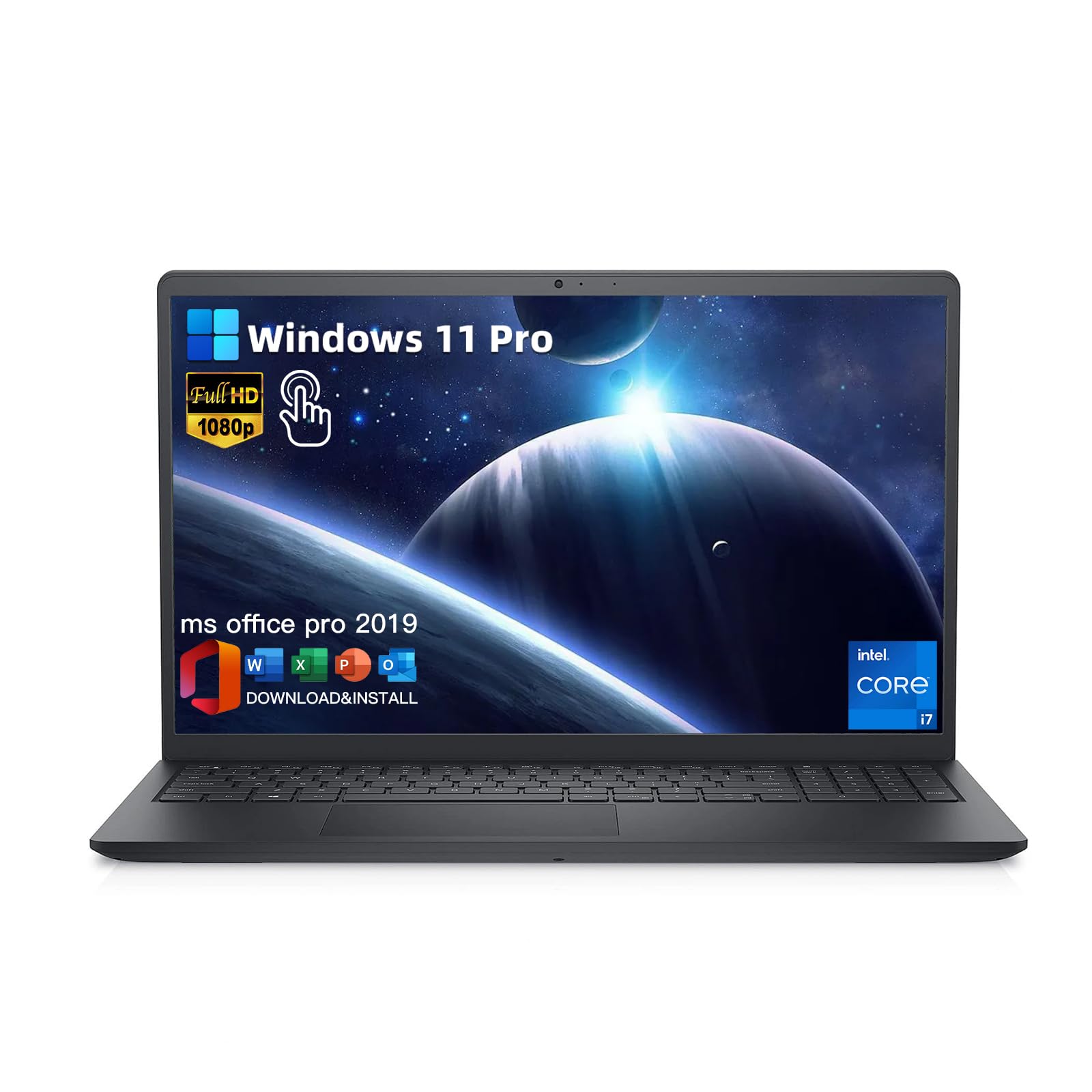
Dell Latest Inspiron 15 3520 Touchscreen Business Laptop, 15.6'' Fhd Led Ips, Intel Core I7 1255U, 16Gb Ram 1Tb Ssd, Windows 11
$980.57

Frequently Asked Questions
- Q: What is the display size of the Dell Inspiron 15 3520? A: The display size is fifteen point six inches. It features a Full HD IPS touch screen with a resolution of one thousand nine hundred twenty by one thousand eighty pixels.
- Q: What processor does the Dell Inspiron 15 3520 use? A: It uses an Intel Core i7-1255U processor. This processor has ten cores and a base frequency of four point seven gigahertz.
- Q: How much memory does the Dell Inspiron 15 3520 have? A: The laptop is equipped with sixteen gigabytes of RAM. This memory type is DDR4 and can be expanded up to sixty-four gigabytes.
- Q: What is the storage capacity of the Dell Inspiron 15 3520? A: The storage capacity is one terabyte SSD. This solid-state drive provides fast data access and improved performance.
- Q: What are the dimensions of the Dell Inspiron 15 3520? A: The dimensions are nine point twenty-seven inches in length, fourteen point eleven inches in width, and zero point eighty-three inches in height.
- Q: Does the Dell Inspiron 15 3520 have a touch screen? A: Yes, it has a touch screen. This feature enhances user interaction and makes it easier to navigate applications.
- Q: How do I connect my devices to the Dell Inspiron 15 3520? A: You can connect devices using two USB-A three point two ports, one USB-A two point zero port, and one HDMI one point four port. Additionally, it has a headphone jack for audio.
- Q: Is the Dell Inspiron 15 3520 suitable for gaming? A: Yes, it is suitable for gaming with the Intel Iris Xe Graphics. The combination of high RAM and storage makes it capable of handling modern games.
- Q: Can I upgrade the memory on the Dell Inspiron 15 3520? A: Yes, you can upgrade the memory. It supports up to sixty-four gigabytes of DDR4 RAM, allowing for enhanced performance.
- Q: What operating system does the Dell Inspiron 15 3520 come with? A: It comes with Windows eleven Pro. This operating system is designed for business productivity and includes Microsoft Office Pro.
- Q: How do I maintain the Dell Inspiron 15 3520? A: To maintain it, keep it clean and avoid overheating. Use a soft cloth for cleaning and ensure proper ventilation during use.
- Q: What type of battery does the Dell Inspiron 15 3520 use? A: It uses lithium-ion batteries. These batteries are packed with the equipment and should be handled according to safety guidelines.
- Q: What if my Dell Inspiron 15 3520 arrives damaged? A: If it arrives damaged, you should contact customer support immediately. They will assist you with the return process and provide options for a replacement.
- Q: Is there a warranty for the Dell Inspiron 15 3520? A: Yes, it typically comes with a limited warranty. The duration can vary, so check the product details for specific warranty information.
- Q: How do I install software on the Dell Inspiron 15 3520? A: You can install software by downloading it from the internet or using a USB drive. Follow the on-screen instructions for installation.
- Q: What is the weight of the Dell Inspiron 15 3520? A: The weight is three point sixty-five pounds. This lightweight design makes it portable and easy to carry.