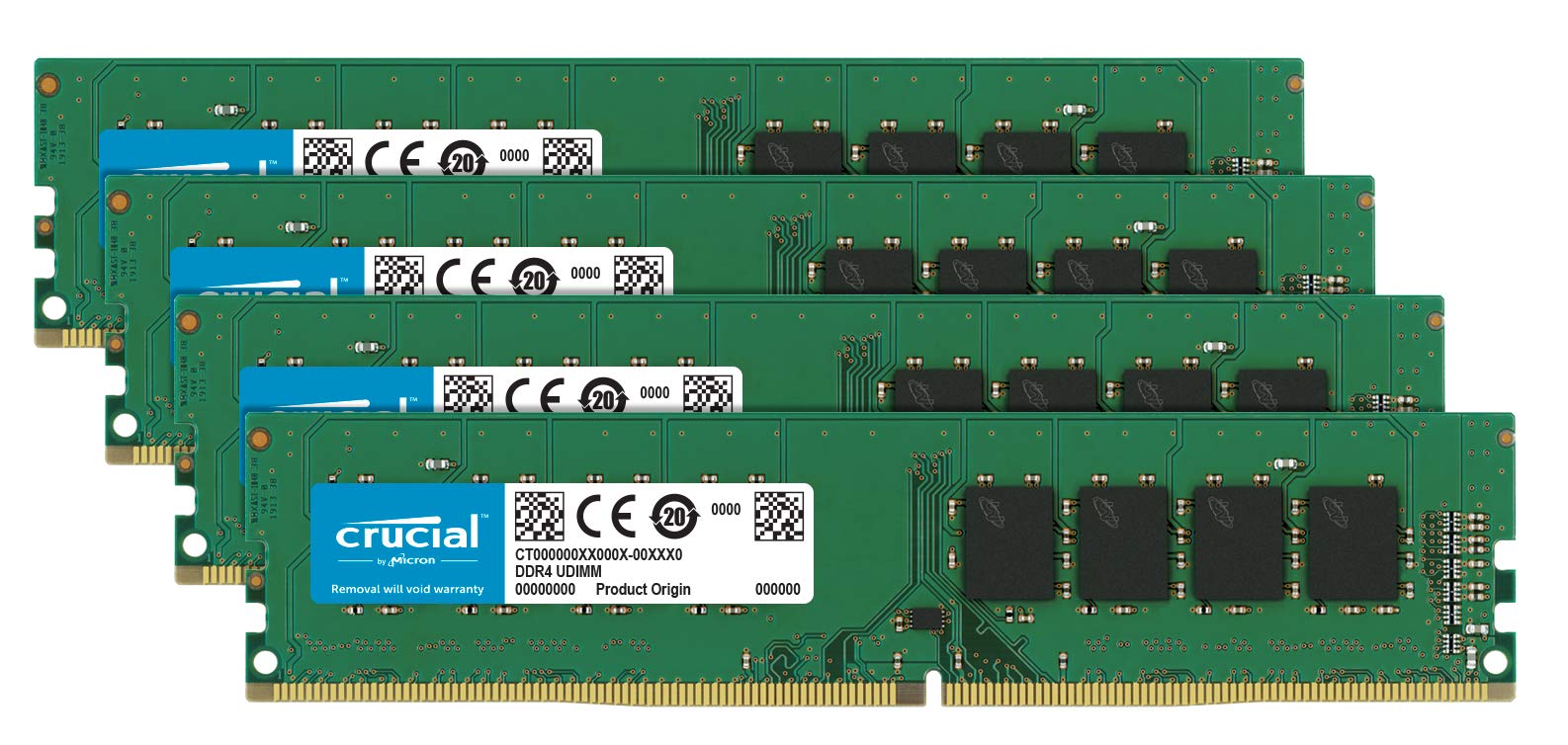
Ct4K16G4Dfd824A Is A 64Gb Kit Consisting Of (4) 16Gb Ddr4 Desktop Modules That Operates At Speeds Up To 2400 Mt/S And Has A Cl17 Latency. It Is An Unbuffered Dimm. It Conforms To The Industry Standard Ddr4 Ecc Udimm Layout Of 288 Pins And Is Compatible With Systems That Take Ddr4 2400Mt/S Udimm Memory.
⚠️ WARNING (California Proposition 65): This product may contain chemicals known to the State of California to cause cancer, birth defects, or other reproductive harm. For more information, please visit www.P65Warnings.ca.gov.
Frequently Asked Questions
Q: What is the memory capacity of this Crucial DDR4 kit?A: This Crucial DDR4 kit has a memory capacity of sixty-four gigabytes, consisting of four sixteen gigabyte modules.
Q: What is the speed of the Crucial DDR4 memory?A: The Crucial DDR4 memory operates at speeds of up to two thousand four hundred megatransfers per second.
Q: What are the dimensions of this memory module?A: Each memory module measures five point twenty-seven inches in length, zero point zero three inches in width, and one point twenty-three inches in height.
Q: Is this memory compatible with all motherboards?A: No, this memory is compatible only with systems that support DDR4 two thousand four hundred megatransfers per second UDIMM memory.
Q: What type of memory is this Crucial kit?A: This is an unbuffered DIMM type memory, specifically designed for desktop use.
Q: How do I install this Crucial memory kit?A: To install the Crucial memory kit, locate the memory slots on your motherboard, align the notches, and gently press down until it clicks into place.
Q: Can I mix this memory with other brands?A: It is not recommended to mix this memory with other brands, as compatibility issues may arise.
Q: What systems benefit from this memory upgrade?A: This memory upgrade benefits systems that require high capacity and speed, such as gaming PCs, workstations, and servers.
Q: How should I store unused memory modules?A: Unused memory modules should be stored in an anti-static bag in a cool, dry place to avoid damage.
Q: Does this memory require any special care?A: No special care is needed, but ensure the modules are kept in an anti-static environment to prevent electrostatic discharge.
Q: What is the warranty on this Crucial memory kit?A: This Crucial memory kit typically comes with a limited lifetime warranty, offering peace of mind for your purchase.
Q: What do I do if my memory arrives damaged?A: If your memory arrives damaged, contact the retailer for return or exchange options as per their return policy.
Q: Is this memory suitable for gaming?A: Yes, this memory kit is suitable for gaming as it offers high speeds and large capacity for demanding applications.
Q: How does this memory compare to higher-speed options?A: While this memory operates at two thousand four hundred megatransfers per second, higher-speed options may provide better performance for specific applications.
Q: Can this memory help with multitasking on my computer?A: Yes, the sixty-four gigabyte capacity of this memory kit significantly improves multitasking capabilities on your computer.
Q: What should I do if my computer doesn't recognize the new memory?A: If your computer doesn't recognize the new memory, ensure it's properly seated in the slots and check BIOS settings for detection.