

Cart
0


CINEBEAM 4K UHD PROJECTOR
Free Standard Shipping Across USA
Vendor: Lg Consumer
Type: Home Theater Projectors
Sku: WBEEAB0C383FVG3
Availability: Sold Out
Couldn't load pickup availability
Guarantee safe checkout

Sold by Electroeshop, an authorized reseller.
Returns accepted within 30 days | support@electroeshop.com
Shipping Information
- Free Standard Shipping — United States only
- Estimated Delivery Time: Dec 3 – Dec 9
- Double-boxed, fully insured & discreetly packaged
- Tracking number sent via email once dispatched
Returns & Refund
Returns accepted within 30 days of delivery.
Damaged or Defective Item
Free return shipping + replacement or full refund
Wrong Item Received
Free return shipping + replacement or full refund
Change of Mind
Return shipping at customer's expense · 25% restocking fee applies
All returns require a Return Authorization (RA) number before sending.
View Full Return & Refund Policy
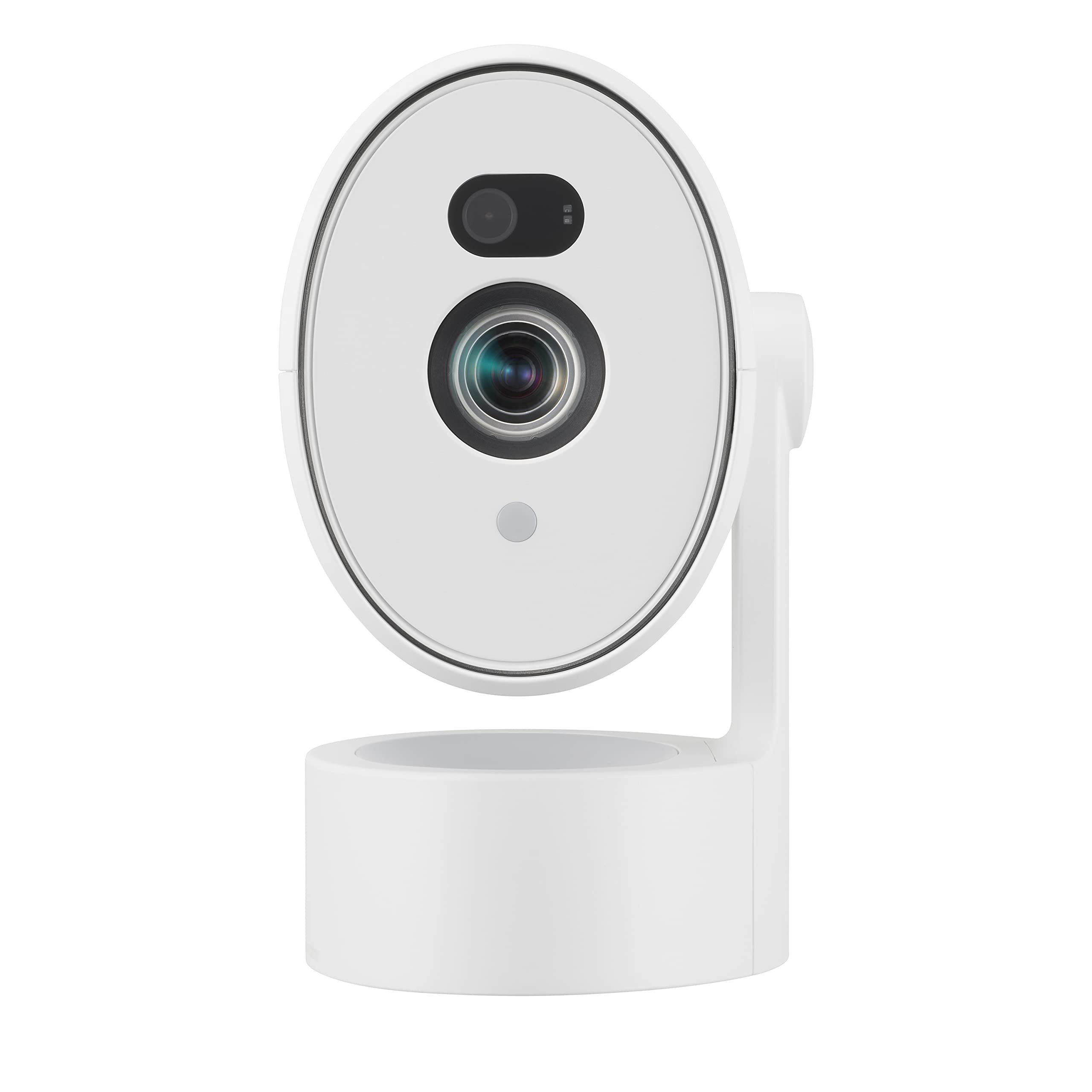
CINEBEAM 4K UHD PROJECTOR
$1,053.93

Frequently Asked Questions
- Q: What are the dimensions of the LG CineBeam PU700R projector? A: The dimensions of the LG CineBeam PU700R projector are six point four two inches in length, twelve point zero one inches in width, and five point seven one inches in height. This compact size makes it easy to transport and set up in various locations.
- Q: What is the brightness of the LG CineBeam PU700R projector? A: The LG CineBeam PU700R projector has a brightness of one thousand ANSI Lumens. This high brightness level ensures clear visuals even in well-lit environments.
- Q: Does the LG CineBeam PU700R support HDR? A: Yes, the LG CineBeam PU700R supports HDR10 and HLG formats. This feature enhances picture quality by providing a wider color gamut and better brightness levels.
- Q: How do I set up the LG CineBeam PU700R projector? A: To set up the LG CineBeam PU700R projector, place it on a stable surface and connect it to a power source. Use the Auto Screen Adjustment feature for quick alignment and enjoy instant access to content via webOS or AirPlay.
- Q: Can I connect my smartphone to the LG CineBeam PU700R? A: Yes, you can connect your smartphone to the LG CineBeam PU700R using AirPlay 2. This allows for easy casting of content directly from your device.
- Q: Is the LG CineBeam PU700R suitable for outdoor use? A: Yes, the LG CineBeam PU700R projector is suitable for outdoor use. Its brightness of one thousand ANSI Lumens ensures clear visibility even in ambient lighting conditions.
- Q: How do I clean the LG CineBeam PU700R projector? A: To clean the LG CineBeam PU700R projector, use a soft, dry cloth to wipe the exterior. Avoid using harsh chemicals or abrasive materials that could damage the surface.
- Q: What is the warranty on the LG CineBeam PU700R? A: The LG CineBeam PU700R comes with a limited warranty, typically covering defects in materials and workmanship. Check the manufacturer’s site for specific warranty details and duration.
- Q: What should I do if my LG CineBeam PU700R projector arrives damaged? A: If your LG CineBeam PU700R projector arrives damaged, contact the retailer or manufacturer immediately for return instructions. Document the damage with photos for reference.
- Q: Is the LG CineBeam PU700R compatible with gaming consoles? A: Yes, the LG CineBeam PU700R is compatible with gaming consoles. It features HDMI ports for easy direct connection to your gaming devices.
- Q: What type of content can I stream using the LG CineBeam PU700R? A: You can stream a variety of content using the LG CineBeam PU700R, including movies and series from platforms like Prime Video, Disney Plus, YouTube, and Apple TV. The projector supports webOS for easy navigation.
- Q: How does the Auto Screen Adjustment feature work? A: The Auto Screen Adjustment feature intuitively aligns and focuses the projector's screen, removing distortion. This makes setup faster and easier, allowing you to enjoy your content without hassle.
- Q: Can I use the LG CineBeam PU700R for presentations? A: Yes, the LG CineBeam PU700R can be used for presentations. Its excellent image quality and multiple connectivity options make it suitable for displaying slides and documents.
- Q: What is the pixel density of the LG CineBeam PU700R? A: The LG CineBeam PU700R has a pixel density that delivers four times the resolution of Full HD. This high pixel density results in stunning detail and clarity in images.
- Q: Does the LG CineBeam PU700R have Bluetooth capabilities? A: Yes, the LG CineBeam PU700R has Bluetooth capabilities for dual sound out. This feature allows you to connect Bluetooth speakers or headphones for enhanced audio experiences.
- Q: What should I consider when placing the LG CineBeam PU700R? A: When placing the LG CineBeam PU700R, consider its distance from the screen for optimal image size. The projector’s design allows for a flexible placement with a rotation capability of ninety degrees.