

Cart
0


Cablewholesale Usb 2.0/3.0 To Hdmi Adapter With Audio, Add Extra Monitor To Computer/Laptop
Free Standard Shipping Across USA
Vendor: Cablewholesale
Type: USB & Lightning Cables
Sku: WBECCB07JW98HCR
Availability: Sold Out
Couldn't load pickup availability
Guarantee safe checkout

Sold by Electroeshop, an authorized reseller.
Returns accepted within 30 days | support@electroeshop.com
Shipping Information
- Free Standard Shipping — United States only
- Processing Time: 3–5 business days
- Estimated Delivery: 6–10 business days after dispatch
- Double-boxed, fully insured & discreetly packaged
- Tracking number sent via email once dispatched
Returns & Refund
Returns accepted within 30 days of delivery.
Damaged or Defective Item
Free return shipping + replacement or full refund
Wrong Item Received
Free return shipping + replacement or full refund
Change of Mind
Return shipping at customer's expense · 25% restocking fee applies
All returns require a Return Authorization (RA) number before sending.
View Full Return & Refund Policy
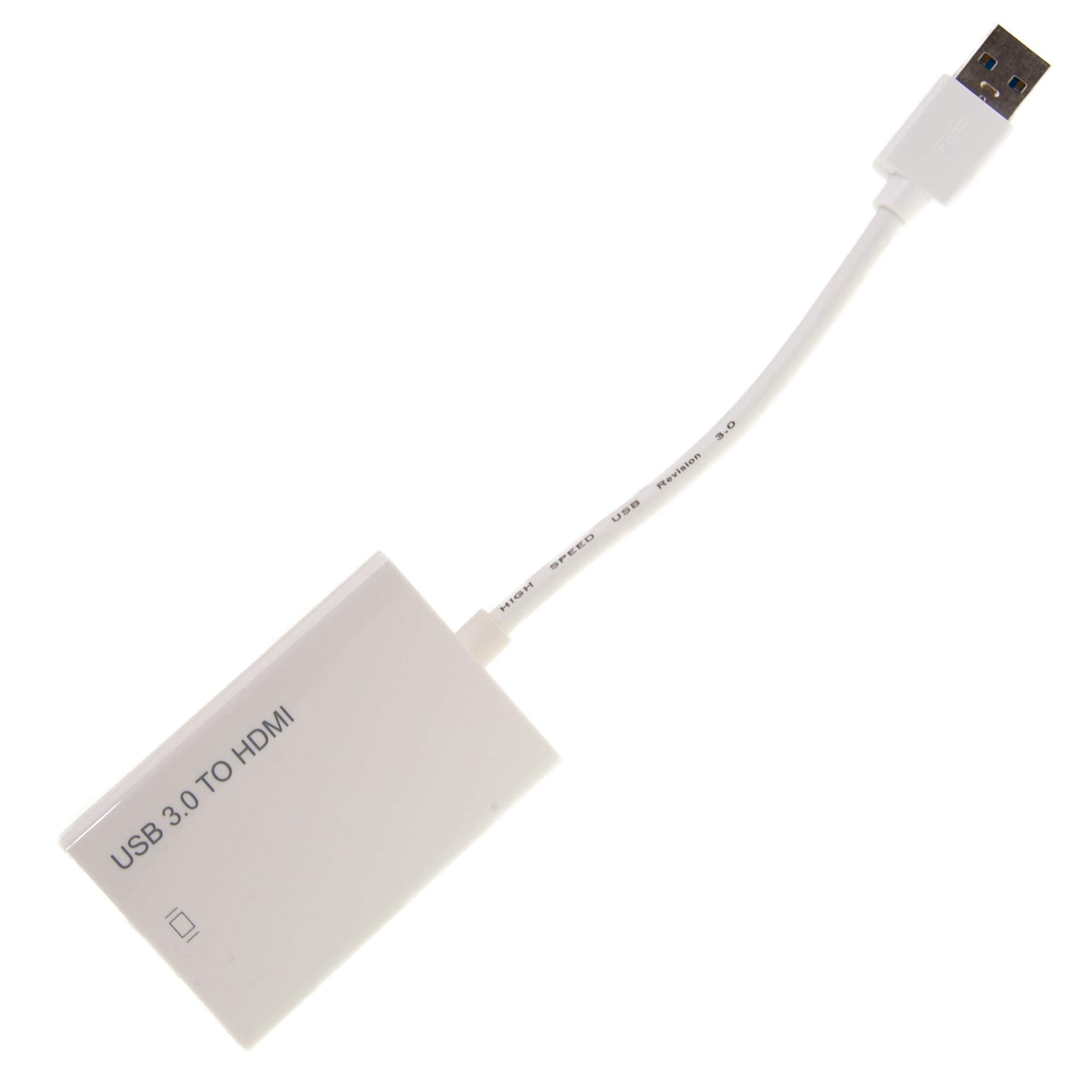
Cablewholesale Usb 2.0/3.0 To Hdmi Adapter With Audio, Add Extra Monitor To Computer/Laptop
$101.37

Frequently Asked Questions
- Q: What type of cable is this adapter? A: This adapter uses a USB 2.0 and USB 3.0 connection to transmit video and audio signals to an HDMI output.
- Q: What is the maximum resolution supported by this adapter? A: The adapter supports a maximum resolution of one thousand nine hundred twenty by one thousand eighty pixels, providing a high-definition experience.
- Q: Is this adapter compatible with all operating systems? A: Yes, it is compatible with Windows XP, Vista, 7, 8, 10, and Mac OS X ten point seven and above.
- Q: How do I install this HDMI adapter? A: Simply plug the adapter into a USB A port on your computer or laptop and connect your HDMI monitor; it is a plug-and-play device.
- Q: Can I use this adapter with multiple displays? A: Yes, it supports multiple display modes including primary, extended, mirrored, and rotated options for versatile use.
- Q: What devices can I connect using this adapter? A: You can connect any HDMI monitor or television to your computer or laptop using this USB to HDMI adapter.
- Q: How should I clean this HDMI adapter? A: To clean the adapter, use a soft, dry cloth to wipe the exterior; avoid using liquids or abrasive materials.
- Q: Is the adapter energy-efficient? A: Yes, it is designed for energy efficiency, reducing power consumption without sacrificing performance.
- Q: What do I do if the adapter doesn't work? A: Ensure that the adapter is securely connected to both the USB port and the HDMI monitor; restart your computer if necessary.
- Q: Does this adapter come with a warranty? A: Yes, it typically comes with a manufacturer's warranty, which may vary based on the retailer.
- Q: Can I use this adapter for gaming? A: Yes, the adapter supports high-definition video and audio, making it suitable for gaming on an additional monitor.
- Q: What is the weight of this adapter? A: The adapter is lightweight, weighing approximately a few ounces for easy portability.
- Q: Is this adapter suitable for presentations? A: Yes, it is suitable for presentations as it allows you to mirror your display on a larger screen easily.
- Q: Does this adapter require external power? A: No, it can operate in a self-powered mode through the USB connection, eliminating the need for an external power source.
- Q: What type of audio does this adapter support? A: The adapter supports audio output along with video, providing a complete multimedia experience.
- Q: Is the adapter durable? A: Yes, it is built with quality materials for reliability and durability during regular use.