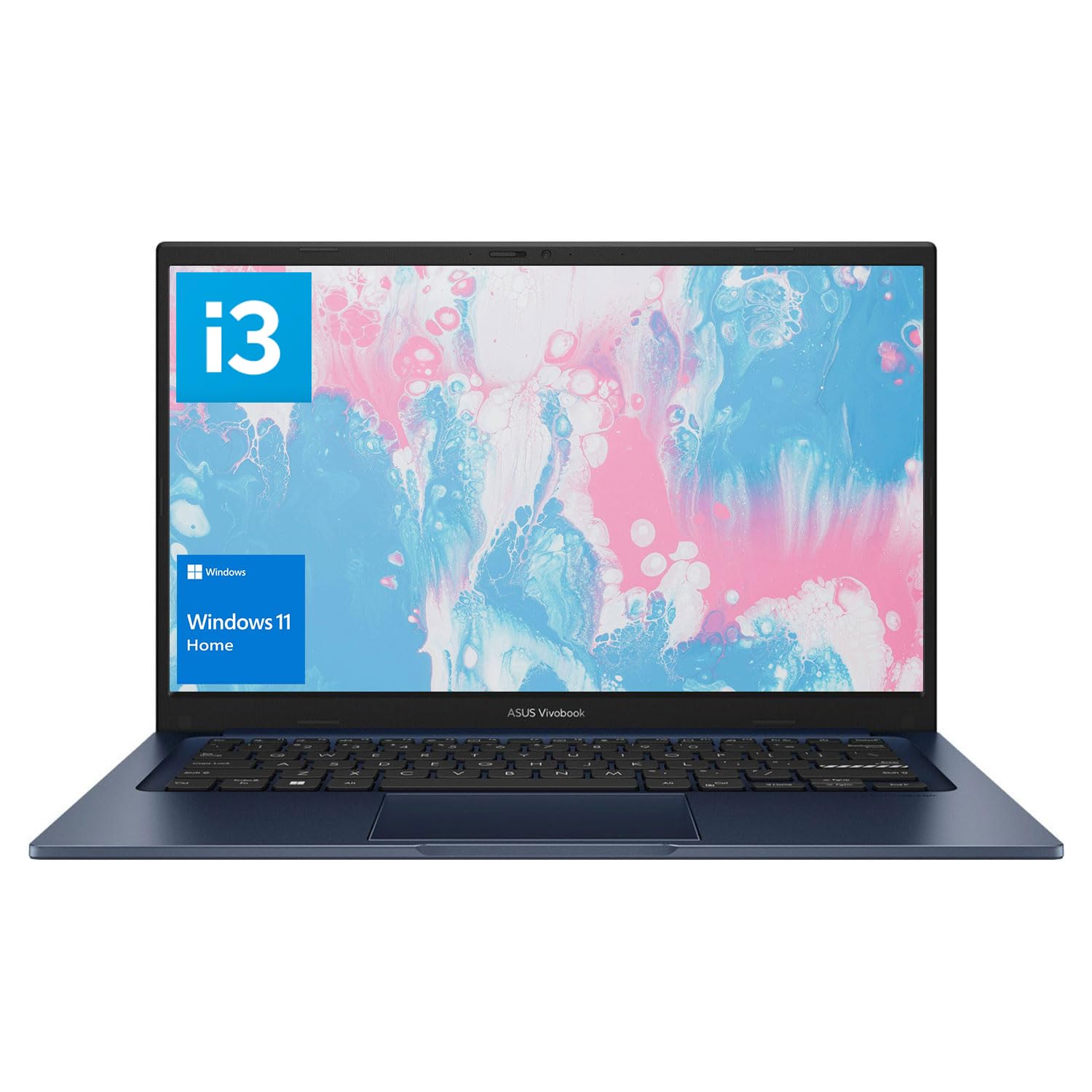
The ASUS laptop with an i3-1215U processor is designed for users seeking a reliable and efficient computing solution. Ideal for students, professionals, and casual users, this laptop excels in everyday tasks such as browsing, document editing, and multimedia consumption.
This ASUS laptop features a robust i3-1215U processor, providing a smooth performance with 6 cores and 8 threads. The device supports up to 24GB of RAM, ensuring seamless multitasking capabilities. The inclusion of a 2TB PCIe Solid State Drive guarantees fast boot times and ample storage for your files and applications. Running on Windows 11 Home, this laptop offers an updated user interface and enhanced performance features. The 14.0-inch Full HD display delivers vibrant visuals, making it suitable for both work and entertainment.
Key Features:
Processor: i3-1215U with 6 cores and 8 threads, base frequency of 0.9 GHz, and max turbo frequency of 4.4 GHz.
Memory: Expandable up to 24GB RAM for efficient multitasking.
Storage: 2TB PCIe Solid State Drive for fast data access and storage.
Display: 14.0-inch FHD (1920 x 1080) IPS-level panel with anti-glare technology.
Connectivity: Wi-Fi 6 for high-speed wireless internet access.
Ports: Comprehensive connectivity options including USB Type-C, HDMI, and audio jack.
Lightweight Design: Weighs only 3.09 lbs, making it portable and easy to carry.
This ASUS laptop is perfect for users who prioritize performance and portability. With its powerful processing capabilities, ample storage, and vibrant display, it meets the needs of students, professionals, and anyone requiring a dependable device for daily tasks. The combination of modern design and high-speed connectivity makes it a valuable investment for those seeking efficiency and versatility in their computing experience.
⚠️ WARNING (California Proposition 65): This product may contain chemicals known to the State of California to cause cancer, birth defects, or other reproductive harm. For more information, please visit www.P65Warnings.ca.gov.
Frequently Asked Questions
Q: What are the dimensions of the ASUS Vivobook Laptop?A: The dimensions are twelve point seventy-nine inches long, eight point forty-two inches wide, and zero point seventy inches thick.
Q: What is the weight of the ASUS Vivobook Laptop?A: The laptop weighs three point zero nine pounds, making it portable and easy to carry.
Q: What kind of display does the ASUS Vivobook have?A: It features a fourteen inch Full HD display with a resolution of one thousand nine hundred twenty by one thousand eighty pixels.
Q: What type of processor does the ASUS Vivobook use?A: It is equipped with an Intel i3-1215U processor that has six cores and eight threads.
Q: How much RAM can the ASUS Vivobook support?A: The laptop supports up to twenty-four gigabytes of RAM for efficient multitasking.
Q: What is the storage capacity of the ASUS Vivobook?A: It comes with a five hundred twelve gigabyte solid state drive, allowing for fast boot-up and ample storage.
Q: How do I connect external devices to the ASUS Vivobook?A: You can connect devices using one USB two point zero Type-A port, one USB three point two Gen one Type-C port, and two USB three point two Gen one Type-A ports.
Q: Is the ASUS Vivobook compatible with Wi-Fi?A: Yes, it supports Wi-Fi six for faster internet connectivity.
Q: What operating system is installed on the ASUS Vivobook?A: It comes pre-installed with Windows eleven Home, offering a modern user interface.
Q: Can I use the ASUS Vivobook for gaming?A: While it is not primarily a gaming laptop, it can handle light gaming due to its Intel UHD Graphics.
Q: How do I maintain the ASUS Vivobook's performance?A: Keep the laptop clean and updated, and ensure proper ventilation to avoid overheating.
Q: What is the battery life of the ASUS Vivobook?A: The battery life will vary based on usage, but it is designed for all-day use.
Q: Is there a warranty for the ASUS Vivobook?A: Yes, the laptop typically comes with a limited manufacturer warranty for parts and labor.
Q: What should I do if my ASUS Vivobook arrives damaged?A: Contact the retailer immediately for support and potential return or replacement options.
Q: How do I troubleshoot connection issues on the ASUS Vivobook?A: Check your Wi-Fi settings and restart your router and laptop if you experience connectivity problems.