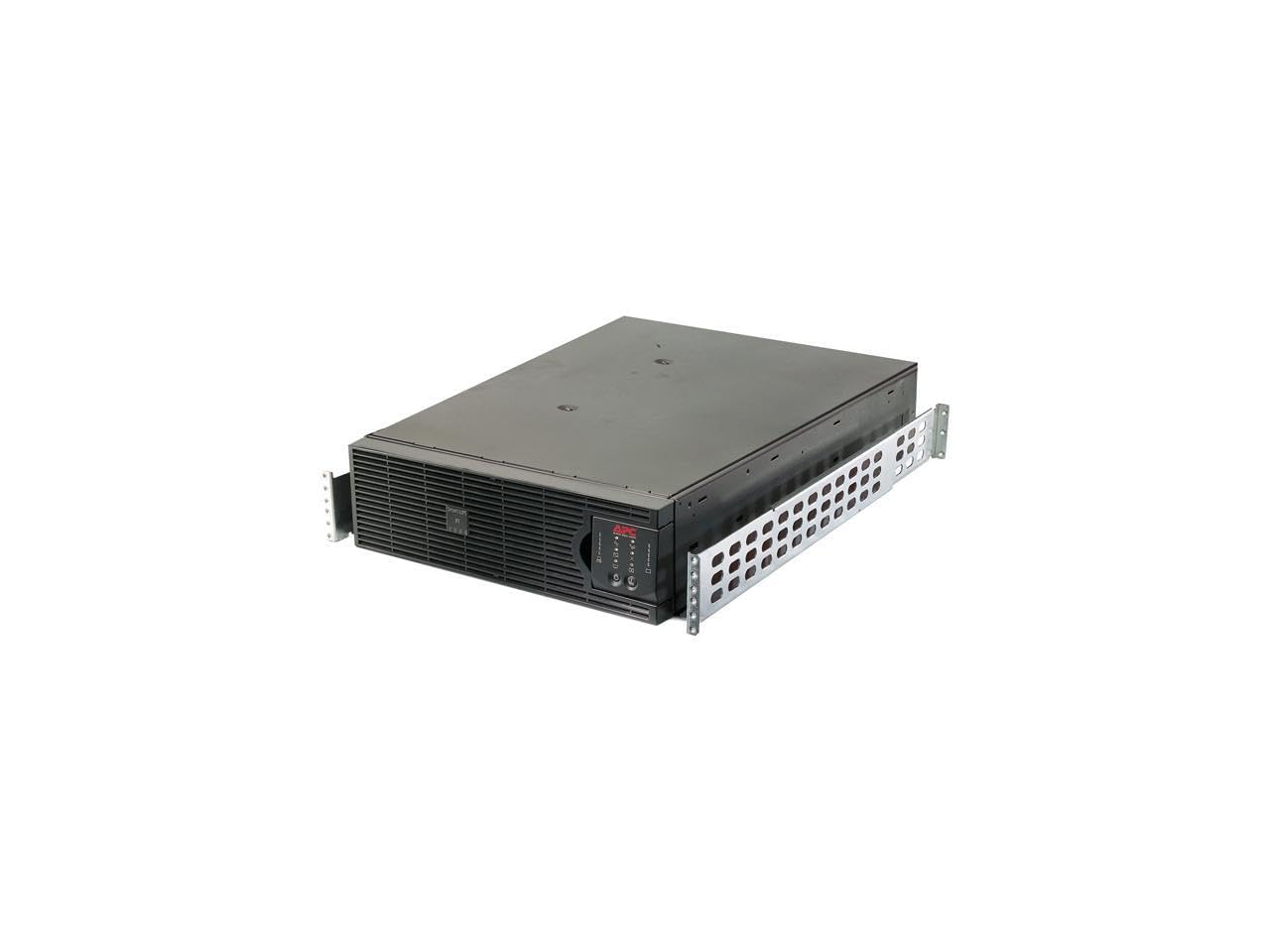
The APC Smart-UPS RT 5000VA is a reliable and efficient tower/rack-mountable uninterruptible power supply (UPS) designed to provide utility power to connected loads during overload conditions or faults. Ideal for businesses and data centers, this UPS ensures uninterrupted power and enhances the lifespan of connected devices.
Constructed from durable plastic, the APC Smart-UPS RT 5000VA features advanced technology that prolongs battery life by regulating charge voltage based on battery temperature. This device is engineered to deliver clean and consistent power while allowing trained users to perform upgrades and battery replacements, thereby reducing mean time to repair (MTTR). The sleek black design of this UPS fits seamlessly into any setup, whether in a tower or rack configuration.
Key Features:
5000VA/4000W capacity: Supports a variety of connected loads for optimal performance.
4.8-minute full load runtime: Provides sufficient time to manage power outages effectively.
Multiple output options: Includes 1 x NEMA L6-20R, 1 x NEMA L14-30R, and 4 x NEMA 5-20R outlets for versatile connectivity.
Battery temperature regulation: Enhances battery life by adjusting charge voltage according to temperature.
Easy user upgrades: Allows trained personnel to replace batteries, minimizing downtime and service interruptions.
Compact design: Rack-mountable or tower configuration fits in various environments without occupying excessive space.
The APC Smart-UPS RT 5000VA is an excellent choice for businesses looking to safeguard critical equipment and maintain operations during power disruptions. Its robust specifications and user-friendly features make it suitable for IT professionals, data centers, and any organization where power reliability is essential. Investing in this UPS provides peace of mind, ensuring your systems remain operational and protected against power fluctuations.
⚠️ WARNING (California Proposition 65): This product may contain chemicals known to the State of California to cause cancer, birth defects, or other reproductive harm. For more information, please visit www.P65Warnings.ca.gov.
Frequently Asked Questions
Q: What are the dimensions of the APC Smart-UPS RT 5000VA?A: The dimensions are twenty-five point ninety-eight inches in length, seventeen point zero one inches in width, and five point twelve inches in height.
Q: What material is the APC Smart-UPS RT 5000VA made of?A: The body of the APC Smart-UPS RT 5000VA is made of plastic, ensuring durability and lightweight design.
Q: What is the maximum power output of this UPS?A: The APC Smart-UPS RT 5000VA delivers a maximum power output of five thousand volt-amperes or four thousand watts.
Q: How do I install the APC Smart-UPS RT 5000VA?A: To install, place the UPS in a well-ventilated area, connect it to a power source, and plug in your devices using the provided outlets.
Q: Is the APC Smart-UPS RT 5000VA suitable for home use?A: Yes, it is suitable for home use, especially for powering sensitive electronics during utility power outages.
Q: Can I mount the APC Smart-UPS RT 5000VA on a rack?A: Yes, the APC Smart-UPS RT 5000VA is designed to be rack-mountable, providing flexible installation options.
Q: How do I maintain the APC Smart-UPS RT 5000VA for longevity?A: Regularly check the battery condition, keep the UPS clean, and ensure proper ventilation to maintain its longevity.
Q: What safety precautions should I take with the APC Smart-UPS RT 5000VA?A: Ensure the UPS is not exposed to moisture, and avoid overloading it beyond its rated capacity to maintain safety.
Q: How should I store the APC Smart-UPS RT 5000VA?A: Store it in a cool, dry place, away from direct sunlight and extreme temperatures to protect its internal components.
Q: How does the APC Smart-UPS RT 5000VA compare to other UPS models?A: It offers higher power capacity and features like extended battery life and easy maintenance compared to many standard UPS models.
Q: Is the APC Smart-UPS RT 5000VA better for gaming or office use?A: It's suitable for both gaming and office use, providing reliable power for high-performance systems and sensitive office equipment.
Q: What should I do if the APC Smart-UPS RT 5000VA fails to turn on?A: Check if it is plugged in, verify the power source, and inspect the circuit breaker before seeking further assistance.
Q: What is the warranty period for the APC Smart-UPS RT 5000VA?A: The warranty period typically covers three years, providing assurance against manufacturing defects.
Q: Can I return the APC Smart-UPS RT 5000VA if I'm not satisfied?A: Yes, you can return it within the return policy period, provided it is in its original condition and packaging.
Q: What should I do if the battery is not charging?A: Ensure the UPS is connected to a working outlet and check for any error indicators on the unit before contacting support.