

Cart
0


Apc Rack Mount Pdu, Metered 208V/30A, (28) Outlets, 0U Vertical Rackmount (Ap8870)
Free Standard Shipping Across USA
Vendor: APC
Type: Power Strips & Surge Protectors
Sku: WBEEAB00QHAZ674
Availability: Sold Out
Couldn't load pickup availability
Guarantee safe checkout

Sold by Electroeshop, an authorized reseller.
Returns accepted within 30 days | support@electroeshop.com
Shipping Information
- Free Standard Shipping — United States only
- Processing Time: 3–5 business days
- Estimated Delivery: 6–10 business days after dispatch
- Double-boxed, fully insured & discreetly packaged
- Tracking number sent via email once dispatched
Returns & Refund
Returns accepted within 30 days of delivery.
Damaged or Defective Item
Free return shipping + replacement or full refund
Wrong Item Received
Free return shipping + replacement or full refund
Change of Mind
Return shipping at customer's expense · 25% restocking fee applies
All returns require a Return Authorization (RA) number before sending.
View Full Return & Refund Policy
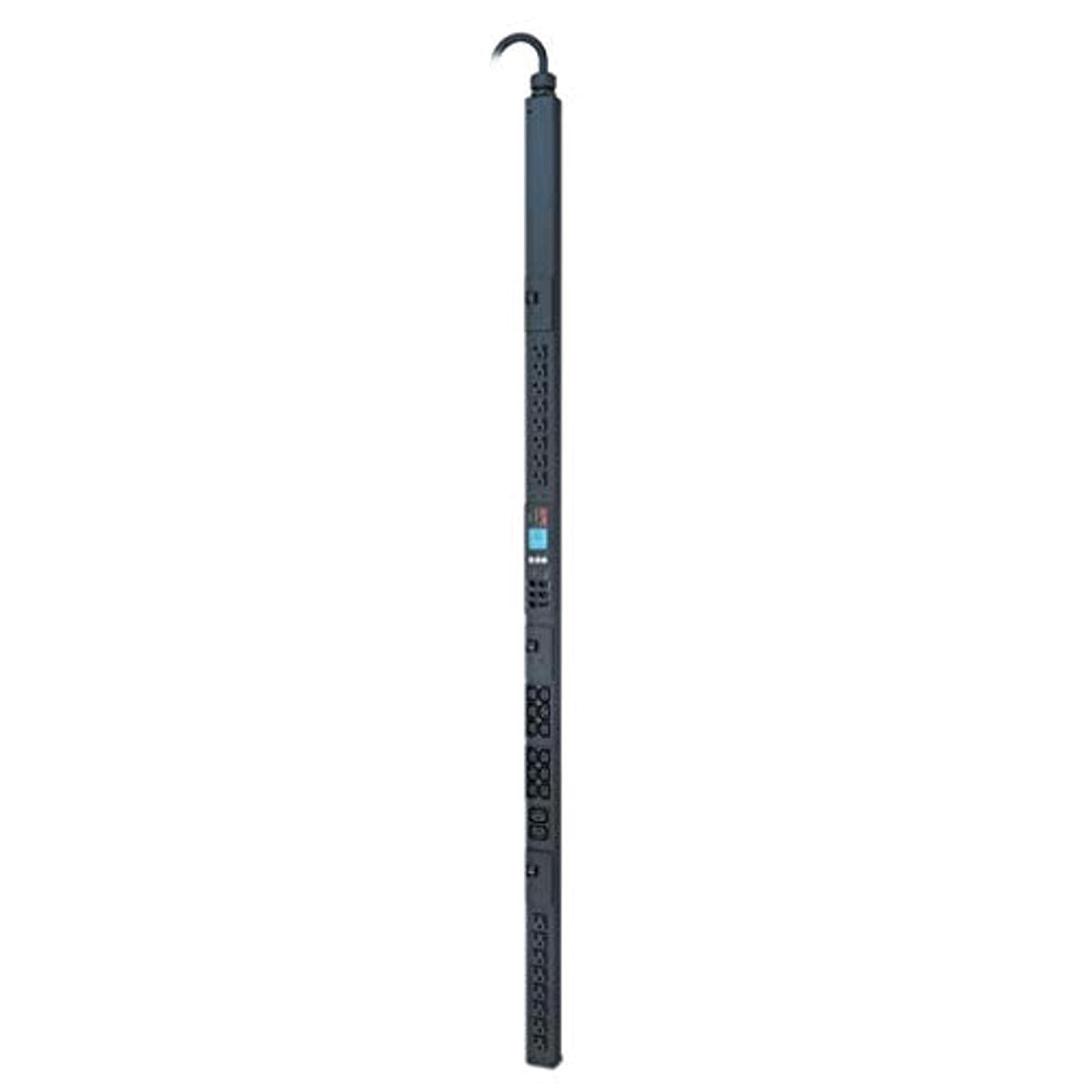
Apc Rack Mount Pdu, Metered 208V/30A, (28) Outlets, 0U Vertical Rackmount (Ap8870)
$1,297.37

Frequently Asked Questions
- Q: What is the input voltage for the APC Rack Mount PDU? A: The input voltage is two hundred eight volts. This is ideal for various data center applications requiring a metered power distribution unit.
- Q: How many outlets does the APC Rack Mount PDU have? A: The PDU features twenty-eight outlets. This includes sixteen five-twenty outlets, twelve IEC three hundred twenty C thirteen outlets, and two IEC three hundred twenty C nineteen outlets.
- Q: What are the dimensions of the APC Rack Mount PDU? A: The dimensions are seventy-eight point five inches in length, eight point five inches in width, and four point twenty-five inches in height. This compact design allows for vertical mounting in a rack.
- Q: What is the maximum output rating for the APC Rack Mount PDU? A: The maximum output rating is thirty amps. This allows for substantial power distribution in a server or data center environment.
- Q: What type of power input connector does the APC Rack Mount PDU use? A: The power input connector is a NEMA L fourteen-thirty P. This connector supports a load of up to five point eight kilowatts.
- Q: Can I monitor the power usage of the APC Rack Mount PDU? A: Yes, the PDU provides real power monitoring. This feature helps data center managers optimize energy usage and prevent overloads.
- Q: How do I install the APC Rack Mount PDU? A: To install, mount the PDU vertically in a rack. Ensure it is securely attached and connect the power input to a compatible outlet.
- Q: Is the APC Rack Mount PDU suitable for small data centers? A: Yes, it is suitable for small to medium data centers. Its metering capabilities and multiple outlets make it versatile for various IT environments.
- Q: Does the APC Rack Mount PDU require special tools for installation? A: No, it does not require special tools. Basic mounting tools should suffice for installation in standard rack systems.
- Q: What safety features are included with the APC Rack Mount PDU? A: The PDU includes user-defined alarm thresholds and ultra-low profile circuit breakers. These features help mitigate risks of circuit overloads.
- Q: How should I clean the APC Rack Mount PDU? A: To clean, use a dry cloth to wipe the surface. Avoid using liquid cleaners that may damage the electronic components.
- Q: What is the warranty period for the APC Rack Mount PDU? A: The warranty period typically covers three years. This provides peace of mind for users regarding product reliability.
- Q: What should I do if the APC Rack Mount PDU arrives damaged? A: If damaged, contact customer support immediately. They will guide you through the return or replacement process.
- Q: How do I reset the alarms on the APC Rack Mount PDU? A: To reset alarms, access the PDU interface via the web or SNMP settings. Follow the instructions in the user manual for specific reset procedures.
- Q: Is technical support available for the APC Rack Mount PDU? A: Yes, technical support is available. Users can reach out to APC customer service for assistance with setup or troubleshooting.
- Q: Can the APC Rack Mount PDU be monitored remotely? A: Yes, it can be monitored remotely. The PDU supports secure web, SNMP, and telnet interfaces for remote management.