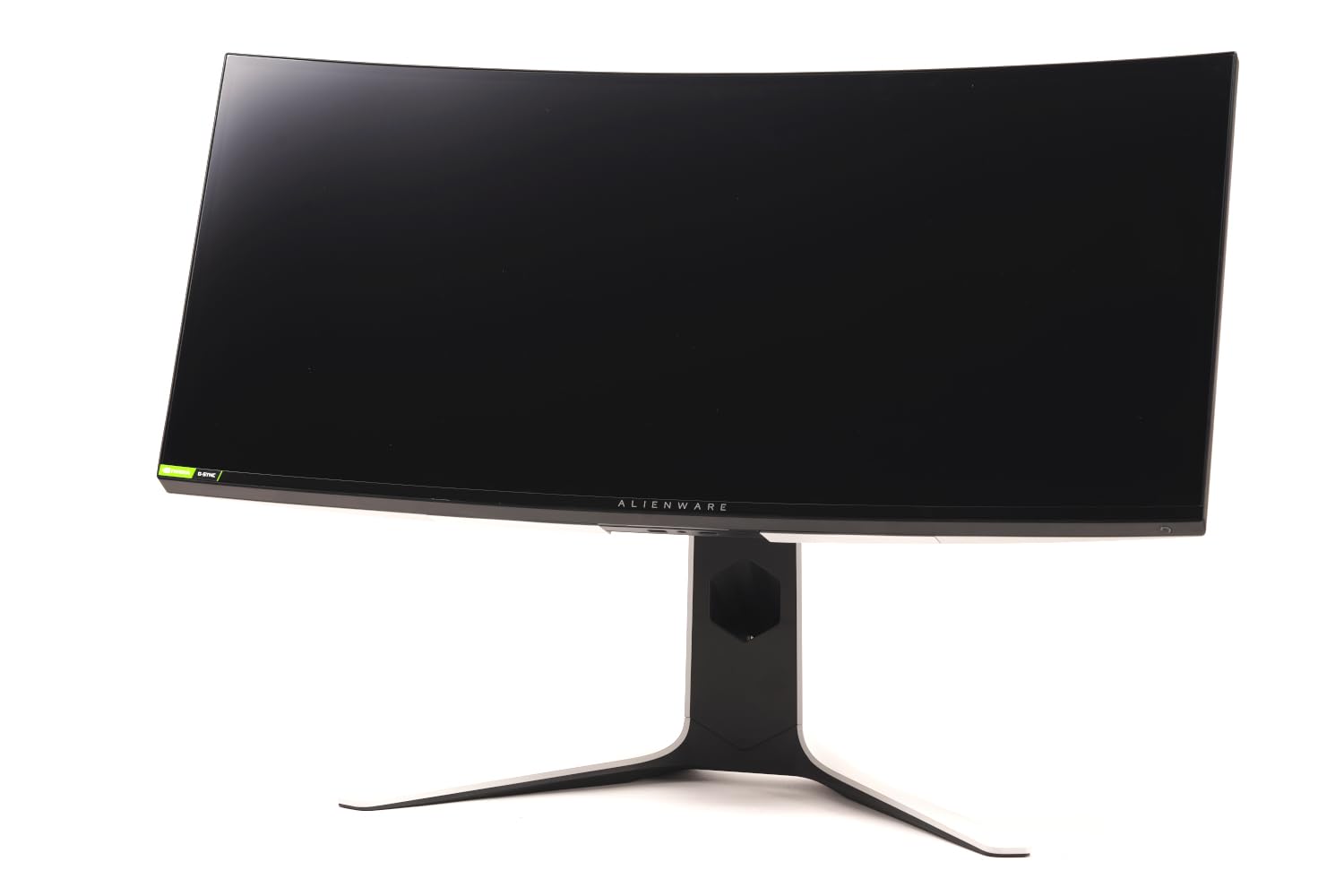
Introducing the Alienware 34 Curved Gaming Monitor, an advanced display designed to elevate the gaming experience. With its immersive curved screen and high-performance specifications, this monitor is ideal for gamers seeking unparalleled visual quality and responsive gameplay.
The Alienware 34 Curved Gaming Monitor features cutting-edge IPS Nano color technology, delivering vibrant colors and sharp images. Its WQHD resolution (3440x1440) ensures that every detail is rendered with clarity, while the 1900R curvature enhances depth perception and field of view. The monitor is equipped with a fast 120Hz native refresh rate, providing smooth motion during intense gaming sessions. Additionally, NVIDIA G-SYNC technology synchronizes the graphics card and monitor to eliminate screen tearing and stuttering, resulting in a seamless gaming experience. The sleek black design enhances any gaming setup, making it both a functional and stylish choice.
Key Features:
Immersive Curved Display: A 1900R curvature maximizes the field of view, creating an engaging gaming environment.
High Resolution: WQHD resolution (3440x1440) provides sharp and detailed images for an immersive experience.
Fast Refresh Rate: A 120Hz native refresh rate ensures smooth gameplay, allowing gamers to react quickly to in-game events.
NVIDIA G-SYNC Technology: This technology minimizes graphic distortions, ensuring that gameplay is fluid and visually stunning.
Wide Color Coverage: With 98% DCI-P3 color coverage, this monitor delivers exceptional color accuracy and depth.
Multiple Connectivity Options: Includes HDMI, DisplayPort, and USB 3.0 ports to accommodate various devices.
Customizable Alienfx Lighting: Personalize your gaming setup with RGB lighting across four different zones.
The Alienware 34 Curved Gaming Monitor is perfect for serious gamers and professionals who demand high-performance displays. Its combination of advanced technology, exceptional color accuracy, and immersive design make it an excellent choice for anyone looking to enhance their gaming experience. Upgrade your setup with this monitor and enjoy the ultimate in gaming visuals and performance.
⚠️ WARNING (California Proposition 65): This product may contain chemicals known to the State of California to cause cancer, birth defects, or other reproductive harm. For more information, please visit www.P65Warnings.ca.gov.
Frequently Asked Questions
Q: What are the dimensions of the Alienware 34 inch curved monitor?A: The dimensions are twenty-two inches in length, thirty-two inches in width, and ten point eight inches in height.
Q: What type of display technology does the Alienware monitor use?A: The monitor uses LED display technology, which provides vibrant colors and high contrast.
Q: What is the resolution of the Alienware 34 inch monitor?A: The resolution is WQHD, specifically three thousand four hundred forty by one thousand four hundred forty pixels.
Q: How do I adjust the settings on the Alienware monitor?A: You can adjust the settings using the on-screen display menu, accessible via the monitor's physical buttons.
Q: Can I use this monitor for gaming?A: Yes, it is designed for gaming, featuring a one millisecond response time and a one hundred twenty hertz refresh rate.
Q: Is the Alienware monitor compatible with Nvidia G-Sync?A: Yes, the monitor supports Nvidia G-Sync technology, reducing screen tearing and improving gameplay.
Q: How do I clean the Alienware curved monitor?A: To clean it, use a microfiber cloth with a gentle cleaner, avoiding abrasive materials that could scratch the screen.
Q: Does the Alienware monitor have an anti-glare feature?A: Yes, it features an anti-glare coating to reduce reflections and improve visibility.
Q: What color options are available for the Alienware monitor?A: The monitor is available in black, providing a sleek and modern look.
Q: Is the Alienware monitor suitable for professional use?A: Yes, with its high color accuracy and wide viewing angles, it is suitable for graphic design and video editing.
Q: What ports does the Alienware monitor offer?A: It offers one HDMI port, one DisplayPort, and several USB ports for easy connectivity.
Q: How do I connect my computer to the Alienware monitor?A: You can connect it using an HDMI or DisplayPort cable, depending on your computer's output options.
Q: What is the warranty period for the Alienware monitor?A: The warranty period is typically one year, covering manufacturing defects.
Q: What should I do if the monitor arrives damaged?A: You should contact the retailer immediately to initiate a return or exchange process.
Q: Does the Alienware monitor include customizable lighting?A: Yes, it features Alienfx customizable lighting with four zones, allowing you to personalize your setup.
Q: What refresh rate does the Alienware monitor support?A: It supports a refresh rate of one hundred twenty hertz, ideal for smooth gameplay.