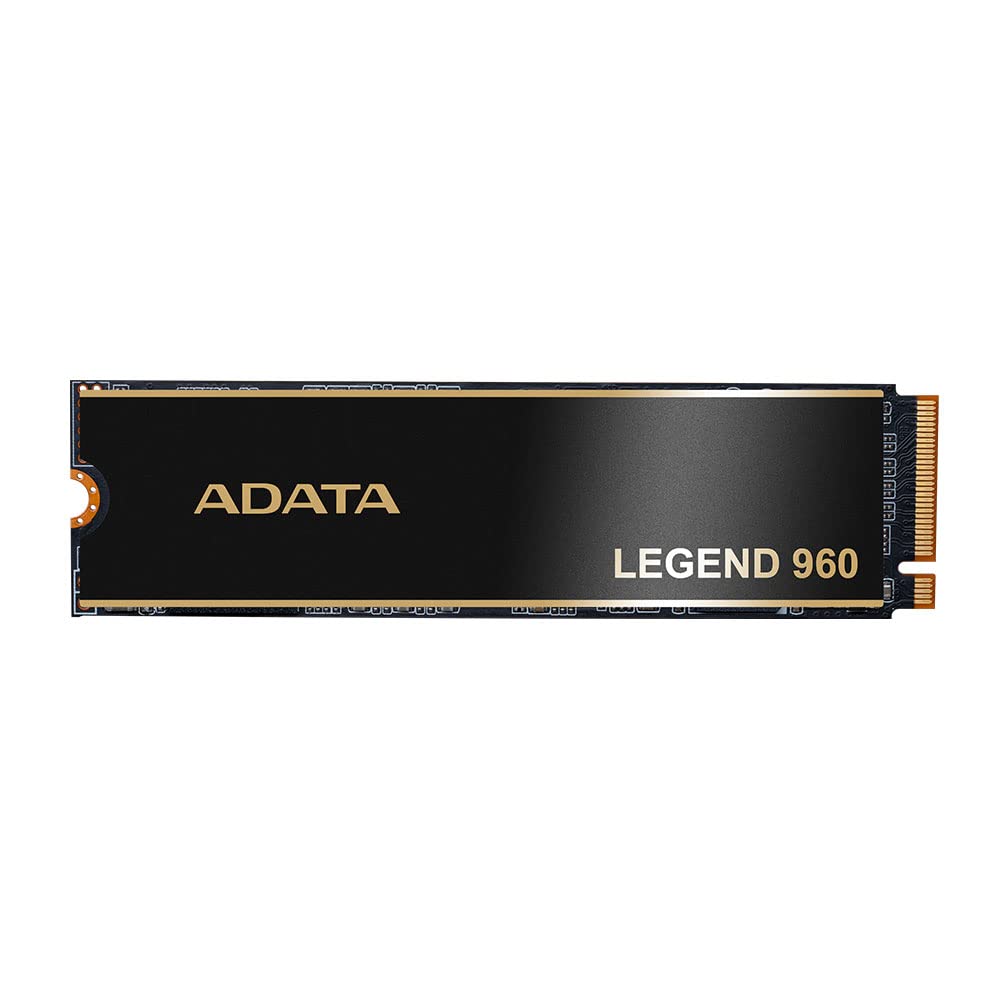
Legend 960 Supports The Latest Pcie Gen4 X4 Interface, Which Meets The Nvme 1.4 Standard. It Offers Excellent Read And Write Performance, Expanded Device Connectivity, And Support For The Latest Intel And Amd Platforms. Whether On A Desktop Or Notebook Pc, Get Your Creativity Up To Speed.
⚠️ WARNING (California Proposition 65): This product may contain chemicals known to the State of California to cause cancer, birth defects, or other reproductive harm. For more information, please visit www.P65Warnings.ca.gov.
Frequently Asked Questions
Q: What is the storage capacity of the ADATA Legend 960 SSD?A: The ADATA Legend 960 SSD has a storage capacity of one terabyte. This allows for ample space to store games, applications, and files.
Q: What interface does the ADATA Legend 960 use?A: The ADATA Legend 960 utilizes a PCIe Gen4 x4 interface. This ensures high-speed data transfer and compatibility with NVMe 1.4 standards.
Q: What are the dimensions of the ADATA Legend 960 SSD?A: The dimensions of the ADATA Legend 960 SSD are nine point seven inches in length, six point five inches in width, and one point one inches in height. These compact dimensions make it suitable for various devices.
Q: How fast can the ADATA Legend 960 read and write data?A: The ADATA Legend 960 can read data at speeds up to seven thousand four hundred megabytes per second and write at six thousand eight hundred megabytes per second. This performance is ideal for gaming and high-demand applications.
Q: Is the ADATA Legend 960 compatible with gaming consoles?A: Yes, the ADATA Legend 960 is compatible with PS5 consoles as expanded storage. This makes it a great choice for gamers looking to upgrade their storage.
Q: How do I install the ADATA Legend 960 SSD?A: To install the ADATA Legend 960 SSD, you need to insert it into an M.2 slot on your motherboard. Ensure the device is powered off before installation for safety.
Q: Can I use the ADATA Legend 960 in a desktop and a laptop?A: Yes, you can use the ADATA Legend 960 in both desktop and notebook PCs. Its versatility makes it suitable for various computing needs.
Q: How do I ensure the ADATA Legend 960 stays cool?A: The ADATA Legend 960 comes with a heat sink that helps keep the SSD cooler. Proper airflow in your system also contributes to maintaining optimal temperatures.
Q: What warranty does the ADATA Legend 960 come with?A: The ADATA Legend 960 SSD is backed by a five-year warranty. This provides peace of mind regarding its durability and performance.
Q: What should I do if the ADATA Legend 960 arrives damaged?A: If the ADATA Legend 960 arrives damaged, you should contact the seller or manufacturer immediately to initiate a return or exchange process. Keep all original packaging for the return.
Q: How should I store the ADATA Legend 960 if not in use?A: If not in use, store the ADATA Legend 960 in a cool, dry place, away from direct sunlight. Avoid placing heavy objects on it to prevent physical damage.
Q: Is the ADATA Legend 960 suitable for high-performance gaming?A: Yes, the ADATA Legend 960 is suitable for high-performance gaming. Its fast read and write speeds enhance gaming experiences with reduced load times.
Q: What types of devices can the ADATA Legend 960 be used with?A: The ADATA Legend 960 can be used with devices that support PCIe Gen4 x4 and NVMe 1.4 interfaces. This includes many modern desktops and laptops.
Q: How do I maintain the performance of the ADATA Legend 960?A: To maintain the performance of the ADATA Legend 960, ensure that your system has adequate cooling and regularly update your drivers. Regularly monitor storage space to avoid performance slowdowns.
Q: What type of memory does the ADATA Legend 960 use?A: The ADATA Legend 960 uses high-quality integrated circuits (ICs) that have been rigorously tested. This ensures reliability and performance in demanding applications.