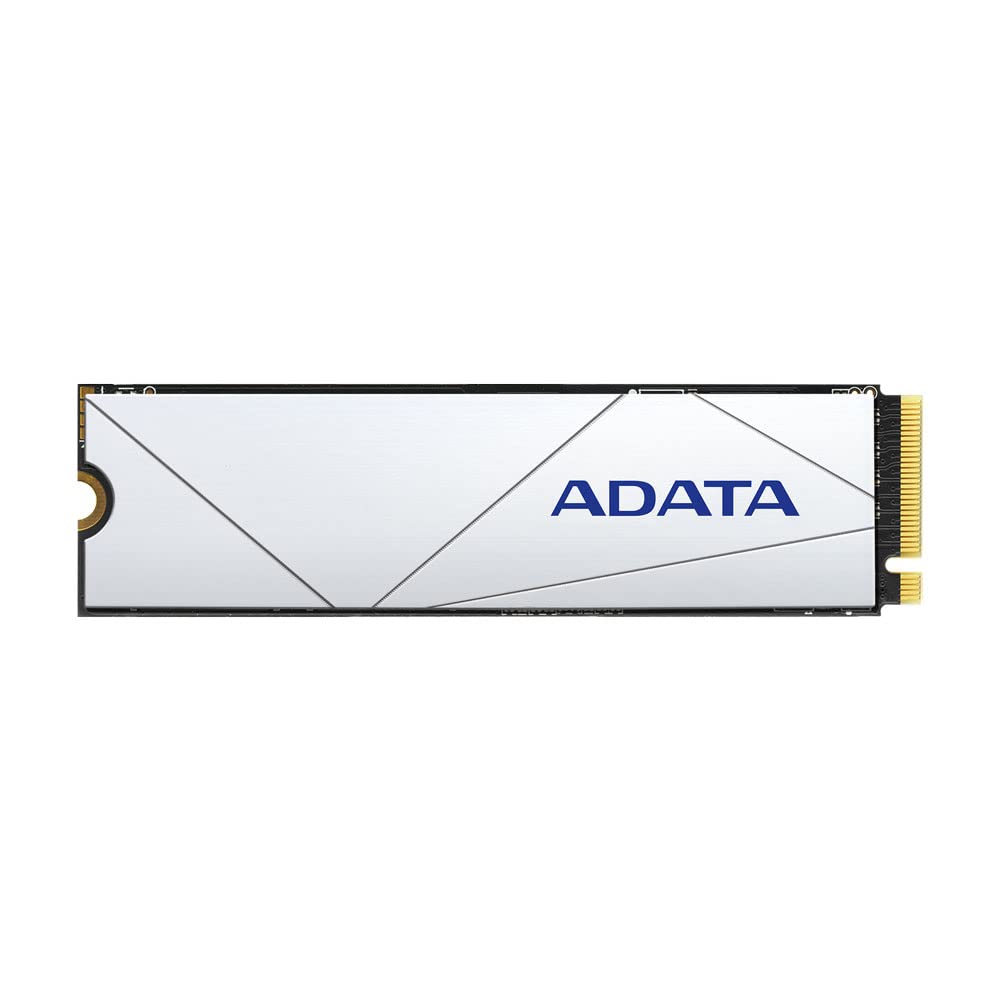
Specification Capacity : 1Tb/2Tb Form Factor :M.2 2280 Interface : Pcie 4.0 X4 Nvme 1.4 Performance : Sequential Read/Write: Up To 6,100Mb/S For Ps5, Up To 7,400Mb/S For Pcs **Speed Test By Internal Lab. Actual Performance May Vary. Mtbf : 2,000,000 Hours Warranty : 5 Year
⚠️ WARNING (California Proposition 65): This product may contain chemicals known to the State of California to cause cancer, birth defects, or other reproductive harm. For more information, please visit www.P65Warnings.ca.gov.
Frequently Asked Questions
Q: What is the storage capacity of the ADATA SSD?A: The ADATA SSD has a storage capacity of two terabytes. This ample space allows for extensive game storage and quick access to files.
Q: What are the dimensions of the ADATA SSD?A: The dimensions of the ADATA SSD are three point fifteen inches in length, zero point eighty-seven inches in width, and zero point sixteen inches in height. Its compact size makes it easy to install in most systems.
Q: What interface does the ADATA SSD use?A: The ADATA SSD uses a PCIe Gen4 NVMe 1.4 interface. This high-speed interface enhances performance, especially in gaming applications.
Q: How do I install the ADATA SSD?A: To install the ADATA SSD, insert it into a compatible M.2 slot on your motherboard. Ensure your motherboard supports PCIe Gen4 for optimal performance.
Q: Is the ADATA SSD compatible with my gaming console?A: Yes, the ADATA SSD is compatible with the PlayStation 5. It can provide enhanced loading speeds and game performance when used in this console.
Q: Can I use the ADATA SSD in a laptop?A: Yes, the ADATA SSD can be used in laptops that have an M.2 slot and support PCIe Gen4. Check your laptop specifications for compatibility.
Q: How do I keep my ADATA SSD in good condition?A: To maintain your ADATA SSD, avoid exposure to extreme temperatures and physical shock. Ensure proper ventilation during use to prevent overheating.
Q: What is the warranty on the ADATA SSD?A: The ADATA SSD is backed by a five-year limited manufacturer warranty. This warranty provides peace of mind in case of defects in materials or workmanship.
Q: How do I troubleshoot if my ADATA SSD is not recognized?A: If your ADATA SSD is not recognized, check the installation in the M.2 slot and ensure your BIOS is updated. Sometimes, a simple reboot can resolve the issue.
Q: Is the ADATA SSD safe for gaming?A: Yes, the ADATA SSD is designed specifically for gaming. Its high-speed performance enhances gameplay and reduces loading times in games.
Q: What speeds can I expect from the ADATA SSD?A: You can expect sequential read speeds of up to seven thousand four hundred megabytes per second on compatible systems. Actual speeds may vary based on your setup.
Q: Can I use the ADATA SSD with PCIe 3.0?A: Yes, the ADATA SSD is backward compatible with PCIe 3.0, though speeds will be limited to three thousand four hundred megabytes per second for reads.
Q: Does the ADATA SSD require special software?A: No, the ADATA SSD does not require special software for installation or operation. It is plug-and-play with compatible devices.
Q: What type of motherboard do I need for the ADATA SSD?A: You need a motherboard that supports PCIe Gen4 for optimal performance, but it can also work with boards that support PCIe 3.0.
Q: Is it difficult to install the ADATA SSD?A: No, installing the ADATA SSD is straightforward and can typically be done with basic tools. Follow the installation guide for best results.