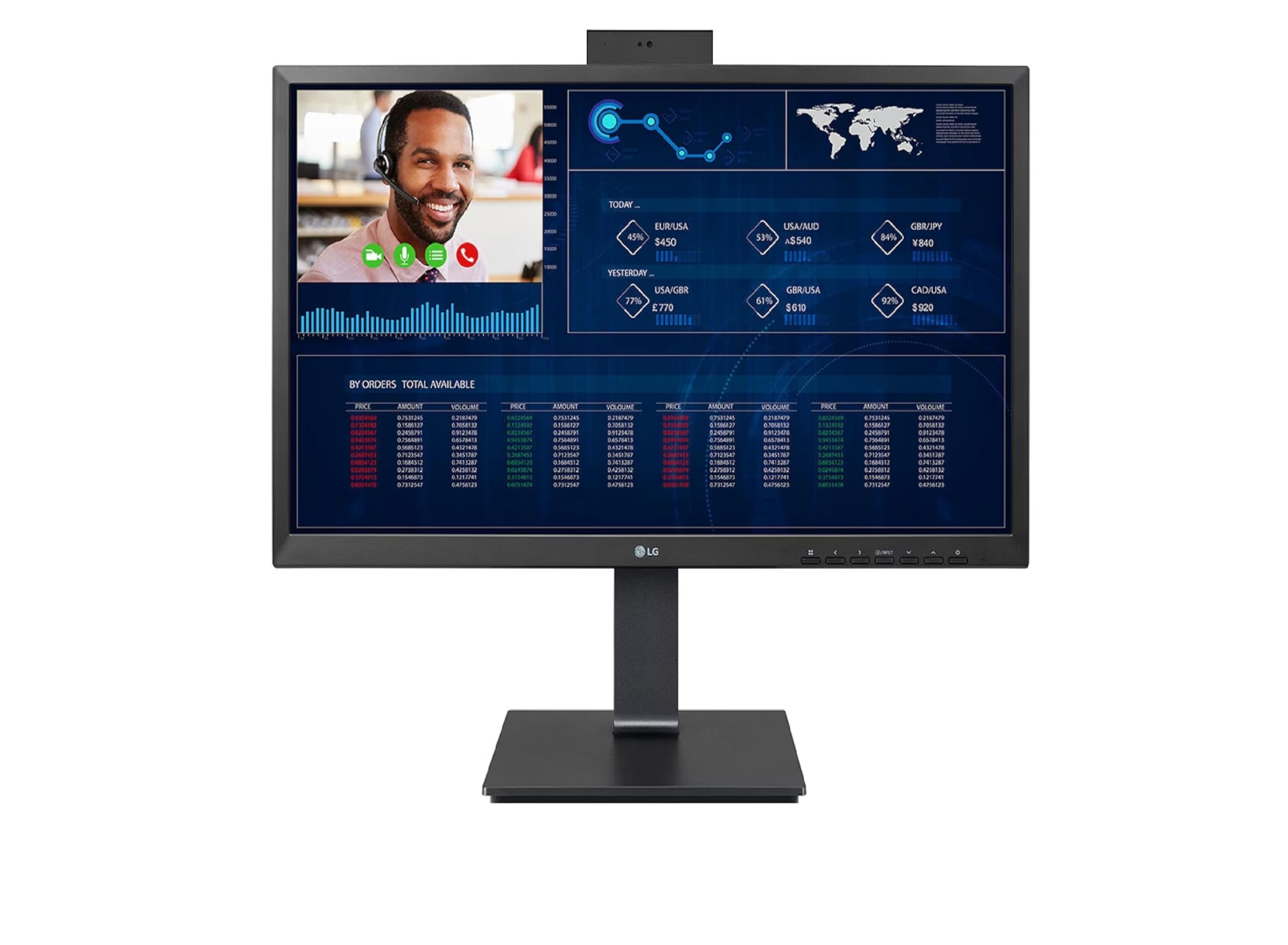
The LG 24" Thin Client AIO Monitor is designed for productivity and efficiency, making it an ideal choice for businesses and professionals seeking a reliable computing solution. With its sleek black design and powerful features, this all-in-one monitor is perfect for a variety of applications, from office tasks to digital signage.
This monitor boasts a native resolution of 1920 x 1080, providing sharp images and vibrant colors thanks to its IPS panel technology. The integrated Intel Pentium N6005 graphics processor ensures smooth performance for everyday tasks, while the 8GB DDR4 RAM and 256GB SSD storage offer ample power and speed for multitasking. Equipped with Windows 10 IoT Enterprise, this monitor enhances usability and security, making it suitable for various commercial environments.
Key Features:
Native Resolution: 1920 x 1080 for clear, high-quality visuals.
Panel Type: IPS technology delivers accurate color reproduction and wide viewing angles.
Operating System: Runs on Windows 10 IoT Enterprise for enhanced security and usability.
Processor: Integrated Intel Pentium N6005 graphics processor for efficient performance.
Memory: 8GB DDR4 RAM supports seamless multitasking and productivity.
Storage: 256GB SSD offers fast data access and reliable performance.
Connectivity Options: Features USB Type-C, HDMI, DisplayPort, and multiple USB ports for versatile connectivity.
The LG 24" Thin Client AIO Monitor is an excellent choice for small to medium-sized businesses, educational institutions, and home offices. Its combination of powerful performance, reliable security, and user-friendly design make it well-suited for various applications. Whether for creating a productive workstation or enhancing digital presentations, this monitor provides the tools needed for success in any work environment.
⚠️ WARNING (California Proposition 65): This product may contain chemicals known to the State of California to cause cancer, birth defects, or other reproductive harm. For more information, please visit www.P65Warnings.ca.gov.
Frequently Asked Questions
Q: What is the screen size of the LG 24CQ651W-BP?A: The screen size is twenty-three point eight inches. This monitor features a Full HD resolution of one thousand nine hundred twenty by one thousand eighty pixels.
Q: What type of panel does the LG 24CQ651W-BP have?A: It has an IPS panel type. IPS panels are known for their accurate color reproduction and wide viewing angles.
Q: What is the native resolution of the LG 24CQ651W-BP?A: The native resolution is one thousand nine hundred twenty by one thousand eighty pixels. This ensures clear and detailed visuals for various applications.
Q: What are the dimensions of the LG 24CQ651W-BP?A: The dimensions are twenty-five inches in length, seven point zero one inches in width, and nineteen point zero two inches in height. This compact design allows for easy placement in various workspaces.
Q: How much RAM does the LG 24CQ651W-BP have?A: It has eight gigabytes of DDR4 RAM. This amount of memory supports multitasking and enhances overall system performance.
Q: What type of storage is included in the LG 24CQ651W-BP?A: It includes a two hundred fifty-six gigabyte SSD. This solid-state drive offers fast boot times and quick access to files.
Q: What operating system does the LG 24CQ651W-BP use?A: The operating system is Windows ten IoT Enterprise. This version is optimized for thin-client applications and enhances security.
Q: What graphics processor is in the LG 24CQ651W-BP?A: It has an integrated Intel Pentium N6005 graphics processor. This allows for efficient performance in everyday tasks.
Q: What connectivity options does the LG 24CQ651W-BP offer?A: It features one USB Type-C port, one HDMI port, one DisplayPort output, two USB two point zero ports, and four USB three point two Gen two Type-A ports. This variety supports numerous peripherals.
Q: Is the LG 24CQ651W-BP suitable for productivity tasks?A: Yes, it is designed for productivity and efficiency. Its features make it ideal for creating a productive workstation.
Q: Can I use the LG 24CQ651W-BP for gaming?A: Yes, it is capable of handling casual gaming. However, it is primarily optimized for business and productivity applications.
Q: How do I clean the screen of the LG 24CQ651W-BP?A: You should use a soft microfiber cloth to gently wipe the screen. Avoid using abrasive materials or strong solvents to prevent damage.
Q: What is the warranty period for the LG 24CQ651W-BP?A: The warranty period is typically one year. This covers defects in material and workmanship under normal use.
Q: What if the LG 24CQ651W-BP arrives damaged?A: You should contact customer support for assistance. They can guide you through the return process and help resolve the issue.
Q: Is the LG 24CQ651W-BP suitable for home use?A: Yes, it is suitable for home use. Its sleek design and performance make it a great choice for both work and leisure activities.
Q: Can I mount the LG 24CQ651W-BP on a wall?A: Yes, it is VESA mount compatible. You can easily mount it to save desk space and achieve a better viewing angle.