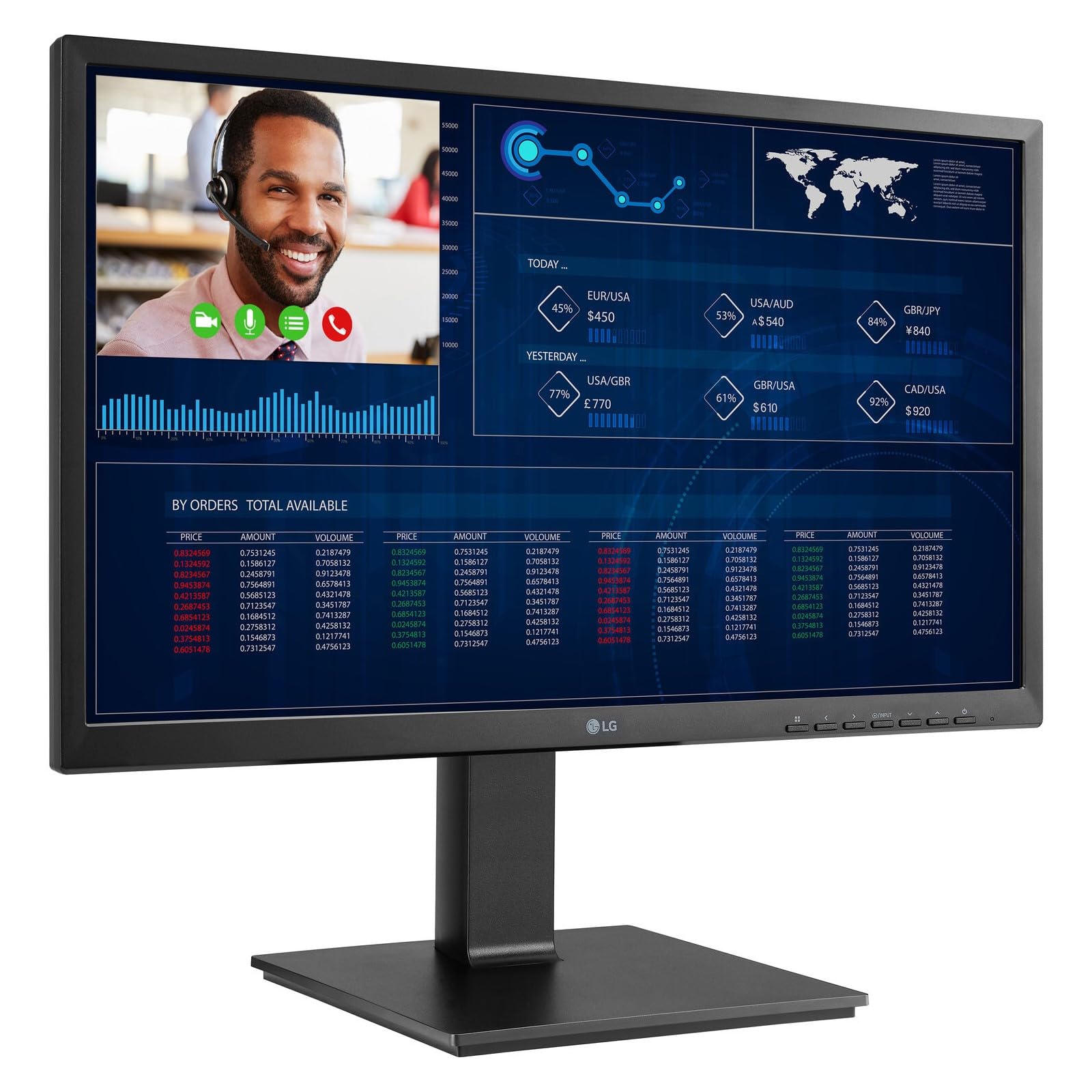
24'' Lg Thin Client Aio Monitor , 1920X1080, Ips, Intel Pentium N6005, 8Gb Ddr4, 16Gb Emmc, Hdmi, Dp, Usb 2.0, Usb 3.2 Gen1, Usb C, Tilt, Height Adjust, Swivel, Pivot, Webcam (Intergrated With Microphone, Push-Pull Type)|1275|649|Both|Short|Warning: Cancer And Reproductive Harm - Www.P65Warnings.Ca.Gov.
⚠️ WARNING (California Proposition 65): This product may contain chemicals known to the State of California to cause cancer, birth defects, or other reproductive harm. For more information, please visit www.P65Warnings.ca.gov.
Frequently Asked Questions
Q: What is the resolution of the LG 24 Thin Client AIO Monitor?A: The resolution is one thousand nine hundred twenty by one thousand eighty pixels. This Full HD resolution provides clear and detailed images for various applications.
Q: What processor does the LG 24 Thin Client AIO Monitor use?A: It features an Intel Pentium N6005 processor. This processor is designed for efficient performance in everyday computing tasks.
Q: How much memory is included in the LG 24 Thin Client AIO Monitor?A: It comes with eight gigabytes of DDR4 memory. This amount of RAM allows for smooth multitasking and efficient operation.
Q: What is the storage capacity of the LG 24 Thin Client AIO Monitor?A: The monitor includes sixteen gigabytes of eMMC storage. This storage capacity is suitable for basic applications and file storage.
Q: What type of display technology does the LG 24 Thin Client AIO Monitor use?A: It utilizes IPS (In-Plane Switching) display technology. IPS technology provides wider viewing angles and better color reproduction.
Q: What is the color of the LG 24 Thin Client AIO Monitor?A: The monitor is available in black. This color is sleek and modern, fitting well into various environments.
Q: How do I set up the LG 24 Thin Client AIO Monitor?A: To set it up, connect the power cable, plug in any peripheral devices, and turn it on. Follow the on-screen instructions for additional configuration.
Q: Is the LG 24 Thin Client AIO Monitor suitable for gaming?A: Yes, it can handle casual gaming. However, it is primarily designed for productivity tasks rather than high-performance gaming.
Q: Can I use the LG 24 Thin Client AIO Monitor for video conferencing?A: Yes, it is suitable for video conferencing. The monitor supports video calls and collaboration tools effectively.
Q: How do I clean the LG 24 Thin Client AIO Monitor?A: To clean the monitor, use a soft, lint-free cloth with a gentle cleaning solution. Avoid using harsh chemicals or abrasive materials.
Q: Is the LG 24 Thin Client AIO Monitor safe for long hours of use?A: Yes, it is designed for prolonged use. The IPS display reduces eye strain, making it suitable for extended periods of work.
Q: What warranty does the LG 24 Thin Client AIO Monitor come with?A: It typically comes with a one-year limited warranty. This warranty covers manufacturing defects and certain types of damage.
Q: What should I do if the LG 24 Thin Client AIO Monitor arrives damaged?A: If it arrives damaged, contact customer support immediately. They will guide you through the return or exchange process.
Q: How does the LG 24 Thin Client AIO Monitor compare to other monitors in its category?A: It offers competitive features like Full HD resolution and IPS technology. This makes it a solid choice for both home and office use.
Q: Is the LG 24 Thin Client AIO Monitor energy-efficient?A: Yes, it is designed with energy efficiency in mind. This helps reduce electricity consumption during operation.