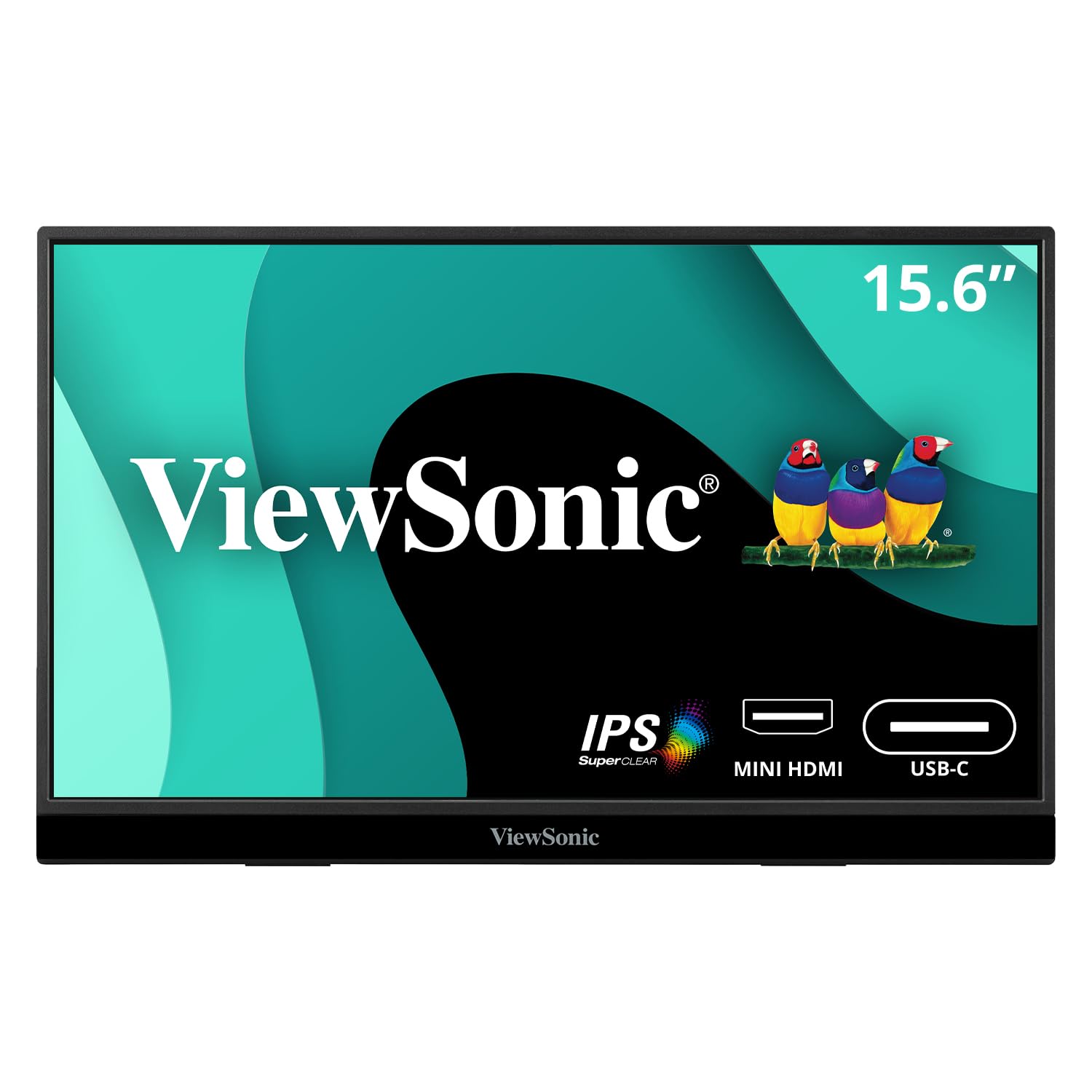
15.6 1080P Portable Monitor With 60W Usb C And Mini Hdmi.
⚠️ WARNING (California Proposition 65): This product may contain chemicals known to the State of California to cause cancer, birth defects, or other reproductive harm. For more information, please visit www.P65Warnings.ca.gov.
Frequently Asked Questions
Q: What is the size and weight of the ViewSonic VX1655 monitor?A: The ViewSonic VX1655 measures fifteen point six inches diagonally and weighs one point seven pounds. This ultra-slim design makes it highly portable, fitting easily into bags.
Q: What is the resolution of the ViewSonic VX1655 monitor?A: The ViewSonic VX1655 offers a resolution of one thousand eighty pixels full high definition. This ensures clear and vibrant visuals for all your viewing needs.
Q: What are the connectivity options for the ViewSonic VX1655?A: The ViewSonic VX1655 includes two USB-C ports, a mini-HDMI port, and a headphone jack. This variety allows for versatile connectivity with different devices.
Q: How do I connect the ViewSonic VX1655 to my laptop?A: You can connect the ViewSonic VX1655 to your laptop using a USB-C cable or mini-HDMI cable. Simply plug the appropriate cable into the monitor and your laptop for easy setup.
Q: Can I use the ViewSonic VX1655 for gaming?A: Yes, the ViewSonic VX1655 is suitable for gaming due to its sixty hertz refresh rate. This provides a smooth gaming experience without lag.
Q: Is the ViewSonic VX1655 compatible with smartphones?A: Yes, the ViewSonic VX1655 is compatible with smartphones that support USB-C video output. This allows you to use the monitor as a larger display for your phone.
Q: How do I clean the ViewSonic VX1655 monitor?A: To clean the ViewSonic VX1655, use a soft, lint-free cloth with a gentle screen cleaner. Avoid using abrasive materials that could scratch the screen.
Q: Is there a warranty for the ViewSonic VX1655?A: Yes, the ViewSonic VX1655 comes with a three-year warranty. This includes access to US-based customer service for support.
Q: How do I store the ViewSonic VX1655 when not in use?A: When not in use, store the ViewSonic VX1655 in a protective case or bag. Ensure it is kept in a dry place to prevent damage.
Q: What is the built-in stand feature of the ViewSonic VX1655?A: The ViewSonic VX1655 features a built-in stand that allows for both portrait and landscape orientations. This enhances versatility for different viewing preferences.
Q: Is the ViewSonic VX1655 suitable for outdoor use?A: While the ViewSonic VX1655 can be used outdoors, it is best used in shaded areas to avoid glare. Direct sunlight may affect visibility.
Q: What is the aspect ratio of the ViewSonic VX1655 monitor?A: The ViewSonic VX1655 has an aspect ratio of sixteen to nine. This is standard for widescreen displays, providing an immersive viewing experience.
Q: Can I mount the ViewSonic VX1655 on a tripod?A: Yes, the ViewSonic VX1655 is designed with an integrated tripod mount. This allows you to use it with a tripod for stable positioning.
Q: Does the ViewSonic VX1655 have built-in speakers?A: Yes, the ViewSonic VX1655 is equipped with dual built-in speakers. This provides audio output without the need for external speakers.
Q: What type of display technology does the ViewSonic VX1655 use?A: The ViewSonic VX1655 uses IPS (In-Plane Switching) technology. This offers wide viewing angles and accurate color reproduction.