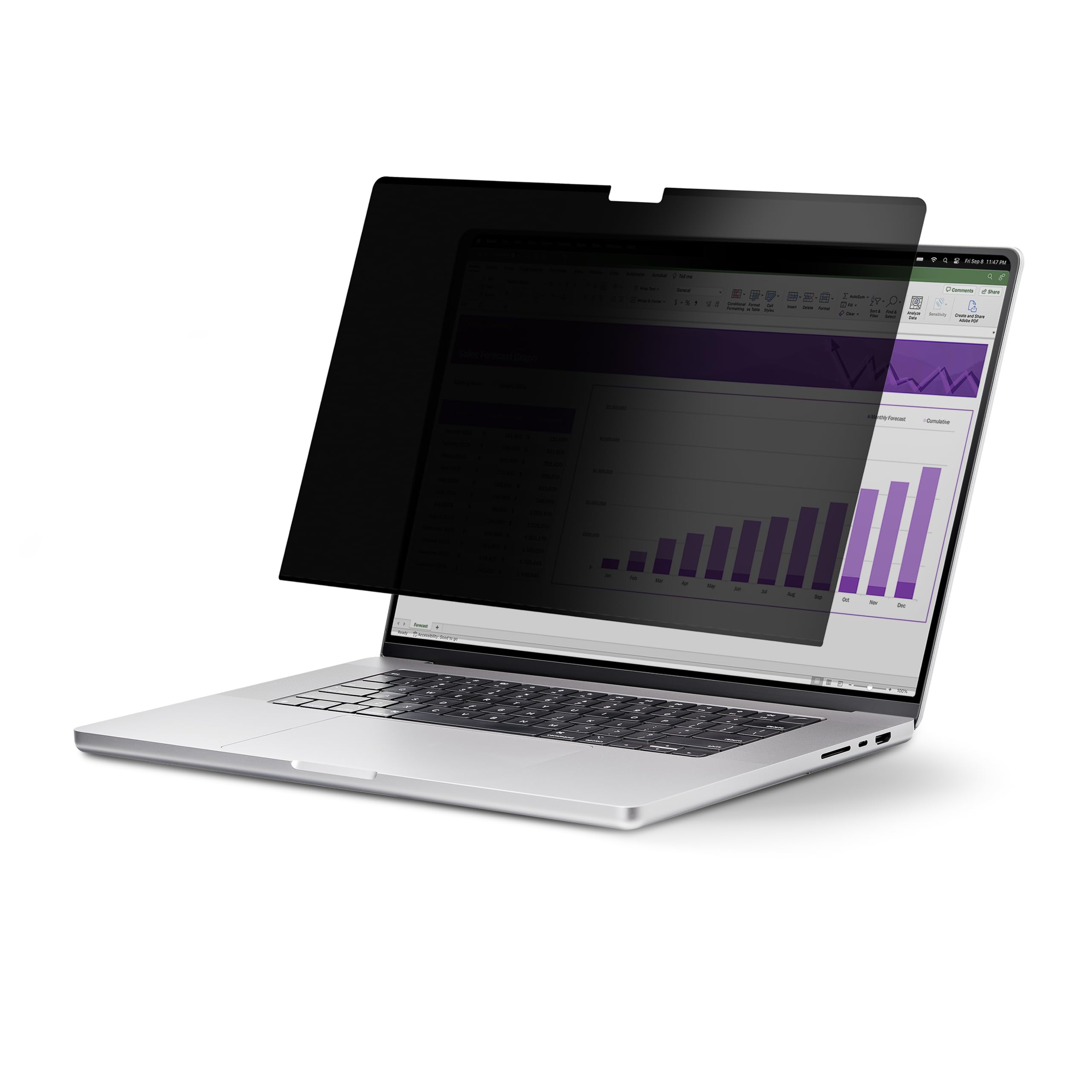
Privacy Screen Uses A Microlouver Technology That Darkens The Screen View From The Sides (+/- 30 Degrees From Center) - Designed To Fit The M2 And M3 13-Inch Macbook Air And Does Interfere When Closing The Lid - Simply Attach This Reversible Privacy Screen Protector On The Computer Using The Slim Built-In Magnetic Strips - This Laptop Privacy Screen Blocks Up To 51% Of Blue Light - Anti-Glare Matte Side For Environments Prone To Glare And A High-Gloss Side That Helps Retain Color Vibrancy
⚠️ WARNING (California Proposition 65): This product may contain chemicals known to the State of California to cause cancer, birth defects, or other reproductive harm. For more information, please visit www.P65Warnings.ca.gov.
Frequently Asked Questions
Q: What are the dimensions of the StarTech.com privacy screen?A: The dimensions are zero point zero two inches in height, four point six five inches in width, and seven point eight inches in length.
Q: What is the color of the privacy screen?A: The privacy screen is black.
Q: What material is the privacy screen made of?A: The privacy screen does not specify a particular material.
Q: How does the privacy screen filter blue light?A: The privacy screen blocks up to fifty-one percent of blue light emitted from the display.
Q: What is the light transmittance rate of the privacy screen?A: The light transmittance rate is sixty percent, which enhances screen brightness.
Q: How do I install the privacy screen on my MacBook Air?A: Simply attach the privacy screen using the slim built-in magnetic strips.
Q: Is the privacy screen suitable for the M2 and M3 MacBook Air models?A: Yes, it is designed specifically for the thirteen-inch M2 and M3 MacBook Air models.
Q: Can I use both sides of the privacy screen?A: Yes, the privacy screen is reversible, featuring a matte anti-glare side and a high-gloss side.
Q: How do I clean the privacy screen?A: To clean the privacy screen, gently wipe it with a soft, dry cloth to avoid scratching.
Q: How do I store the privacy screen when not in use?A: It comes with a protective sleeve to stow away and protect the privacy screen from damage.
Q: Is the privacy screen safe for prolonged use?A: Yes, it reduces digital eye strain by blocking blue light, improving visual comfort.
Q: What is the warranty on the privacy screen?A: The product typically comes with a manufacturer's warranty, but details should be confirmed at purchase.
Q: What if my privacy screen arrives damaged?A: If it arrives damaged, you should contact the seller for a return or replacement.
Q: Does the privacy screen interfere with the webcam?A: No, it is designed to not interfere with top-mounted webcams or sensors.
Q: Is the installation process complicated?A: No, the installation is hassle-free and can be done quickly using magnetic strips.