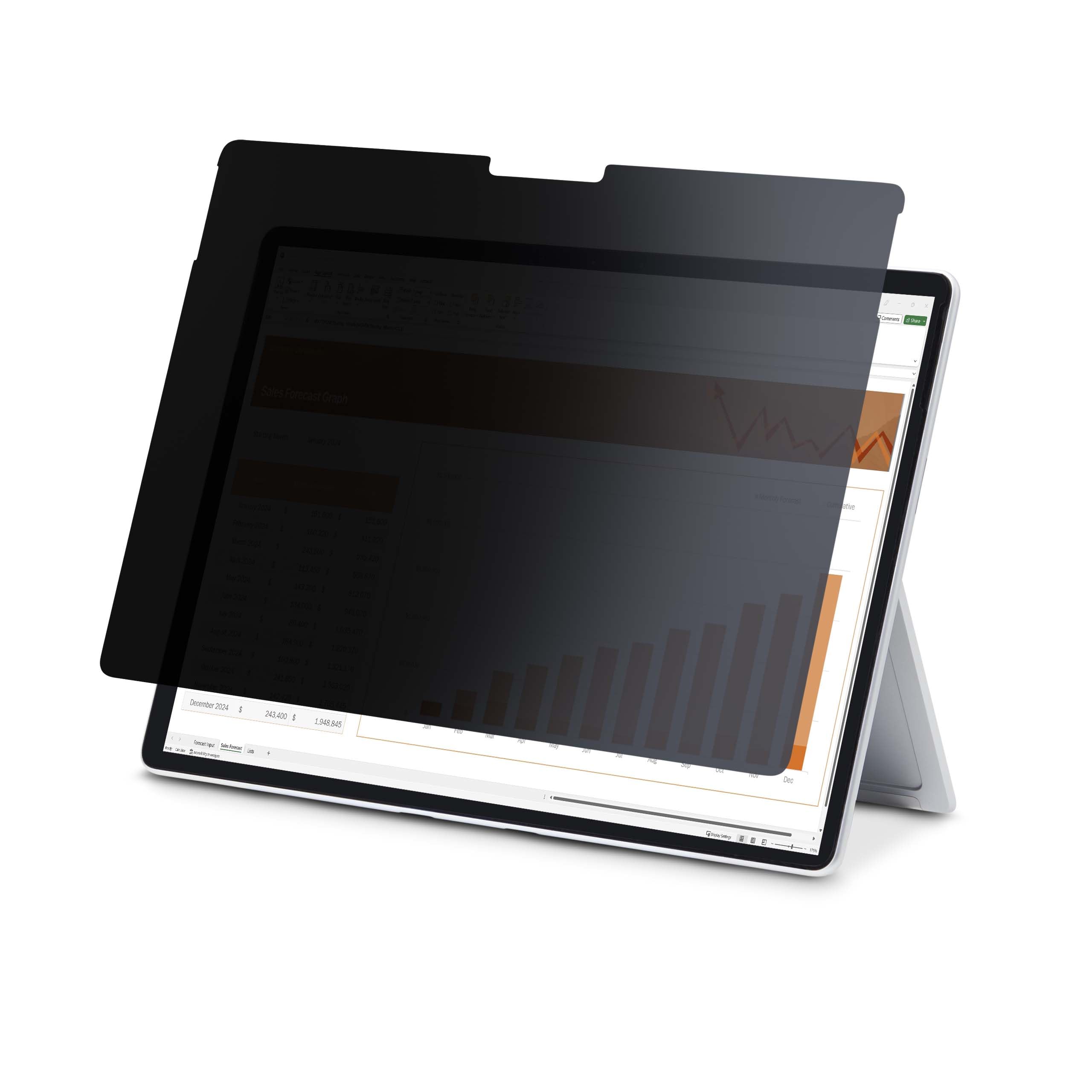
4-Way Privacy Screen For 13-Inch Surface Pro Laptop Shields The Display From The Sides To Prevent Visual Eavesdropping; For 8/9/X Models - Effective In Portrait Or Landscape; +/- 30 View Angle - Exact Fit Screen Protector Won'T Interfere W/Sensors/Camera/Speakers; Computer Privacy Filter Supports Touch Functionality For An Interactive Experience - Self-Adhesive Application For Secure One-Time Application - Security Screen Blocks Up To 51% Of Blue Light For Visual Comfort; Anti-Glare Finish
⚠️ WARNING (California Proposition 65): This product may contain chemicals known to the State of California to cause cancer, birth defects, or other reproductive harm. For more information, please visit www.P65Warnings.ca.gov.
Frequently Asked Questions
Q: What are the dimensions of the privacy screen?A: The privacy screen measures eight inches in length, eleven point one inches in width, and zero point zero one inches in height. It is specifically designed to fit thirteen-inch Surface Pro models.
Q: What is the material of the privacy screen?A: The privacy screen features a high-quality security filter with a matte finish for anti-glare effects. It is designed to provide both privacy and protection against scratches and fingerprints.
Q: Is the privacy screen touch-enabled?A: Yes, the privacy screen is touch-enabled. This allows you to interact with your Surface Pro while maintaining privacy in both portrait and landscape orientations.
Q: How do I install the privacy screen?A: To install the privacy screen, use the included installation kit and follow the step-by-step instructions provided. It is designed for a one-time application directly to the laptop screen.
Q: Is the privacy screen suitable for travel?A: Yes, the privacy screen is ideal for travel. It helps keep confidential data private and prevents visual eavesdropping in public spaces.
Q: Can I use the privacy screen on other devices?A: No, the privacy screen is specifically designed to fit thirteen-inch Surface Pro models only. It will not fit other devices without proper sizing.
Q: How do I clean the privacy screen?A: To clean the privacy screen, use a soft, lint-free cloth. Avoid using harsh chemicals or abrasive materials to maintain its anti-glare coating.
Q: What is the warranty on the privacy screen?A: The privacy screen comes with a two-year warranty. This includes free lifetime technical assistance available twenty-four hours a day, five days a week.
Q: Does the privacy screen block blue light?A: Yes, the privacy screen blocks forty percent to fifty-one percent of blue light emitted by the display. This feature helps reduce digital eye strain.
Q: How does the privacy screen protect my data?A: The privacy screen employs micro-louver technology to obscure the view outside a sixty-degree viewing angle. This keeps your sensitive visual data safe from prying eyes.
Q: Is the privacy screen easy to remove?A: Yes, the privacy screen can be removed if necessary. However, it is designed for a one-time application for optimal performance.
Q: Does the privacy screen affect screen clarity?A: No, the privacy screen is designed to maintain a light transmittance of sixty percent, ensuring improved screen readability while protecting your privacy.
Q: Can I use the privacy screen outdoors?A: Yes, the anti-glare matte finish makes the privacy screen suitable for use outdoors, minimizing glare in bright environments.
Q: Is the installation kit included with the privacy screen?A: Yes, the installation kit is included with the privacy screen. It provides everything you need for a secure and long-lasting fit.
Q: Will the privacy screen interfere with my laptop’s camera or speakers?A: No, the privacy screen is designed to fit precisely without interfering with the display, camera, or speakers of your Surface Pro.