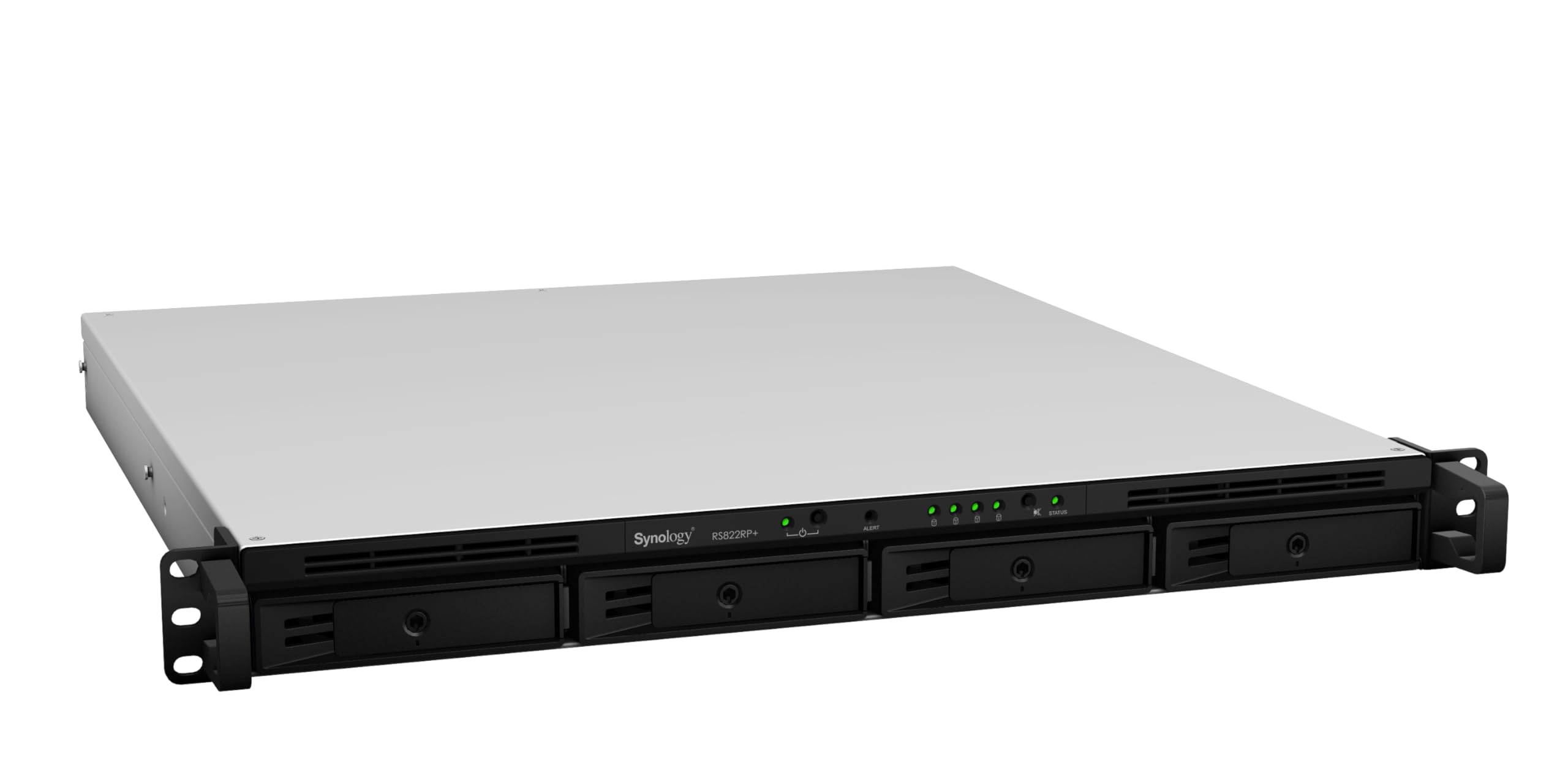
Synology Rackstation Rs822Rp+ Is A 4-Bay Rackmount Nas Enclosed In A Compact 1U Chassis. Running The Powerful Synology Diskstation Manager (Dsm) Operating System, It Is Ideal For Data Backup, Sharing, And Synchronization. Its Small Size, Stable Performance, And Storage Scalability Makes It Suitable For Branch Offices And Small And Medium-Sized Businesses With Everincreasing Data Management Needs.
⚠️ WARNING (California Proposition 65): This product may contain chemicals known to the State of California to cause cancer, birth defects, or other reproductive harm. For more information, please visit www.P65Warnings.ca.gov.
Frequently Asked Questions
Q: What are the dimensions of the Synology RackStation RS822RP+?A: The Synology RackStation RS822RP+ measures twenty-four inches in length, twenty-three inches in width, and eight inches in height.
Q: What material is the Synology RackStation RS822RP+ made of?A: The Synology RackStation RS822RP+ is constructed from metal, providing durability and stability for long-term use.
Q: How many bays does the Synology RackStation RS822RP+ have?A: The device has four bays, allowing for storage scalability up to eight drives with additional expansion.
Q: How do I set up the Synology RackStation RS822RP+?A: To set up the Synology RackStation RS822RP+, connect it to a power source and network, install hard drives, and follow the DSM installation instructions.
Q: Is the Synology RackStation RS822RP+ suitable for small businesses?A: Yes, the RS822RP+ is ideal for small and medium-sized businesses that require reliable data management and backup solutions.
Q: Can I expand the storage capacity of the Synology RackStation RS822RP+?A: Yes, you can scale the storage capacity up to eight drives by using a Synology RX418 Expansion Unit.
Q: What is the power supply configuration of the Synology RackStation RS822RP+?A: The RS822RP+ is equipped with a redundant power supply, ensuring stability and reducing downtime.
Q: How do I maintain the Synology RackStation RS822RP+?A: To maintain the RS822RP+, ensure regular software updates through DSM and monitor the health of the drives for optimal performance.
Q: Is the Synology RackStation RS822RP+ energy efficient?A: Yes, the RS822RP+ operates efficiently, making it a cost-effective solution for data storage needs.
Q: What kind of network connectivity does the Synology RackStation RS822RP+ support?A: The RS822RP+ supports four one gigabit Ethernet ports for network failover and load balancing, with optional ten or twenty-five gigabit Ethernet expansions.
Q: How do I back up data using the Synology RackStation RS822RP+?A: Data can be backed up on the RS822RP+ using the built-in backup tools in DSM, which support various backup methods including cloud and local backups.
Q: What performance can I expect from the Synology RackStation RS822RP+?A: The device offers over two thousand one hundred megabytes per second for sequential read and one thousand seventy-four megabytes per second for sequential write throughput.
Q: Can I use SSDs with the Synology RackStation RS822RP+?A: Yes, you can boost random IOPS performance by adding optional SSD cache to the RS822RP+.
Q: What type of businesses can benefit from the Synology RackStation RS822RP+?A: The RS822RP+ is perfect for branch offices and small to medium-sized businesses that need reliable data sharing and synchronization.
Q: What operating system does the Synology RackStation RS822RP+ run on?A: The RS822RP+ runs on the Synology DiskStation Manager (DSM) operating system, which offers a user-friendly interface and robust features.
Q: What should I do if the Synology RackStation RS822RP+ does not power on?A: If the RS822RP+ does not power on, check the power connections, ensure the outlet is functional, and verify the power supply is operational.