

Cart
0


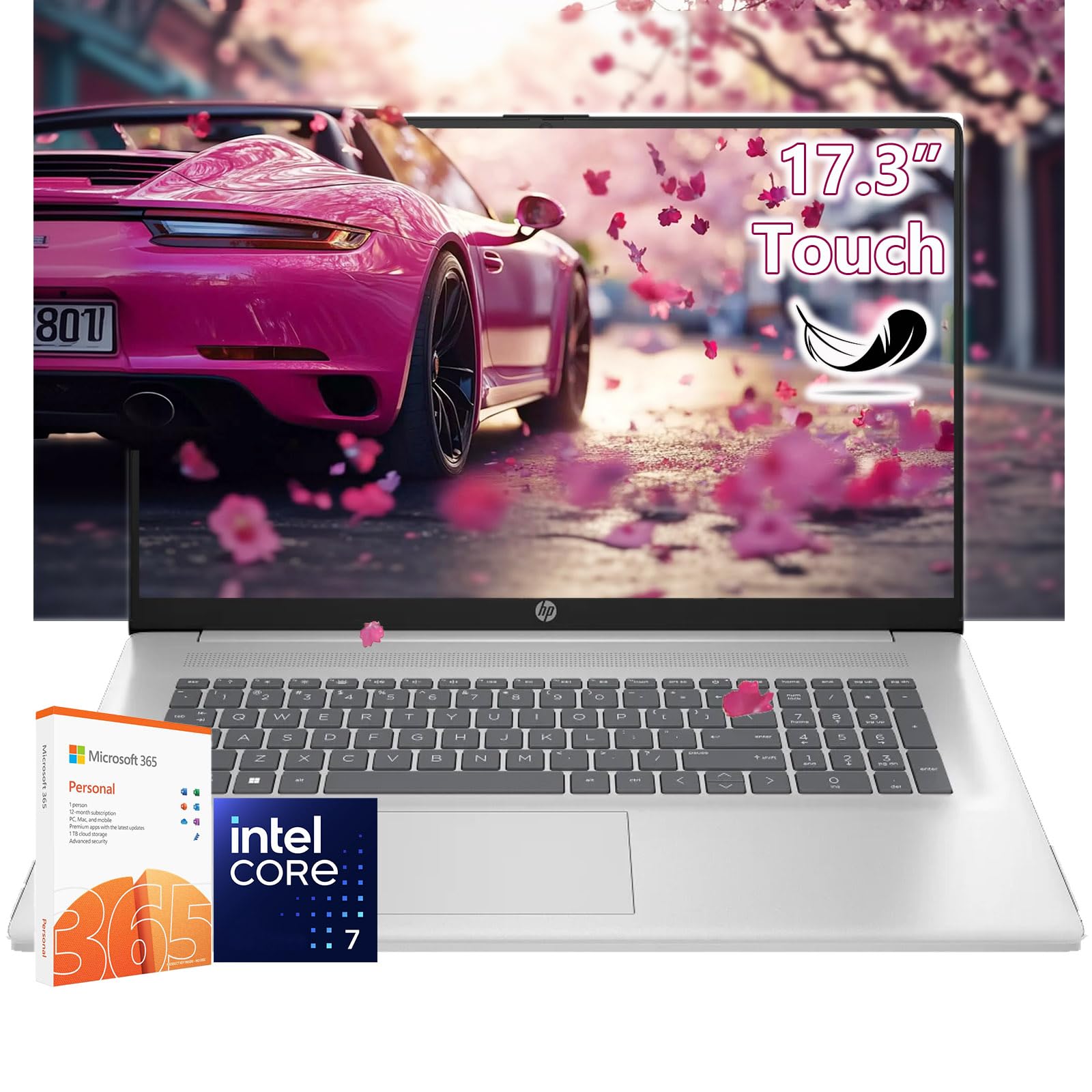
Hp 17Inch Touchscreen Laptop Ai 2024 10Core Intel I7 150U Beat I7 1355U Backlit Keyboard Windows 11 Office 365 One Year 64G
Vendor: HP
Type: Business Laptops
Sku: WBCOMB0DSPJS69W
Availability: Sold Out
Couldn't load pickup availability
Guarantee safe checkout

Sold by Electroeshop, an authorized reseller.
Returns accepted within 30 days | support@electroeshop.com
Shipping Information
- Free Standard Shipping — United States only
- Processing Time: 1–3 business days
- Estimated Delivery: 3–5 business days after dispatch
- Double-boxed, fully insured & discreetly packaged
- Tracking number sent via email once dispatched
- Orders over $250 require signature upon delivery. Taxes calculated at checkout.
Returns & Refund
Returns accepted within 30 days of delivery.
Damaged or Defective Item
Free return shipping + replacement or full refund
Wrong Item Received
Free return shipping + replacement or full refund
Change of Mind
Return shipping at customer's expense · 25% restocking fee applies
All returns require a Return Authorization (RA) number before sending.
View Full Return & Refund Policy
Hp 17Inch Touchscreen Laptop Ai 2024 10Core Intel I7 150U Beat I7 1355U Backlit Keyboard Windows 11 Office 365 One Year 64G
$1,174.06

Frequently Asked Questions
- Q: What is the display size of the HP 17inch Touchscreen Laptop? A: The display size is seventeen point three inches. This large touchscreen display offers HD resolution for impressive color and clarity.
- Q: What type of processor does this laptop use? A: It uses an Intel Core i7 150U processor, which is a ten-core CPU. This powerful processor enhances multitasking and overall performance.
- Q: How much RAM does this laptop have? A: The laptop has sixty-four gigabytes of RAM. This high amount of memory allows for smooth operation of multiple applications simultaneously.
- Q: What is the battery life of the HP 17inch laptop? A: The battery life is up to nine hours. This long battery life enables extended usage without frequent recharging.
- Q: What operating system comes pre-installed on this laptop? A: It comes with Windows eleven pre-installed. This modern operating system includes features designed for efficiency and productivity.
- Q: Does the laptop have a backlit keyboard? A: Yes, it features a full-size backlit keyboard. This makes it easier to work in low-light environments as the keys are illuminated.
- Q: How do I connect external devices to the laptop? A: You can connect external devices using one USB Type-C port and two USB Type-A ports. Additionally, there is one HDMI port for display connectivity.
- Q: Is this laptop suitable for business use? A: Yes, it is suitable for business use. With its powerful hardware and Windows eleven, it meets the needs of professionals for work tasks.
- Q: How do I upgrade or maintain the laptop's performance? A: You can maintain performance by keeping the software updated and managing storage efficiently. Regularly check for updates through Windows eleven.
- Q: What should I do to ensure the laptop stays in good condition? A: Keep the laptop clean and store it in a cool, dry place. Regularly update software and avoid exposing it to extreme temperatures.
- Q: Is there a warranty for the laptop? A: Yes, it comes with a one-year standard warranty. This warranty covers any manufacturing defects and issues that may arise.
- Q: What happens if the laptop arrives damaged? A: If the laptop arrives damaged, you should contact customer support for assistance. They will guide you through the return process.
- Q: Is this laptop good for gaming? A: Yes, it is capable of casual gaming. The Intel Core i7 processor and integrated graphics provide decent performance for light gaming.
- Q: Can I install additional software on this laptop? A: Yes, you can install additional software. The laptop's specifications allow for a variety of applications, including productivity and creative software.
- Q: How do I clean the touchscreen display? A: To clean the touchscreen, use a soft, lint-free cloth. Avoid using harsh chemicals that may damage the screen.