

Cart
0


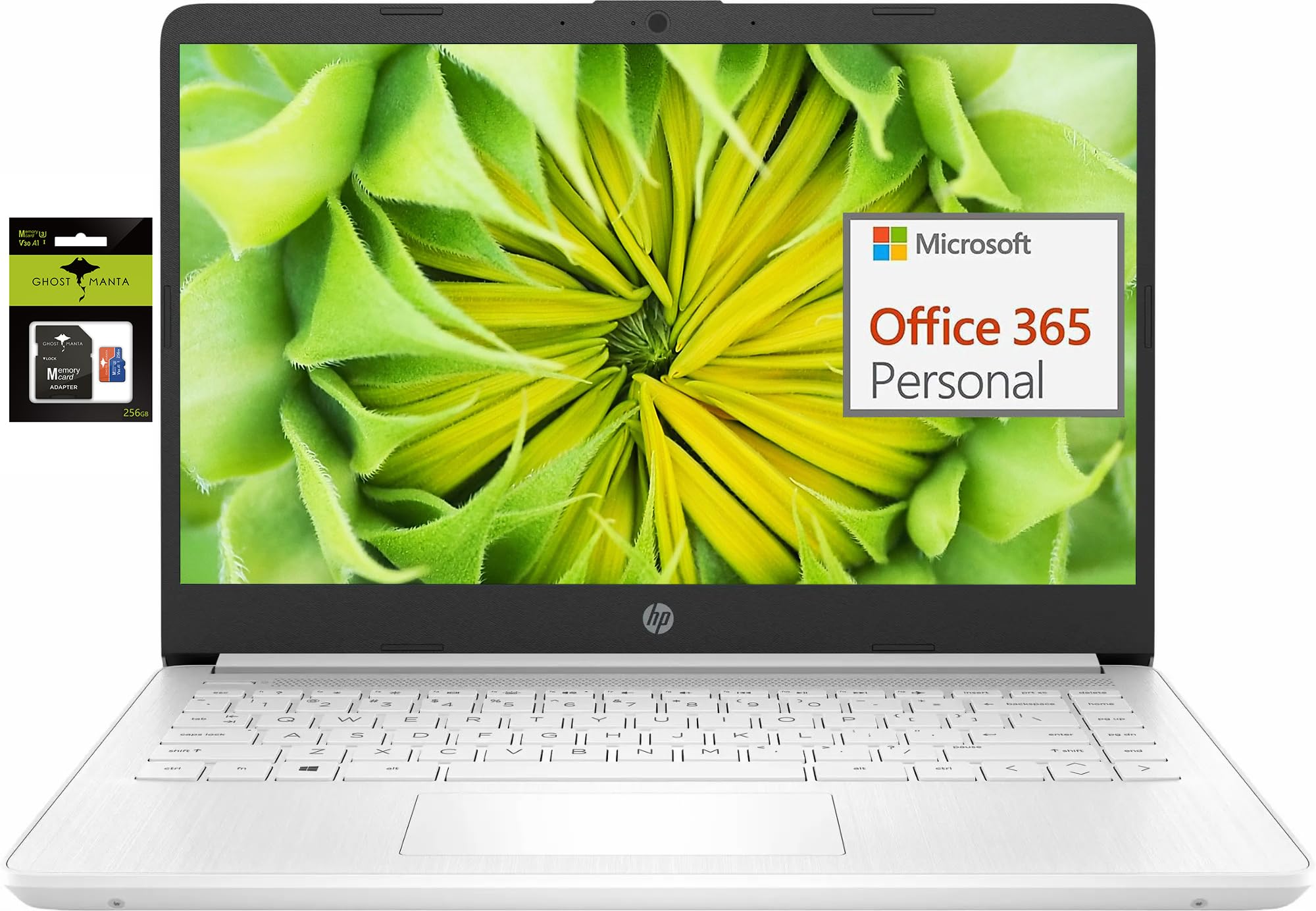
Hp 14 Premium Hd Portable Laptop Computer Students Business, Quad Core Intel Celeron Processor, 16Gb Ram, 320Gb Storage(64Gb Emm
Vendor: HP
Type: Business Laptops
Sku: WBCOMB0DWJPJ586
Availability: In Stock
Couldn't load pickup availability
Guarantee safe checkout

Sold by Electroeshop, an authorized reseller.
Returns accepted within 30 days | support@electroeshop.com
Shipping Information
- Free Standard Shipping — United States only
- Processing Time: 1–3 business days
- Estimated Delivery: 3–5 business days after dispatch
- Double-boxed, fully insured & discreetly packaged
- Tracking number sent via email once dispatched
- Orders over $250 require signature upon delivery. Taxes calculated at checkout.
Returns & Refund
Returns accepted within 30 days of delivery.
Damaged or Defective Item
Free return shipping + replacement or full refund
Wrong Item Received
Free return shipping + replacement or full refund
Change of Mind
Return shipping at customer's expense · 25% restocking fee applies
All returns require a Return Authorization (RA) number before sending.
View Full Return & Refund Policy
Hp 14 Premium Hd Portable Laptop Computer Students Business, Quad Core Intel Celeron Processor, 16Gb Ram, 320Gb Storage(64Gb Emm
$429.48

Frequently Asked Questions
- Q: What is the screen size of the HP 14 Premium HD Portable Laptop? A: The screen size is fourteen inches. It features an HD micro-edge BrightView display for an immersive viewing experience.
- Q: What are the dimensions of the HP 14 laptop? A: The dimensions are twelve point seventy-six inches in length, eight point eighty-six inches in width, and zero point seventy-one inches in height.
- Q: How much RAM and storage does this laptop have? A: It has sixteen gigabytes of RAM and three hundred twenty gigabytes of storage. This includes sixty-four gigabytes of eMMC and a two hundred fifty-six gigabyte Ghost Manta SD card.
- Q: What processor does the HP 14 laptop use? A: It uses an Intel Celeron N4120 processor. This quad-core processor can reach speeds of up to two point six gigahertz.
- Q: How do I activate the pre-installed Office 365 on this laptop? A: To activate Office 365, launch any Office app and sign in with your Microsoft account. Follow the prompts to complete the activation process.
- Q: How long does the battery last on the HP 14 laptop? A: The battery can last up to ten hours. This allows for extended use without needing to recharge.
- Q: Is the HP 14 laptop suitable for students? A: Yes, it is suitable for students. With its lightweight design and long battery life, it is ideal for studying and multitasking.
- Q: Can I install apps outside of the Microsoft Store on this laptop? A: Yes, but you need to switch out of S mode. This can be done through the Settings menu in Windows 11.
- Q: What type of webcam does the HP 14 laptop have? A: It has an HP True Vision seven hundred twenty p HD camera. This webcam includes integrated dual-array digital microphones for clear video chats.
- Q: Does the HP 14 laptop support Bluetooth connectivity? A: Yes, it supports Bluetooth connectivity. It also has Wi-Fi capabilities for easy internet access.
- Q: What is the weight of the HP 14 laptop? A: The weight is approximately three point twenty-one pounds. This makes it portable and easy to carry.
- Q: How do I care for the HP 14 laptop to ensure its longevity? A: To care for the laptop, keep it clean and avoid exposure to extreme temperatures. Regularly update the software to maintain performance.
- Q: What is the warranty period for the HP 14 laptop? A: The warranty period is typically one year. Check with the retailer for specific warranty details.
- Q: Can I upgrade the RAM or storage on this laptop? A: Upgrading the RAM is possible but may require professional assistance. The storage can be expanded with additional SD cards.
- Q: What should I do if my HP 14 laptop arrives damaged? A: If it arrives damaged, contact the retailer immediately for a return or replacement. Keep all original packaging for the return process.