

Cart
0


Apple Ipad Air 11 Inch (M2): Built For Apple Intelligence, Liquid Retina Display, 1Tb, 12Mp Front/Back Camera, Wi Fi 6E + 5G Cel
Vendor: Apple
Type: iPads & iOS Tablets
Sku: WBCOMB0D3J6MSJX
Availability: In Stock
Couldn't load pickup availability
Guarantee safe checkout

Sold by Electroeshop, an authorized reseller.
Returns accepted within 30 days | support@electroeshop.com
Shipping Information
- Free Standard Shipping — United States only
- Processing Time: 1–3 business days
- Estimated Delivery: 3–5 business days after dispatch
- Double-boxed, fully insured & discreetly packaged
- Tracking number sent via email once dispatched
- Orders over $250 require signature upon delivery. Taxes calculated at checkout.
Returns & Refund
Returns accepted within 30 days of delivery.
Damaged or Defective Item
Free return shipping + replacement or full refund
Wrong Item Received
Free return shipping + replacement or full refund
Change of Mind
Return shipping at customer's expense · 25% restocking fee applies
All returns require a Return Authorization (RA) number before sending.
View Full Return & Refund Policy
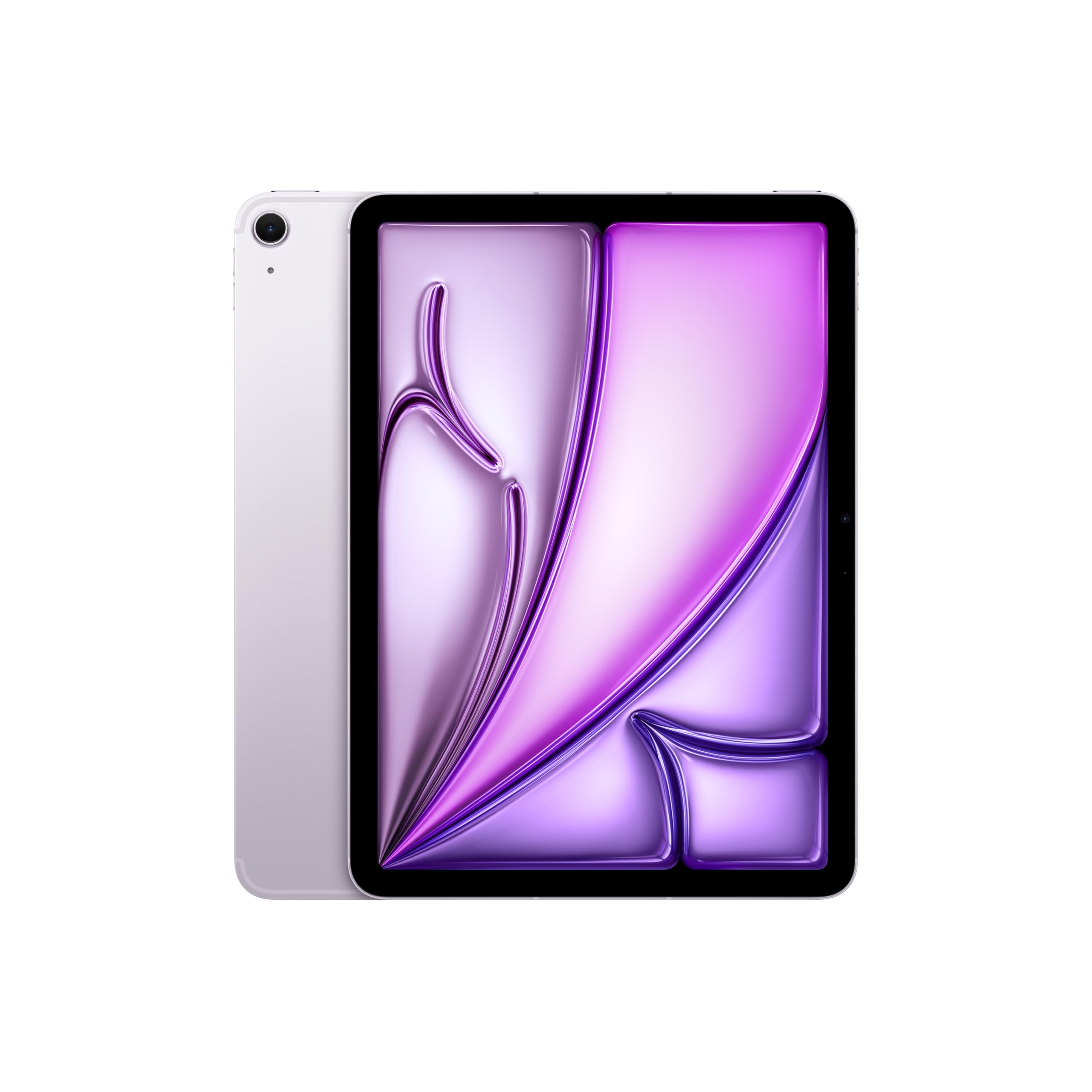
Apple Ipad Air 11 Inch (M2): Built For Apple Intelligence, Liquid Retina Display, 1Tb, 12Mp Front/Back Camera, Wi Fi 6E + 5G Cel
$901.23

Frequently Asked Questions
- Q: What are the dimensions of the Apple iPad Air? A: The dimensions are nine point seventy-four inches long, seven point zero two inches wide, and zero point twenty-four inches thick.
- Q: What is the storage capacity of the iPad Air? A: The iPad Air has a storage capacity of one terabyte, allowing ample space for apps, music, and videos.
- Q: What type of display does the iPad Air have? A: The iPad Air features an eleven inch Liquid Retina display, which provides stunning visuals with advanced color technologies.
- Q: How do you use the iPad Air for video calls? A: To use the iPad Air for video calls, open a video conferencing app and utilize the twelve megapixel front camera, which supports Center Stage.
- Q: Can I use Apple Pencil with the iPad Air? A: Yes, the iPad Air is compatible with the new Apple Pencil Pro, enhancing your drawing and note-taking experience.
- Q: Is the iPad Air suitable for gaming? A: Yes, the iPad Air, powered by the M2 chip, is capable of running graphics-intensive games smoothly.
- Q: How do I care for my iPad Air? A: To care for your iPad Air, keep it clean by using a soft, lint-free cloth and avoid exposing it to extreme temperatures.
- Q: How long does the battery last on the iPad Air? A: The iPad Air offers all-day battery life, allowing for up to ten hours of usage on a single charge.
- Q: What safety features does the iPad Air include? A: The iPad Air includes Touch ID for secure unlocking and payments, ensuring your data remains protected.
- Q: How do I store the iPad Air safely? A: Store the iPad Air in a cool, dry place, and consider using a protective case to prevent damage.
- Q: What accessories can I use with the iPad Air? A: You can use accessories like the Magic Keyboard and Apple Pencil to enhance functionality and productivity.
- Q: Is the iPad Air good for students? A: Yes, the iPad Air is excellent for students due to its powerful performance and compatibility with productivity accessories.
- Q: What if my iPad Air arrives damaged? A: If your iPad Air arrives damaged, contact the retailer for support and inquire about their return policy.
- Q: How do I troubleshoot connectivity issues with the iPad Air? A: To troubleshoot connectivity issues, ensure that Wi-Fi is enabled and restart your router or the iPad Air if needed.
- Q: Is the iPad Air suitable for professional use? A: Yes, the iPad Air is suitable for professional use, equipped with powerful features for multitasking and productivity.