

Cart
0


Verbatim 32Gb Store 'N' Go Usb Flash Drive 2Pk Blue, Green
Free Standard Shipping Across USA
Vendor: Verbatim
Type: Hard Drive Enclosures
Sku: WBEEAB00ZYP1WN0
Availability: Sold Out
Couldn't load pickup availability
Guarantee safe checkout

Sold by Electroeshop, an authorized reseller.
Returns accepted within 30 days | support@electroeshop.com
Shipping Information
- Free Standard Shipping — United States only
- Processing Time: 3–5 business days
- Estimated Delivery: 6–10 business days after dispatch
- Double-boxed, fully insured & discreetly packaged
- Tracking number sent via email once dispatched
Returns & Refund
Returns accepted within 30 days of delivery.
Damaged or Defective Item
Free return shipping + replacement or full refund
Wrong Item Received
Free return shipping + replacement or full refund
Change of Mind
Return shipping at customer's expense · 25% restocking fee applies
All returns require a Return Authorization (RA) number before sending.
View Full Return & Refund Policy
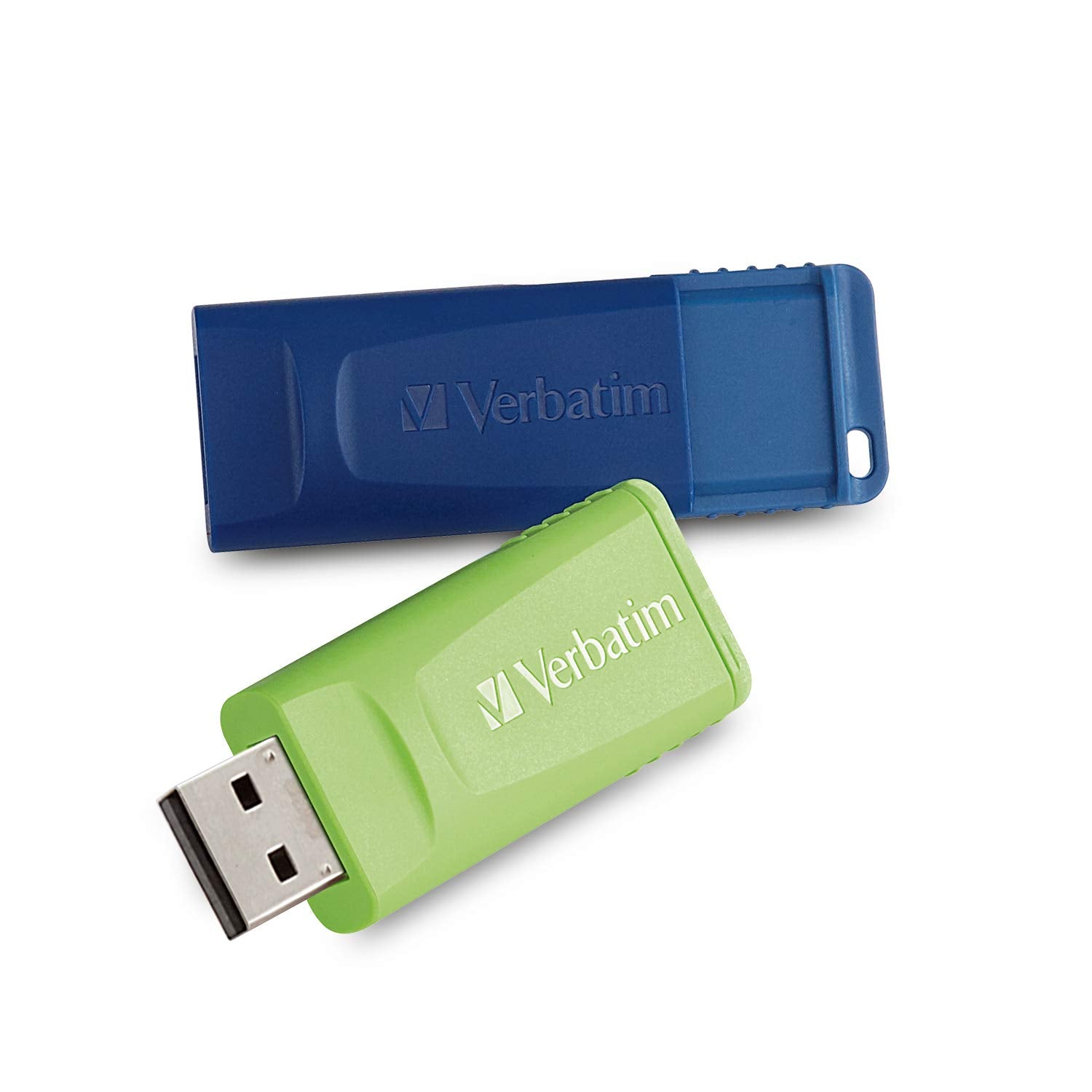
Verbatim 32Gb Store 'N' Go Usb Flash Drive 2Pk Blue, Green
$15.78

Frequently Asked Questions
- Q: What is the storage capacity of this USB flash drive? A: This USB flash drive has a storage capacity of thirty-two gigabytes. It allows you to download, store, and transfer a substantial amount of files.
- Q: What are the dimensions of the Verbatim USB flash drive? A: The dimensions of the USB flash drive are two point three inches in length, zero point four three inches in width, and zero point eight three inches in height. These compact dimensions make it easy to carry.
- Q: What materials is the Verbatim USB flash drive made from? A: The specific materials of the USB flash drive are unspecified. However, it features a convenient cap-less design for durability.
- Q: How do I use the Verbatim USB flash drive? A: To use the USB flash drive, simply plug it into any USB port. It’s plug and play, meaning no additional software is required for setup.
- Q: Is this USB drive compatible with gaming systems? A: Yes, this USB drive is compatible with various gaming systems. It can also be used with computers, TVs, and other USB two point zero compatible devices.
- Q: How do I install files onto the USB flash drive? A: To install files, connect the USB drive to your device, open the file explorer, and drag and drop files onto the drive. It's a straightforward process.
- Q: How should I care for my USB flash drive? A: To care for your USB flash drive, avoid exposing it to extreme temperatures or moisture. Store it in a safe place when not in use to prevent damage.
- Q: Can I password protect files on this USB flash drive? A: Yes, optional password protection software is available for Windows users. This enhances the security of your stored files.
- Q: What is the warranty on the Verbatim USB flash drive? A: The warranty specifics may vary, but Verbatim typically offers a limited warranty on their USB flash drives. Refer to the product documentation for details.
- Q: How do I troubleshoot if my USB flash drive isn't recognized? A: If your USB flash drive isn't recognized, try connecting it to a different USB port or device. Ensure that the drive is properly inserted.
- Q: Is the Verbatim USB drive suitable for transferring large files? A: Yes, this USB drive is suitable for transferring large files, thanks to its thirty-two gigabyte capacity. It efficiently handles file transfers across various devices.
- Q: Can I use this USB drive with my smart TV? A: Yes, you can use this USB drive with most smart TVs that have USB ports. It allows you to access and play media files directly from the drive.
- Q: What can I do if the USB drive gets damaged? A: If the USB drive gets damaged, check if it is still under warranty for possible replacement. Avoid using a damaged drive to prevent data loss.
- Q: Does this USB drive require any software installation? A: No, this USB drive does not require any software installation. It is designed to be ready to use right out of the package.
- Q: How do I safely remove the USB drive from my computer? A: To safely remove the USB drive, use the 'Eject' option in your file explorer. This prevents data corruption and ensures safe disconnection.