

Cart
0

Tripp Lite M.2 NGFF SATA SSD to 2.5in SATA Enclosure Adapter - Model P960-001-M2
Free Standard Shipping Across USA
Vendor: Tripp Lite
Type: Hard Drive Enclosures
Sku: WBEEAB01NBPD4SD
Availability: Sold Out
Couldn't load pickup availability
Guarantee safe checkout

Sold by Electroeshop, an authorized reseller.
Returns accepted within 30 days | support@electroeshop.com
Shipping Information
- Free Standard Shipping — United States only
- Processing Time: 3–5 business days
- Estimated Delivery: 6–10 business days after dispatch
- Double-boxed, fully insured & discreetly packaged
- Tracking number sent via email once dispatched
Returns & Refund
Returns accepted within 30 days of delivery.
Damaged or Defective Item
Free return shipping + replacement or full refund
Wrong Item Received
Free return shipping + replacement or full refund
Change of Mind
Return shipping at customer's expense · 25% restocking fee applies
All returns require a Return Authorization (RA) number before sending.
View Full Return & Refund Policy
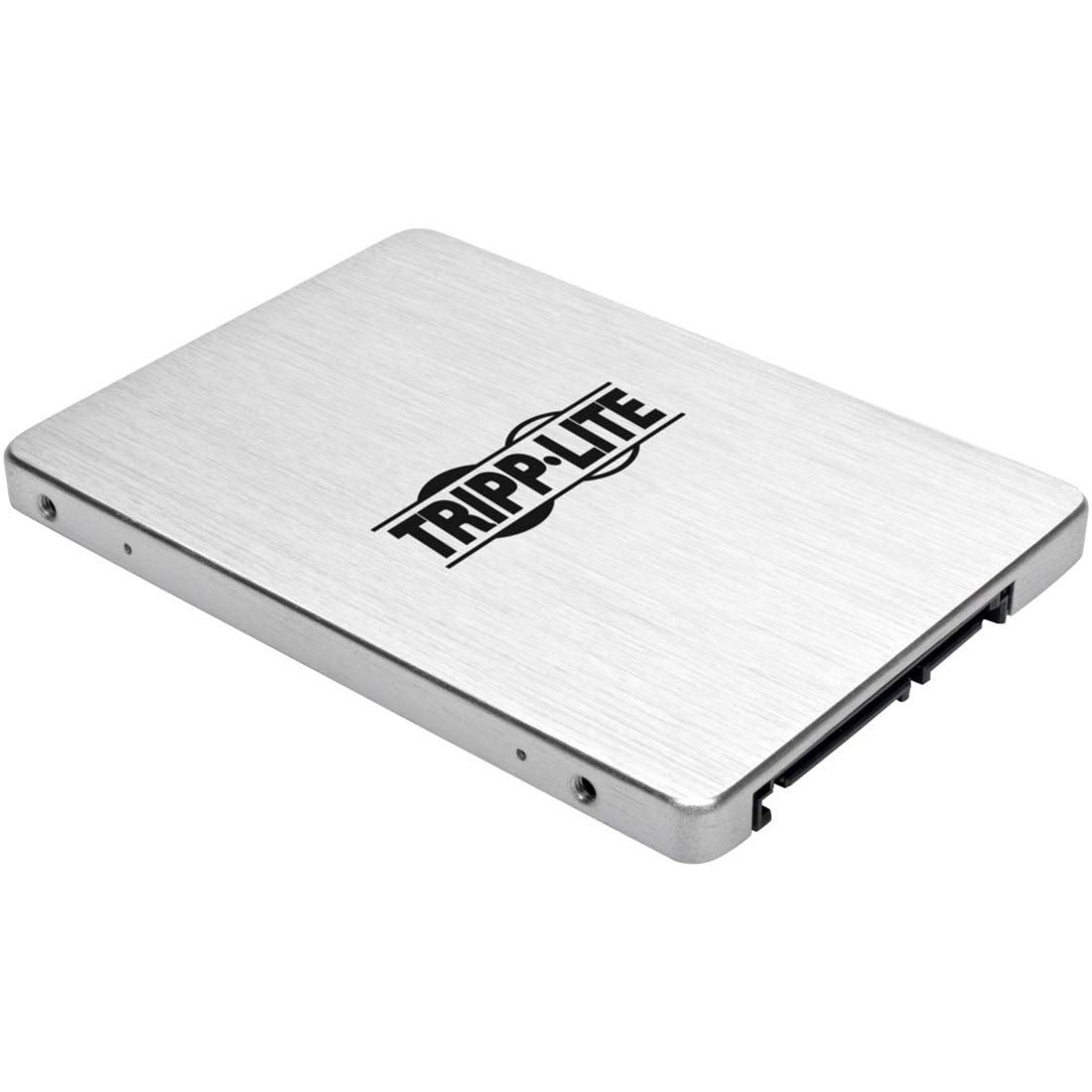
Tripp Lite M.2 NGFF SATA SSD to 2.5in SATA Enclosure Adapter - Model P960-001-M2
$33.07

Frequently Asked Questions
- Q: What are the dimensions of the Tripp Lite M.2 NGFF SATA SSD adapter? A: The dimensions are six point one inches by four point eight inches by one inch. This compact size allows for easy portability and storage.
- Q: What type of SSDs does this adapter support? A: This adapter supports 2242, 2260, and 2280 M.2 NGFF SATA SSD drives. It is designed specifically for B-Key SSDs, making it versatile for various applications.
- Q: What is the data transfer rate of the adapter? A: The adapter supports data transfer rates up to six gigabits per second. This speed is compliant with SATA I, II, and III standards.
- Q: How do I install the M.2 SSD in the adapter? A: To install, remove the adapter's cover, connect the M.2 SSD to the connector, and secure it with the included screws. Then, replace the cover and connect the adapter to your computer.
- Q: Is this adapter compatible with all SATA computers? A: Yes, this adapter is compatible with any standard SATA-enabled computer, drive enclosure, or docking station. It enables easy use of M.2 SSDs with existing setups.
- Q: Can I use this adapter for hot-swapping drives? A: Yes, the enclosed housing allows for hot-swapping. This makes it suitable for applications requiring quick drive changes without powering down.
- Q: What warranty does this product come with? A: The Tripp Lite M.2 SSD adapter comes with a three-year limited warranty. This provides assurance and coverage for any manufacturing defects.
- Q: Is there any software required to use this adapter? A: No, the adapter is plug-and-play, requiring no software, drivers, or external power supply. This makes setup straightforward and user-friendly.
- Q: How should I store the adapter when not in use? A: Store the adapter in a cool, dry place, away from direct sunlight. Keeping it in its original packaging can help prevent physical damage.
- Q: What should I do if the adapter arrives damaged? A: If the adapter arrives damaged, contact the retailer for a return or replacement. Ensure to keep the original packaging for a smoother return process.
- Q: Is the enclosure durable for external use? A: Yes, the enclosed housing is designed for durability, making it suitable for external docking stations and hot-swap drive bays. It protects the SSD during transport.
- Q: Can I use this adapter with a gaming console? A: Yes, as long as the console has a SATA interface, this adapter can be used for connecting M.2 SSDs, enhancing storage capacity.
- Q: What color options are available for this adapter? A: The adapter does not have specific color options; it typically comes in a standard finish. Its design focuses more on functionality than aesthetics.
- Q: Does this product support USB connections? A: No, this adapter is specifically for SATA connections. It does not support USB connections or devices.
- Q: What is the material of the adapter? A: The material specifics are not detailed, but it is designed to be sturdy to protect the SSD during use. It prioritizes durability in its construction.