

Cart
0


Gryphon Ax Ultra Fast Mesh Wifi 6 Parental Control Router Advanced Content Filters And Next Gen Firewall 4.3 Gbps Across 3
Vendor: Gryphon
Type: Business Routers
Sku: WBEEAB098R77RTP
Availability: In Stock
Couldn't load pickup availability
Guarantee safe checkout

Sold by Electroeshop, an authorized reseller.
Returns accepted within 30 days | support@electroeshop.com
Shipping Information
- Free Standard Shipping — United States only
- Processing Time: 1–3 business days
- Estimated Delivery: 3–5 business days after dispatch
- Double-boxed, fully insured & discreetly packaged
- Tracking number sent via email once dispatched
- Orders over $250 require signature upon delivery. Taxes calculated at checkout.
Returns & Refund
Returns accepted within 30 days of delivery.
Damaged or Defective Item
Free return shipping + replacement or full refund
Wrong Item Received
Free return shipping + replacement or full refund
Change of Mind
Return shipping at customer's expense · 25% restocking fee applies
All returns require a Return Authorization (RA) number before sending.
View Full Return & Refund Policy
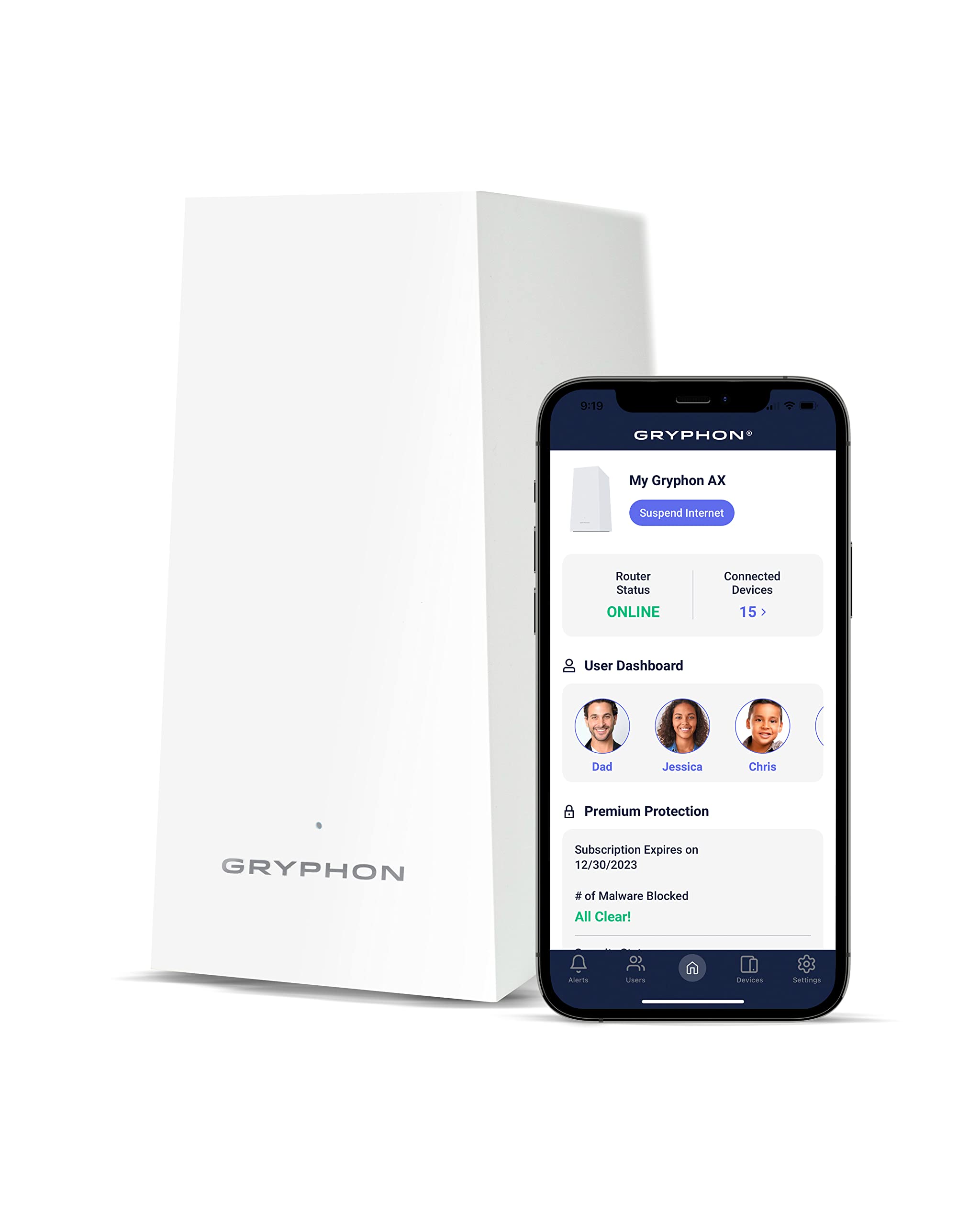
Gryphon Ax Ultra Fast Mesh Wifi 6 Parental Control Router Advanced Content Filters And Next Gen Firewall 4.3 Gbps Across 3
$370.37

Frequently Asked Questions
- Q: What are the dimensions of the Gryphon AX Router? A: The Gryphon AX Router measures eight inches in length, five inches in width, and three inches in height. This compact size makes it easy to place in any room.
- Q: What is the maximum speed of the Gryphon AX Router? A: The Gryphon AX Router can deliver speeds up to four point three gigabits per second. This is ideal for households with multiple devices connected simultaneously.
- Q: Is the Gryphon AX Router compatible with WiFi 5 devices? A: Yes, the Gryphon AX Router is compatible with WiFi 5 devices. It seamlessly integrates both WiFi 6 and previous generations for enhanced connectivity.
- Q: How do I set up the Gryphon AX Router? A: To set up the Gryphon AX Router, download the Gryphon Connect app and follow the guided instructions for installation. It typically requires a few minutes to complete.
- Q: Can I control my Gryphon AX Router remotely? A: Yes, the Gryphon AX Router allows remote control via the Gryphon Connect app. You can manage settings, parental controls, and device access from anywhere.
- Q: Does the Gryphon AX Router provide parental controls? A: Yes, the Gryphon AX Router includes advanced parental controls. Features like content monitoring and website blocking help create a safer online experience for children.
- Q: How do I keep my Gryphon AX Router clean? A: To clean the Gryphon AX Router, use a soft, dry cloth. Avoid using liquids or abrasive materials to ensure the device remains in good condition.
- Q: What is the warranty on the Gryphon AX Router? A: The Gryphon AX Router typically comes with a one-year limited warranty. This covers defects in materials and workmanship, providing peace of mind for your purchase.
- Q: What should I do if my Gryphon AX Router doesn't connect? A: If your Gryphon AX Router doesn't connect, restart the device and check your internet service. If issues persist, refer to the troubleshooting section in the Gryphon Connect app.
- Q: Is the Gryphon AX Router suitable for large homes? A: Yes, the Gryphon AX Router is designed for large homes. It offers coverage up to three thousand square feet, making it suitable for multi-device households.
- Q: Can I add more Gryphon AX Routers to my network? A: Yes, you can add more Gryphon AX Routers to expand your network coverage. This mesh system allows for seamless connectivity across multiple devices.
- Q: Does the Gryphon AX Router have a guest network option? A: Yes, the Gryphon AX Router supports a guest network feature. This allows visitors to connect securely without accessing your main network.
- Q: What kind of security features does the Gryphon AX Router have? A: The Gryphon AX Router includes a next-generation firewall and malware protection. It also offers intrusion detection to safeguard against potential threats.
- Q: Is the Gryphon AX Router easy to set up for non-tech users? A: Yes, the Gryphon AX Router is designed for ease of use. The Gryphon Connect app simplifies the setup process, making it accessible for all users.
- Q: Does the Gryphon AX Router support multiple devices? A: Yes, the Gryphon AX Router can support numerous devices simultaneously. Its tri-band technology and MU-MIMO support ensure reliable performance for all users.