

Cart
0


Source Audio Zio Analog Front End + Boost Pedal
Vendor: Source Audio
Type: Bluetooth Speakers
Sku: WBMUSB09QD3QN3N
Availability: In Stock
Couldn't load pickup availability
Guarantee safe checkout

Sold by Electroeshop, an authorized reseller.
Returns accepted within 30 days | support@electroeshop.com
Shipping Information
- Free Standard Shipping — United States only
- Processing Time: 1–3 business days
- Estimated Delivery: 3–5 business days after dispatch
- Double-boxed, fully insured & discreetly packaged
- Tracking number sent via email once dispatched
- Orders over $250 require signature upon delivery. Taxes calculated at checkout.
Returns & Refund
Returns accepted within 30 days of delivery.
Damaged or Defective Item
Free return shipping + replacement or full refund
Wrong Item Received
Free return shipping + replacement or full refund
Change of Mind
Return shipping at customer's expense · 25% restocking fee applies
All returns require a Return Authorization (RA) number before sending.
View Full Return & Refund Policy
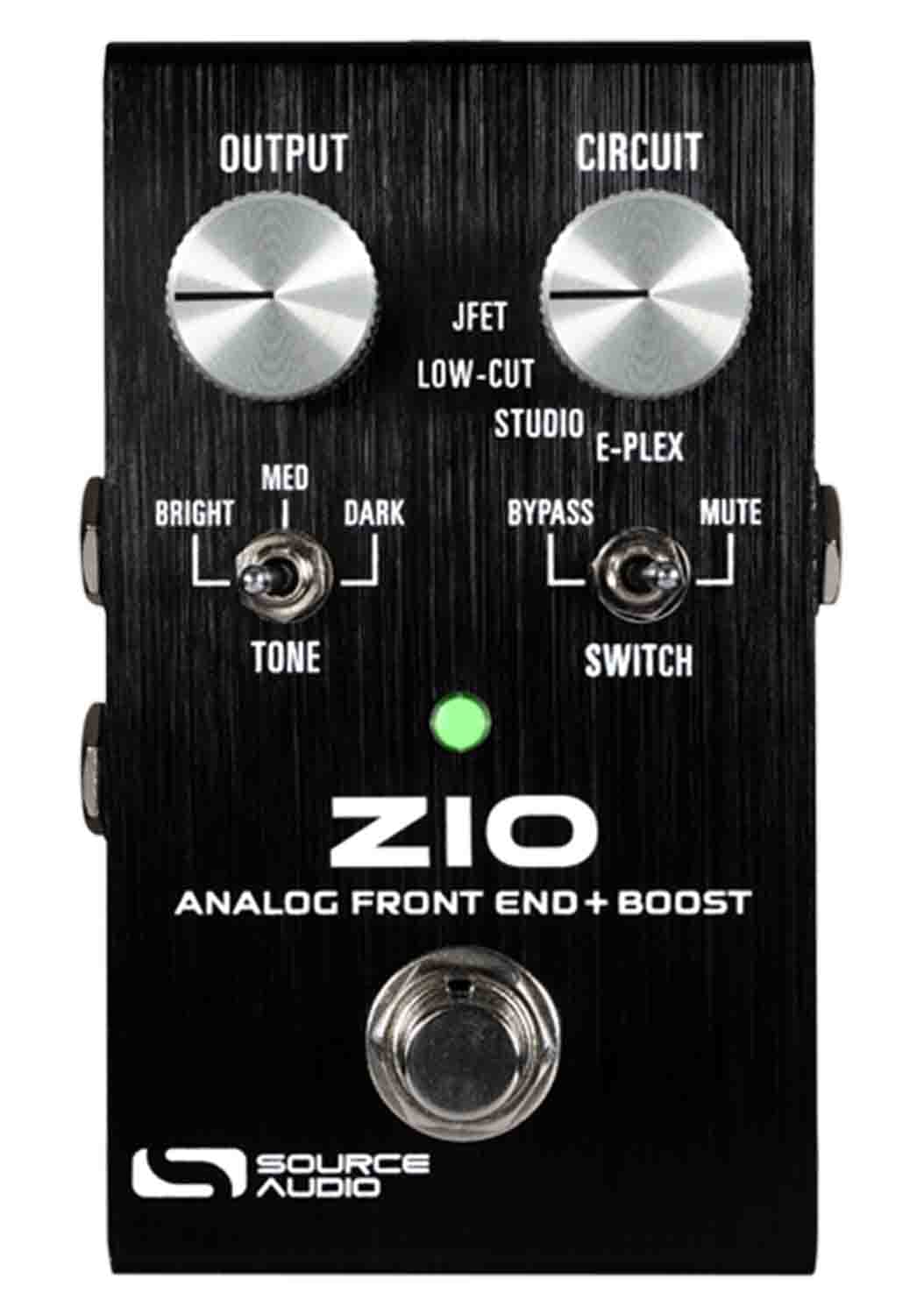
Source Audio Zio Analog Front End + Boost Pedal
$246.91

Frequently Asked Questions
- Q: What are the dimensions of the Source Audio Zio Analog Front End + Boost Pedal? A: The dimensions are four point seven inches in length, three point fifteen inches in width, and two point eighty-five inches in height.
- Q: How much does the Source Audio Zio Analog Front End + Boost Pedal weigh? A: The weight of the pedal is not specified, but it is designed to be portable and easy to handle.
- Q: What color is the Source Audio Zio Analog Front End + Boost Pedal? A: The pedal comes in a sleek black color, making it a versatile addition to any setup.
- Q: What type of effects does the Source Audio Zio Analog Front End + Boost Pedal provide? A: It provides preamp and boost effects with four distinct preamp circuits for enhanced tone.
- Q: Is the Source Audio Zio Analog Front End + Boost Pedal made of high-quality materials? A: Yes, it features an all-analog design, ensuring superior sound quality and durability.
- Q: How do I use the Source Audio Zio Analog Front End + Boost Pedal? A: To use it, connect your instrument, adjust the output, circuit, tone, and switch controls to dial in your desired sound.
- Q: Can beginners use the Source Audio Zio Analog Front End + Boost Pedal? A: Yes, it is user-friendly with intuitive controls, making it suitable for both beginners and seasoned players.
- Q: Is this pedal suitable for live performances? A: Yes, it is designed for live use, allowing you to enhance your sound with ease during performances.
- Q: How do I switch between different instruments using this pedal? A: Use the bypass/mute switch to control dual outputs, allowing easy switching between different instruments.
- Q: Can the tone settings be adjusted for different cable lengths? A: Yes, the tone switch simulates different cable lengths with bright, medium, and dark settings.
- Q: How should I care for the Source Audio Zio Analog Front End + Boost Pedal? A: To care for it, keep it dry, clean it regularly, and store it in a protective case when not in use.
- Q: Is the Source Audio Zio Analog Front End + Boost Pedal safe for all users? A: Yes, it is designed for safe use in various environments, including live performances and practice sessions.
- Q: What is the warranty policy for this pedal? A: The warranty policy details should be checked with the manufacturer, but Source Audio typically offers a limited warranty.
- Q: What should I do if the pedal arrives damaged? A: Contact the retailer immediately to report the damage and inquire about return or replacement options.
- Q: Are there common setup issues I should be aware of? A: Users may experience issues with connectivity; ensure all cables are securely connected and check power supply.
- Q: How do I troubleshoot sound issues with the Source Audio Zio Analog Front End + Boost Pedal? A: Check all connections and settings; if problems persist, refer to the user manual for troubleshooting tips.