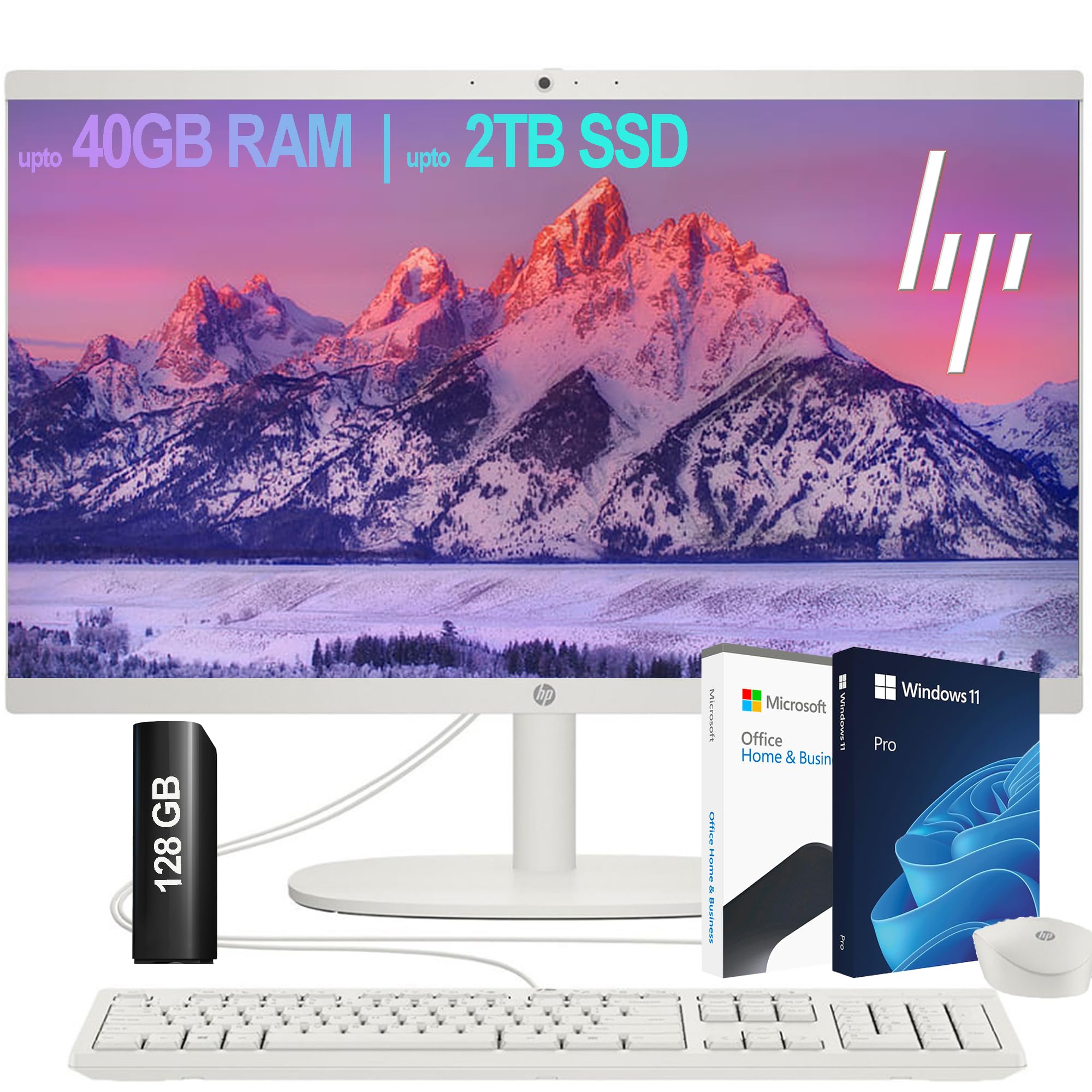
Processor: Intel Celeron J4025 (2.0 Ghz Base Frequency, Up To 2.9 Ghz, 2 Mb L2 Cache, 2 Cores) Display: 21.5'' Diagonal, Fhd (1920 X 1080), Va, Three-Sided Micro-Edge, Anti-Glare, 250 Nits, 72% Ntsc Webcam: Hp True Vision 720P Hd Privacy Camera With Integrated Dual Array Digital Microphones Operating System: Windows 11, 64-Bit, English Memory:&Nbsp;Upto 40Gb Ddr4 Sdram Hard Drive:&Nbsp;Upto 2Tgb&Nbsp;Pcie Ssd Keyboard:&Nbsp;Us English, Full Size Keyboard With Numeric Keypad Ports:&Nbsp;2 Superspeed Usb Type-A 5Gbps Signaling Rate; 2 Usb 2.0 Type-A; 1 Usb Type-C 5Gbps Signaling Rate; 1 Hdmi-Out 1.4; 1 Headphone/Microphone Combo; 1 Rj-45 Connectivity:&Nbsp;Wifi6 And Bluetooth Color:&Nbsp;White Dimensions L X W X H (Inches):&Nbsp;19 X&Nbsp;12 X&Nbsp;15 In Weight:&Nbsp;7 Lbs
⚠️ WARNING (California Proposition 65): This product may contain chemicals known to the State of California to cause cancer, birth defects, or other reproductive harm. For more information, please visit www.P65Warnings.ca.gov.
Frequently Asked Questions
Q: What is the display size of the HP All-in-One Desktop?A: The display size is twenty-one point five inches. It features a Full HD resolution of one thousand nine hundred twenty by one thousand eighty pixels.
Q: What type of processor does the HP All-in-One have?A: It has an Intel Celeron J4025 processor. This dual-core processor operates at a base frequency of two gigahertz and can boost up to two point nine gigahertz.
Q: How much RAM does this computer come with?A: The HP All-in-One Desktop includes twenty gigabytes of RAM. This allows for efficient multitasking and smooth performance during everyday computing tasks.
Q: What is the storage capacity of the HP All-in-One Desktop?A: It has a two terabyte PCIe SSD storage capacity. This type of storage significantly enhances speed and data access times compared to traditional hard drives.
Q: What ports are available on the HP All-in-One Desktop?A: It features multiple ports including two USB Type-A, two USB two point zero Type-A, one USB Type-C, and one HDMI-out. Additionally, there is an RJ-45 port for Ethernet connectivity.
Q: What operating system is installed on this desktop?A: The desktop comes with Windows eleven pre-installed. This operating system offers a modern interface and improved security features.
Q: How do I connect to the internet with this desktop?A: You can connect using WiFi six or Bluetooth. These connectivity options provide fast and reliable wireless connections for your devices.
Q: Does the HP All-in-One Desktop support external drives?A: Yes, it supports external drives. The package includes a one hundred twenty-eight gigabyte external drive for additional storage.
Q: How can I use the HP All-in-One for video conferencing?A: You can use it for video conferencing with its integrated HP True Vision seventy-two p HD privacy camera. This camera is equipped with dual array digital microphones for clear audio.
Q: What should I do to maintain my HP All-in-One Desktop?A: To maintain it, keep it clean and dust-free. Regularly check for software updates and ensure adequate ventilation to prevent overheating.
Q: Is the HP All-in-One Desktop suitable for gaming?A: Yes, it can handle casual gaming. However, for high-end gaming, consider a desktop with more powerful graphics capabilities.
Q: How do I keep the computer safe from viruses?A: Install reliable antivirus software and keep it updated. Regularly scan your system to detect and eliminate potential threats.
Q: What is the weight of the HP All-in-One Desktop?A: The desktop weighs seven pounds. This lightweight design makes it easy to move if necessary.
Q: Can I upgrade the memory on this desktop?A: Yes, you can upgrade the memory. The HP All-in-One supports up to forty gigabytes of DDR4 RAM for enhanced performance.
Q: What warranty is offered with the HP All-in-One Desktop?A: It typically comes with a one-year limited warranty. This covers manufacturing defects and hardware issues under normal use.